MOS Robotics

Production Management

Edgeband Management Set: The edgeband assistant

Download PDF
HighlightsFeaturesTechnical dataSpecial featuresFurther solutions

The edge material and all related information at a glance

With the edgeband assistant, you keep a complete overview of all information about your edge material and your material stock. You can find the right edgeband quickly and easily at any time, and the search for the material is over.

Highlights

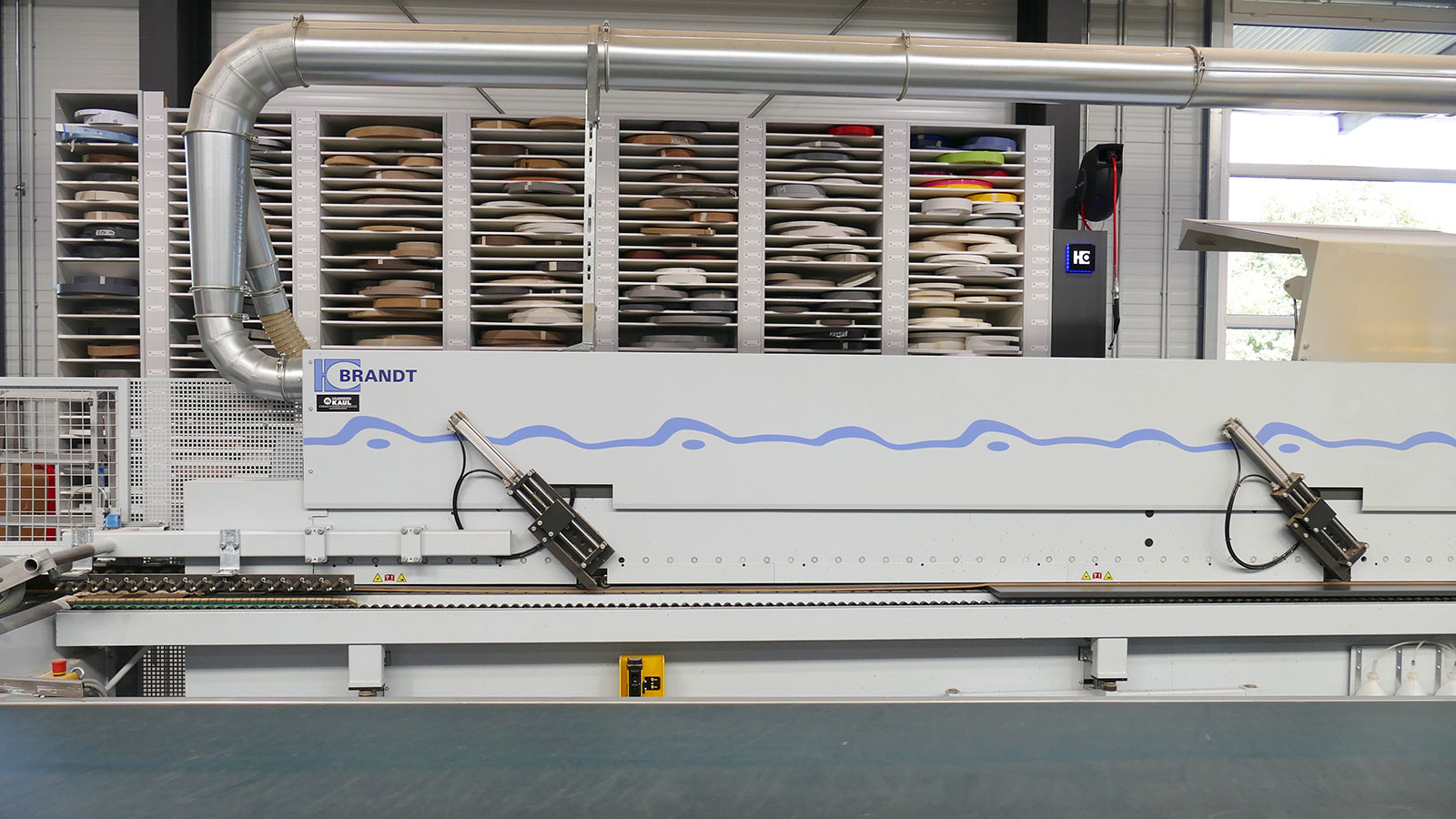
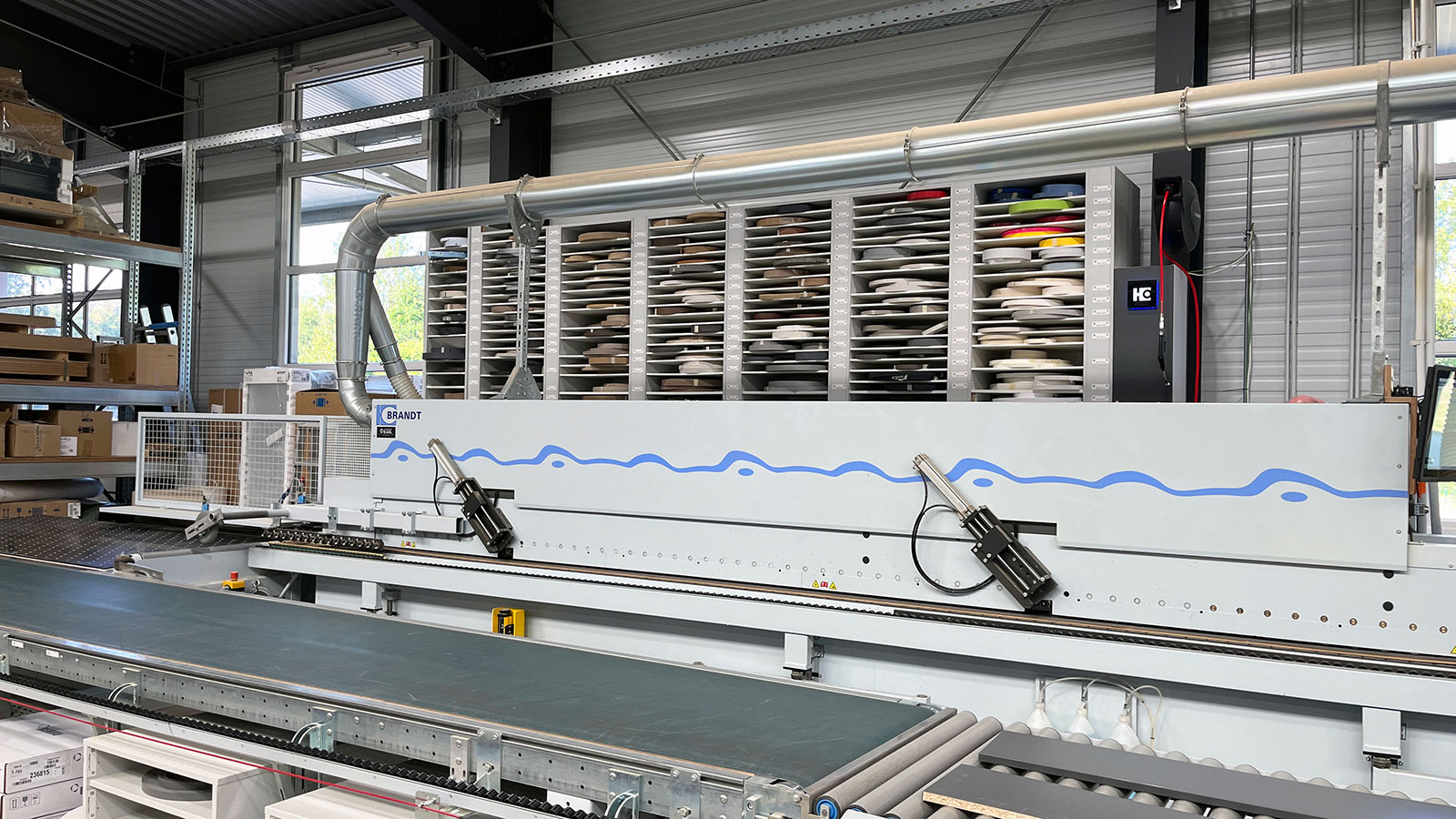
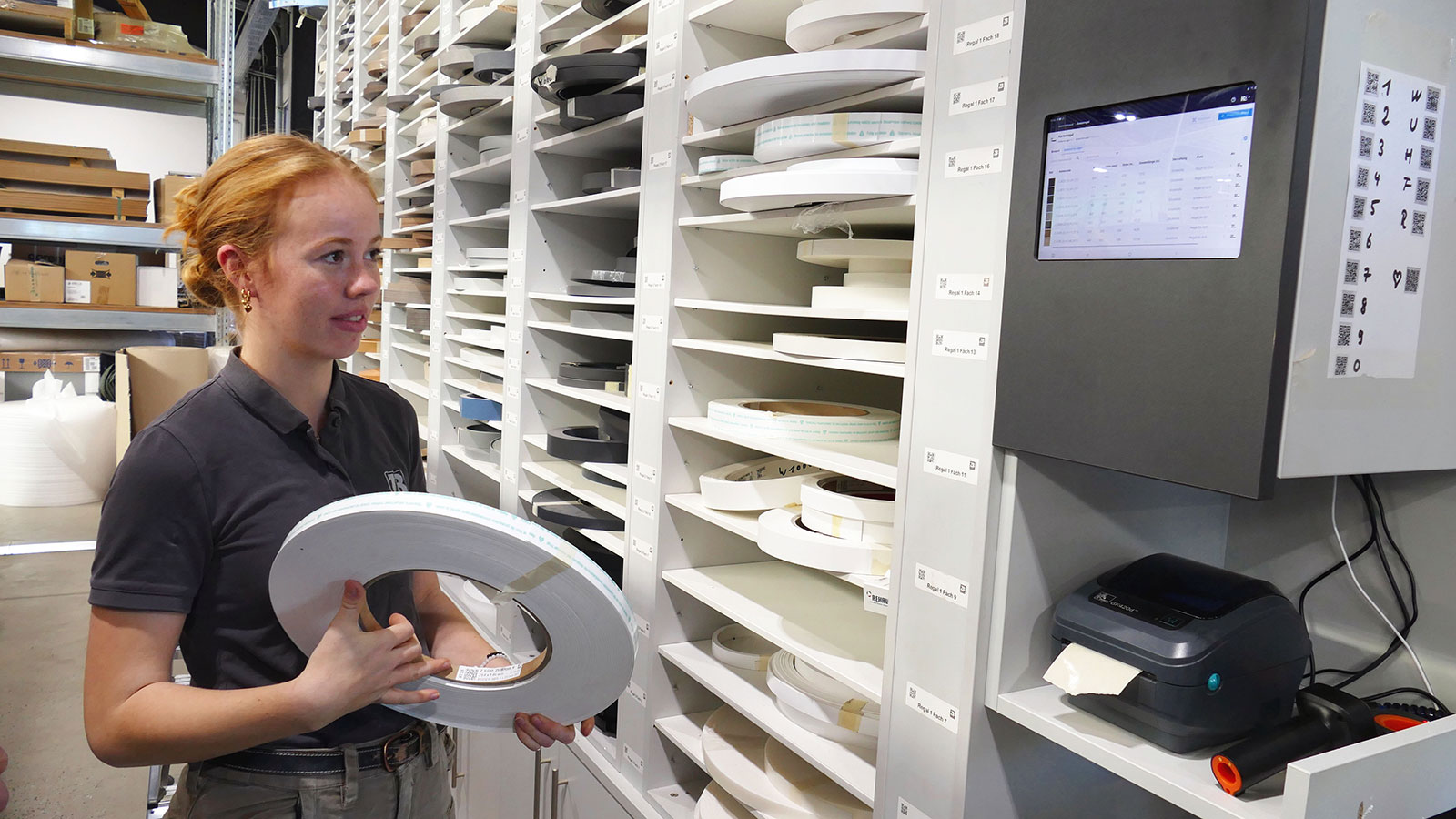
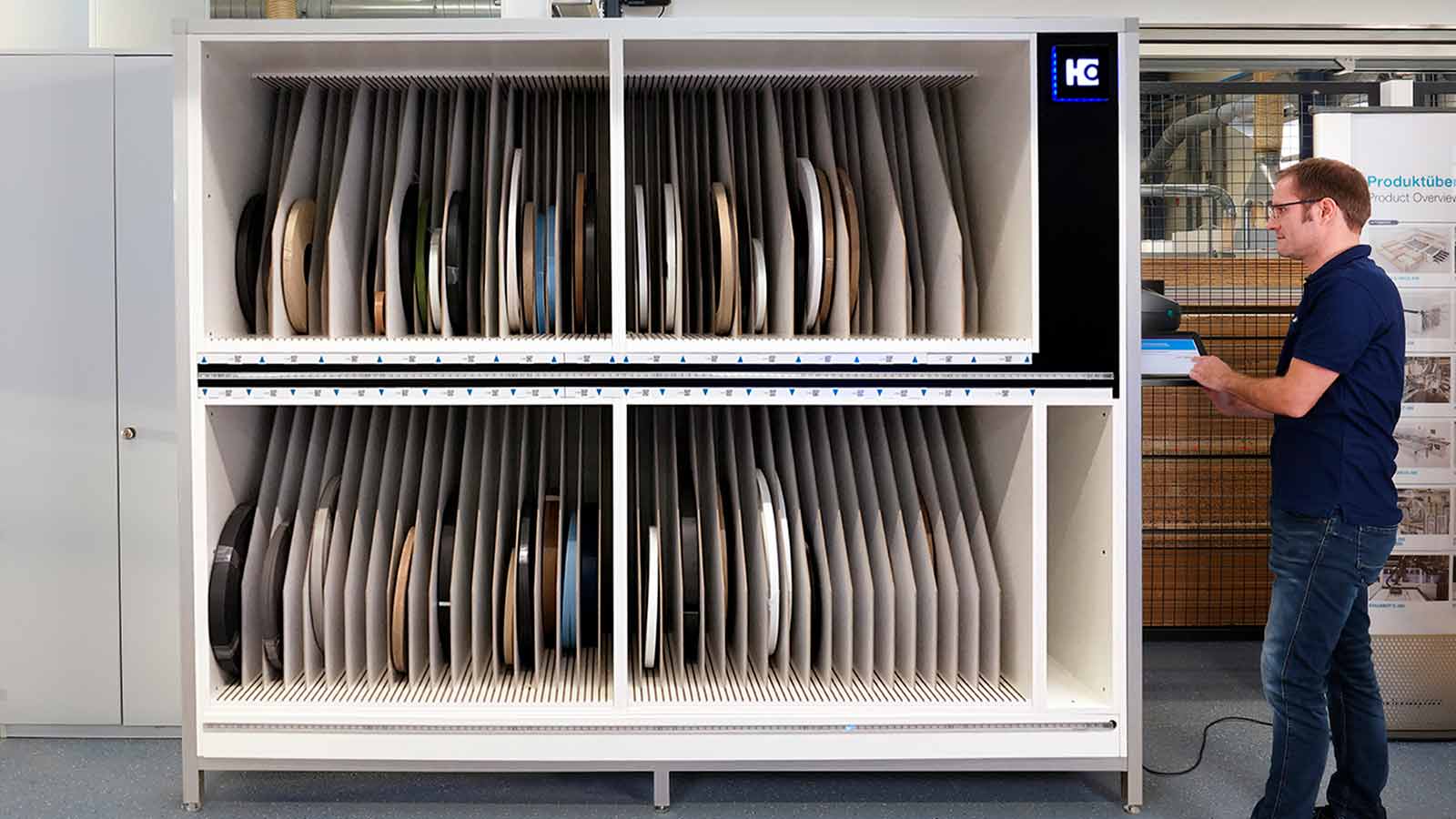
Complete overview: All edge information is available at a glance. The apps and the HOMAG edgeband rack offer a permanent overview of stock. The printer can also be used to create labels for the individual labeling of each edgeband coil.
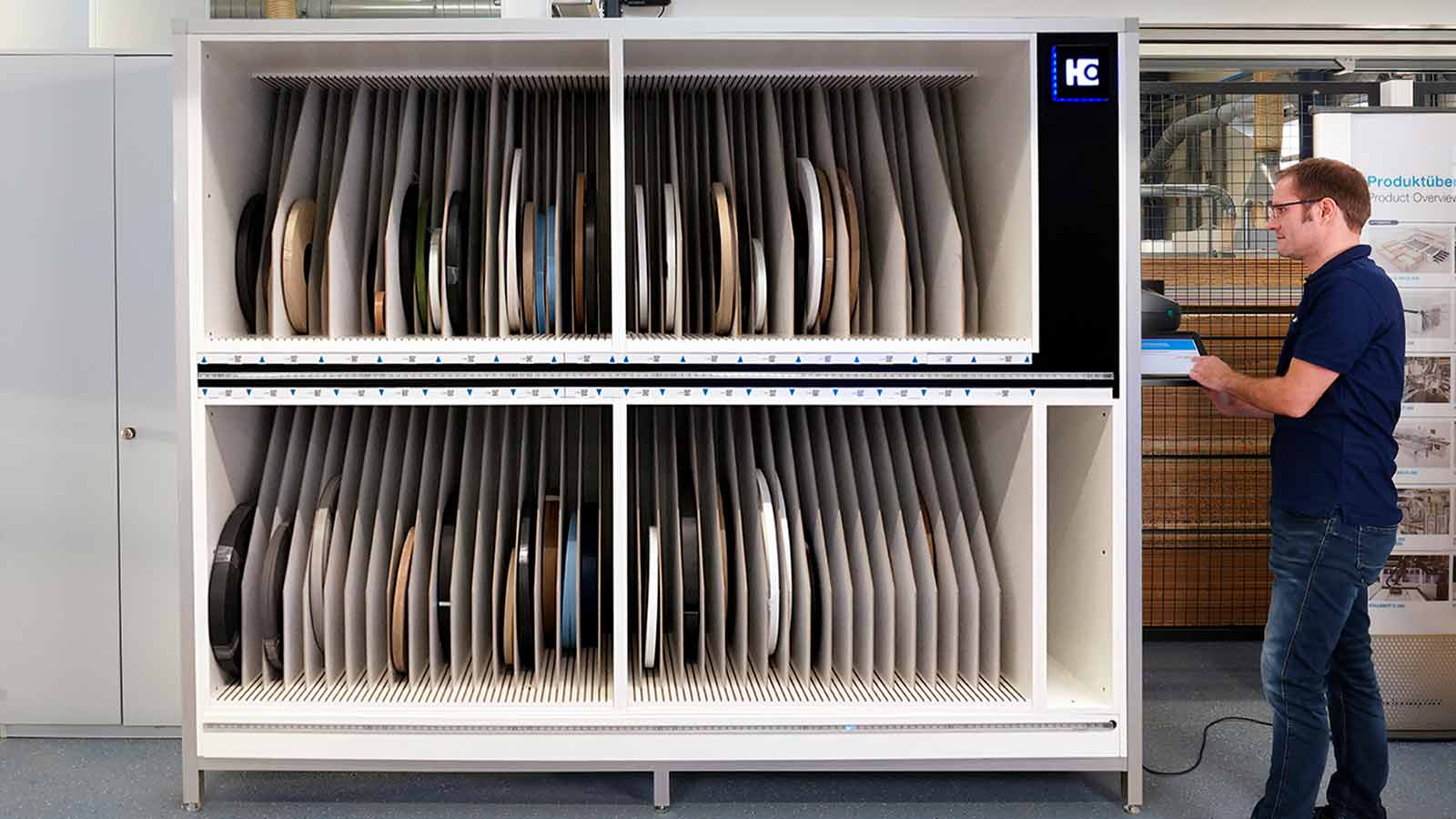
Complete overview: All edge information is available at a glance. The apps and the HOMAG edgeband rack offer a permanent overview of stock. The printer can also be used to create labels for the individual labeling of each edgeband coil.

Easy management: Clear management and unique identification of edges in the rack (incl. residual lengths). The system documents edges that are put into and taken out of storage, indicating the storage position.
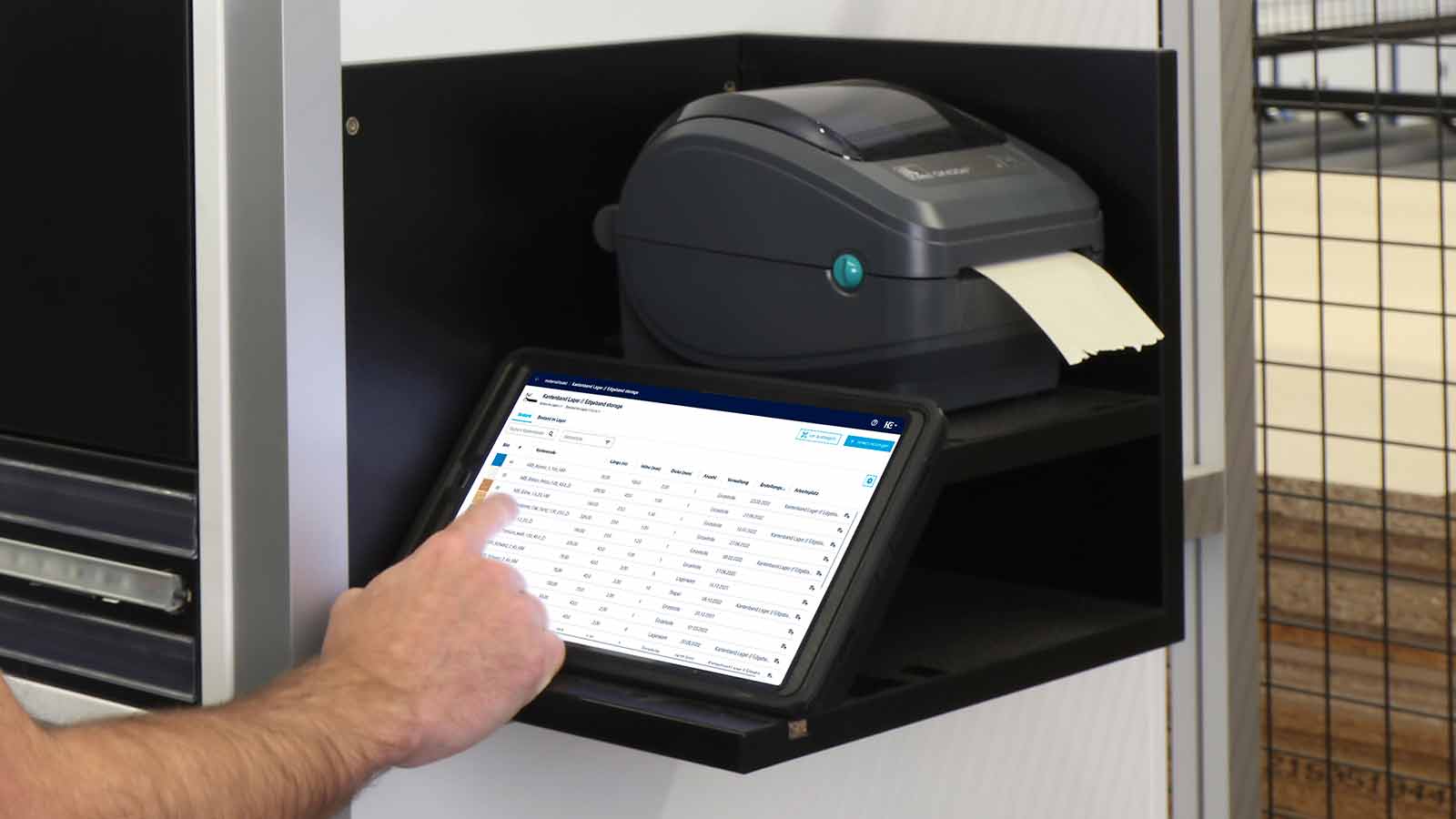
Easy management: Clear management and unique identification of edges in the rack (incl. residual lengths). The system documents edges that are put into and taken out of storage, indicating the storage position.

Time saving: Reduced setup times thanks to faster edge changes and no longer having to search for edgebands.
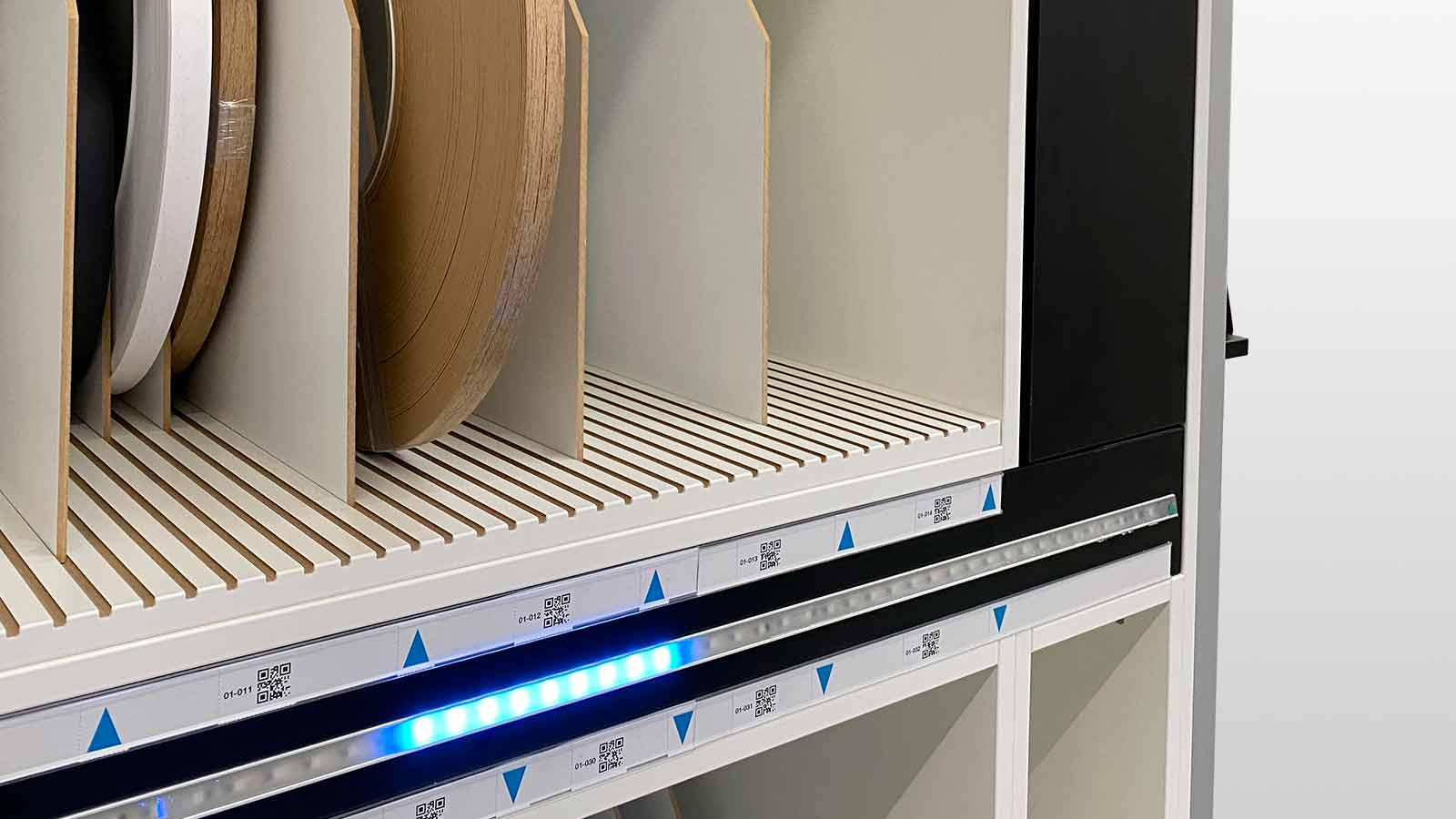
Time saving: Reduced setup times thanks to faster edge changes and no longer having to search for edgebands.

Features

  • What does the Edgeband Management Set consist of?
    The following components are included in the scope of delivery:

  • The workflow in the workshop:

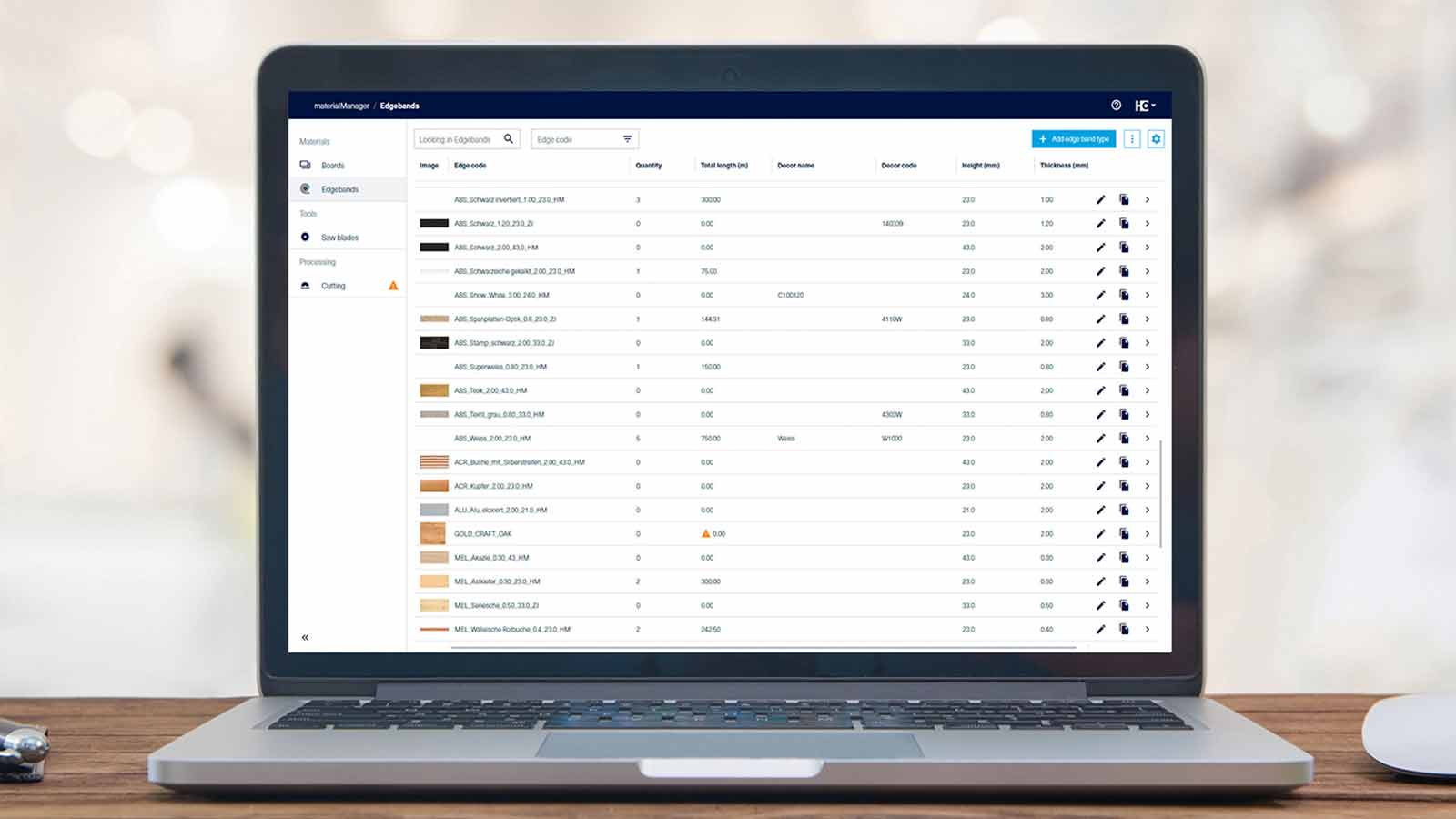
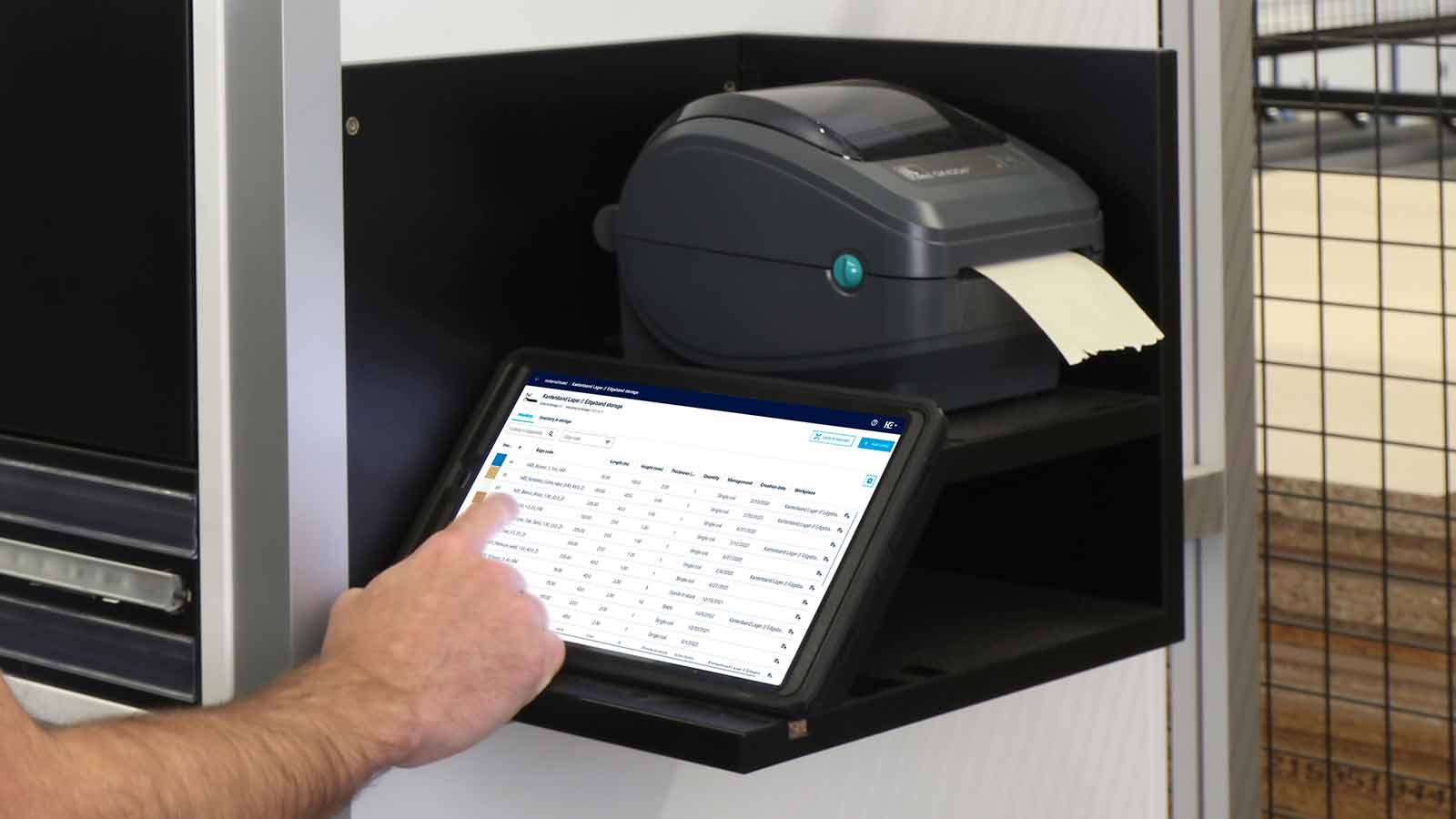
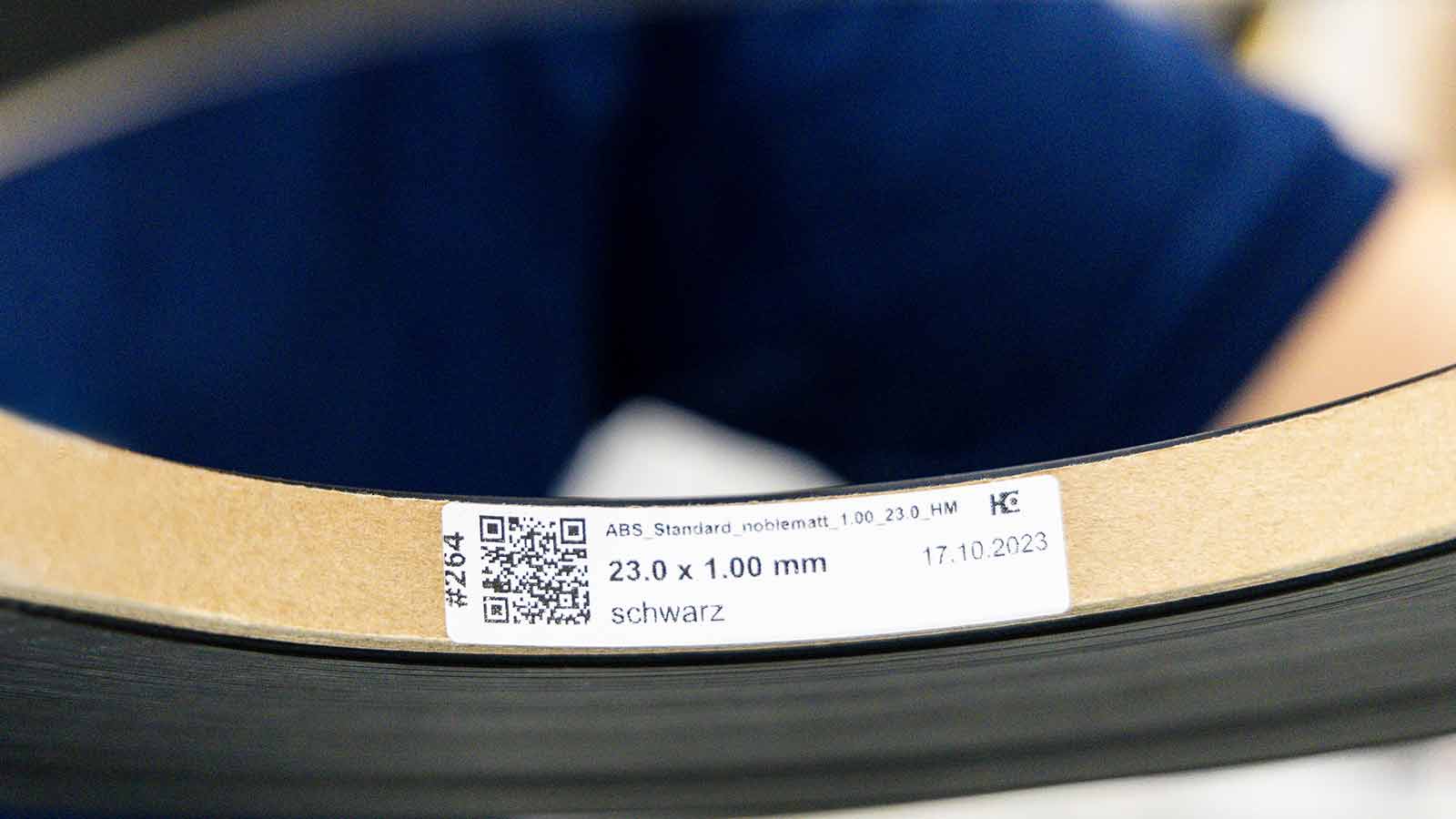
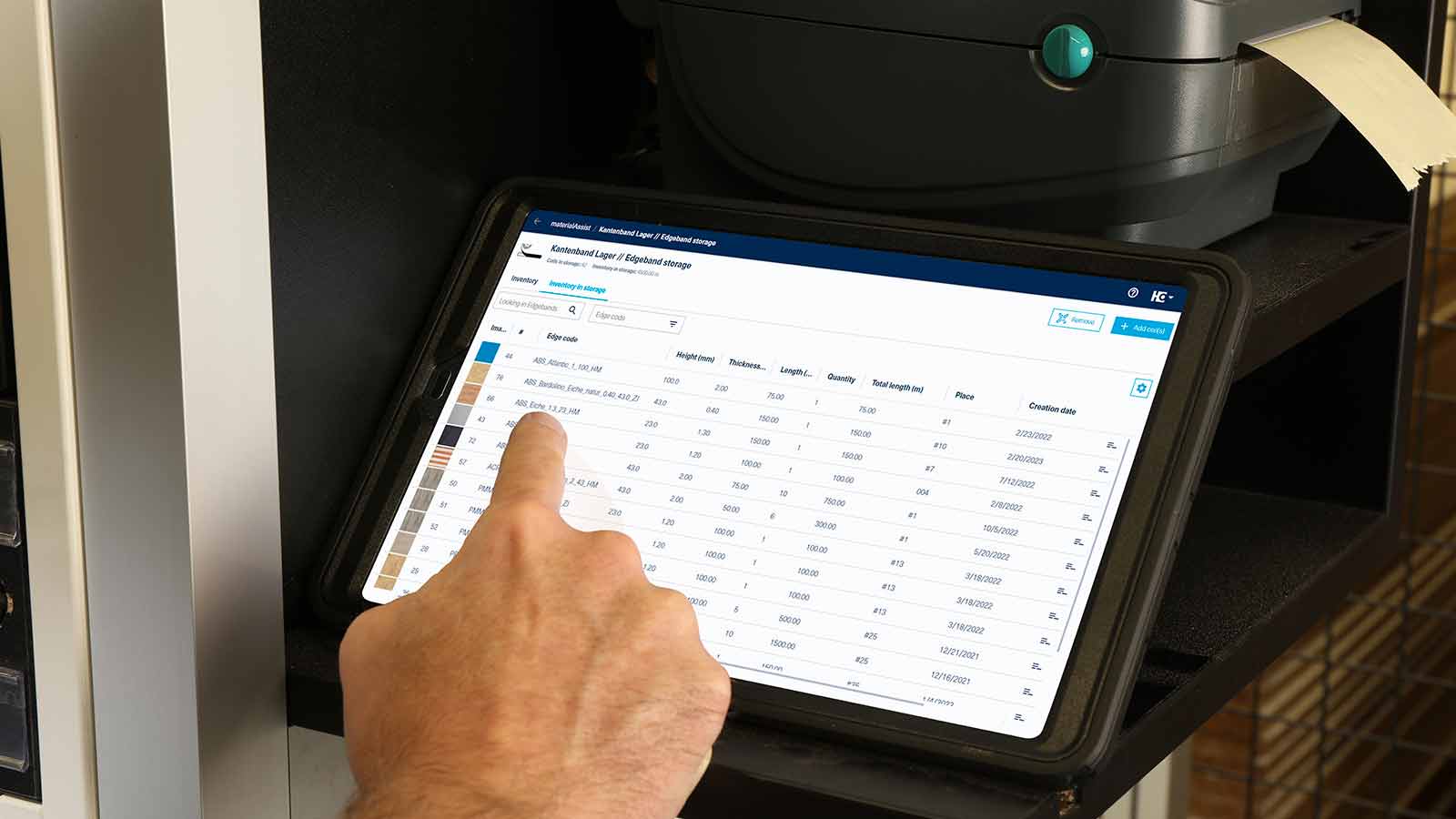
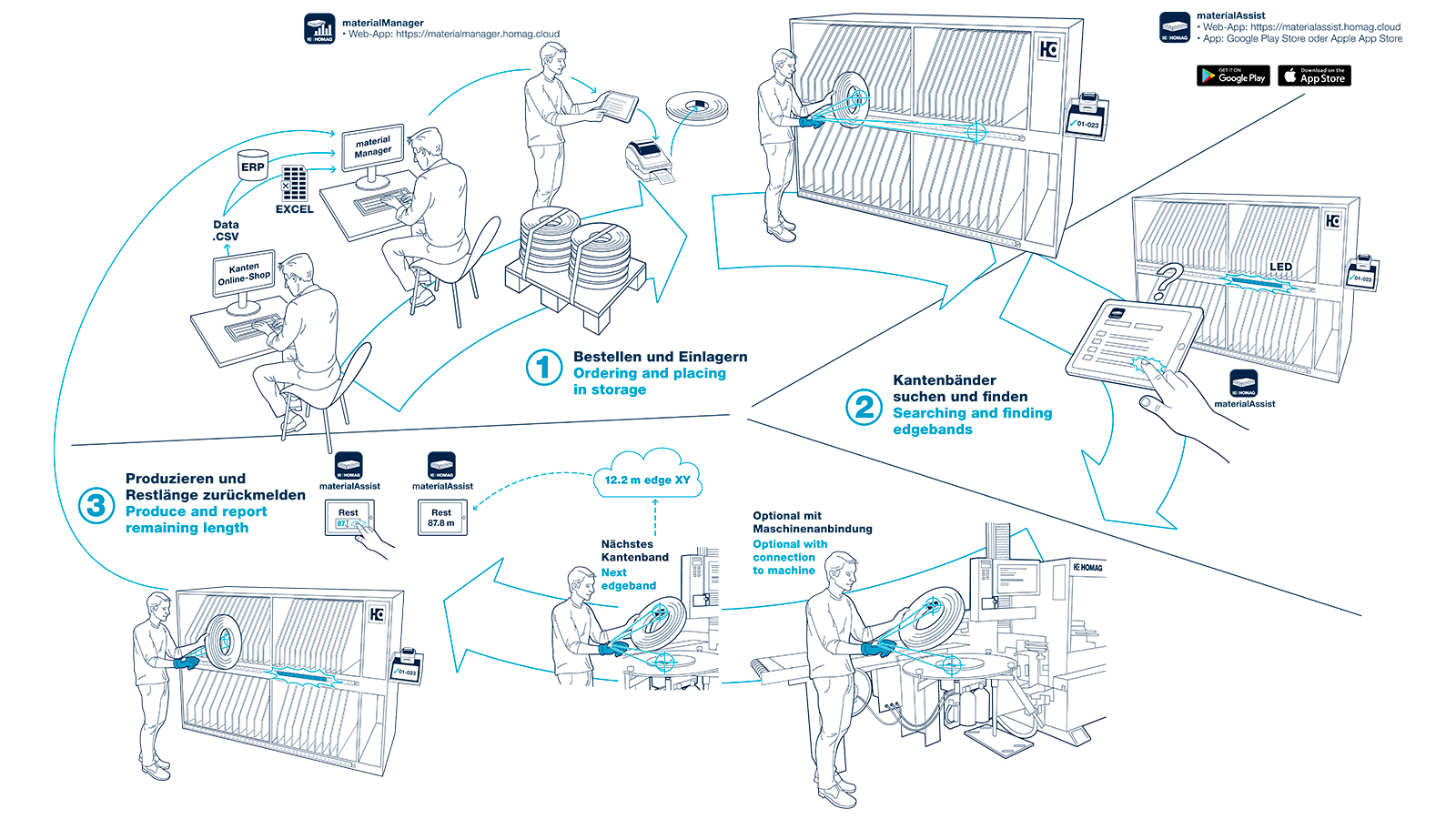
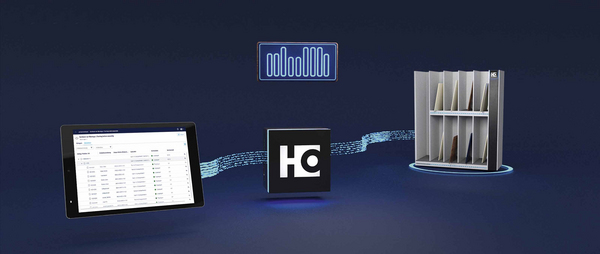
    • The first step is work preparation. First, create your edge material and edge data in the materialManager web app - or simply import it. The materialManager application allows you to manage all of the material for your organization in one central location. The app shows you the latest stock levels and the locations of each roll at any given time. In production, you store your edge rolls in the edge rack and store information for it in the materialAssist app on the tablet. You can now easily access all of the necessary information about each edgeband (properties, residual lengths). To aid edgeband identification, you can print the corresponding labels (containing ID, edge code and the dimensions of the edgeband) directly and just as easily.
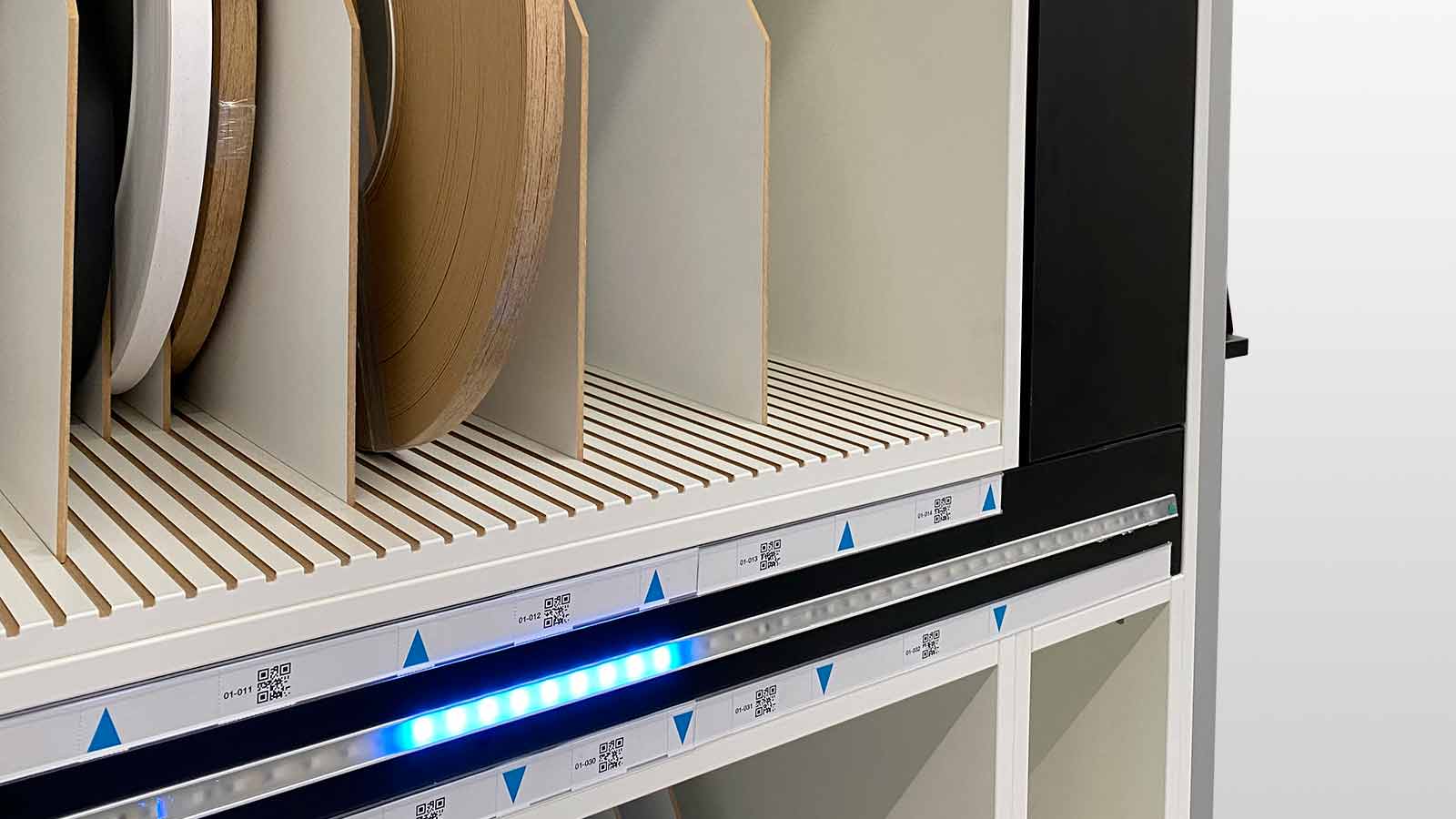
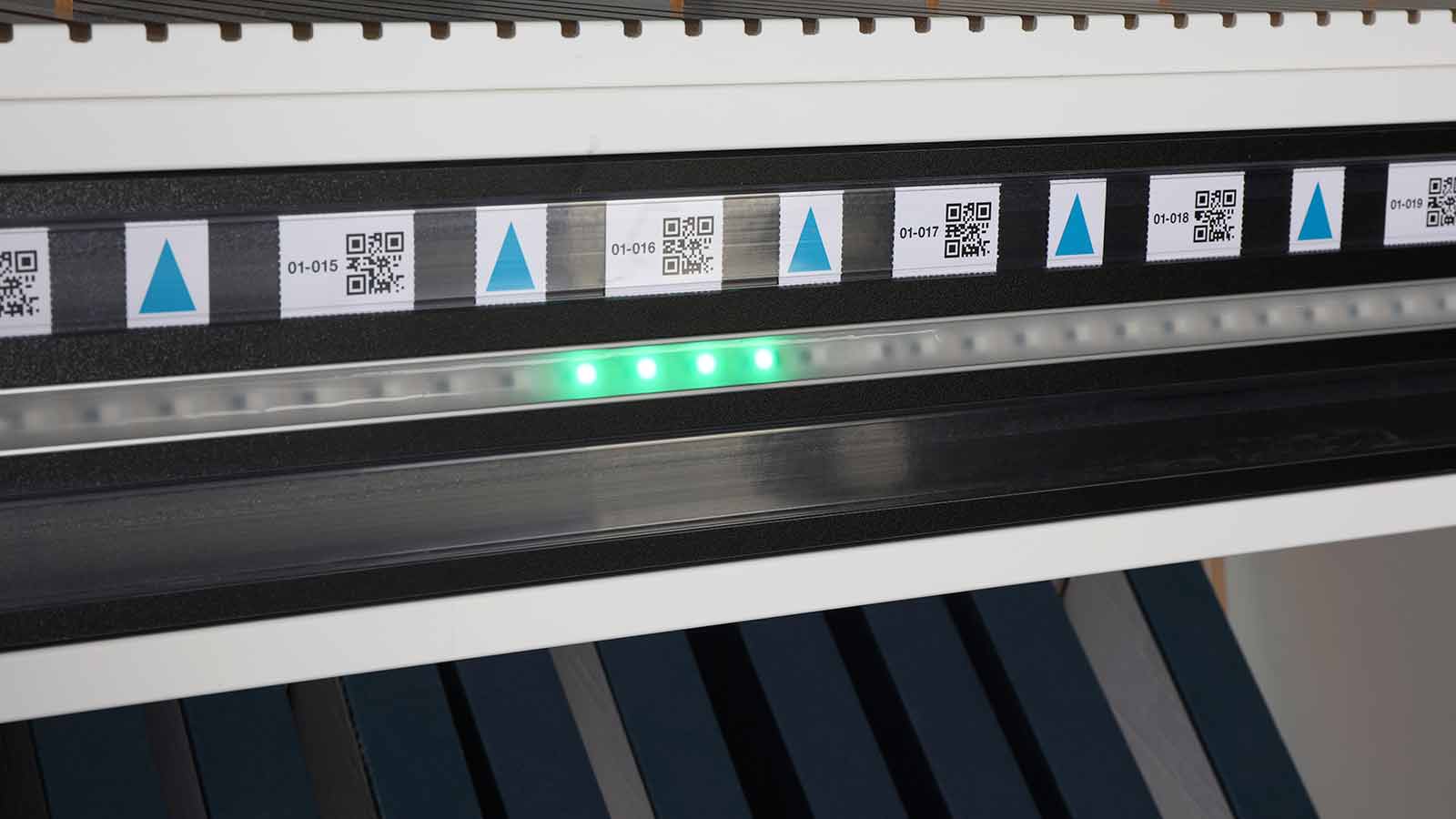
    • If a workpiece now requires edging, simply select the correct edgeband in the app or scan the corresponding code on the order slip. The storage location is immediately indicated by LEDs that light up on the edge rack, allowing you to find the right edge roll for the processing application quickly.
    • After you have edged the part, you can update the residual length in the materialAssist app. The data is also updated in materialManager at the same time.

      The result: Preparation of the edgebands is perfectly organized, you always have an overview of the residual lengths available and the edge banding machine can be set up more quickly.

Technical data

Is this product available in your country? Take a look at the availability here.
Special features

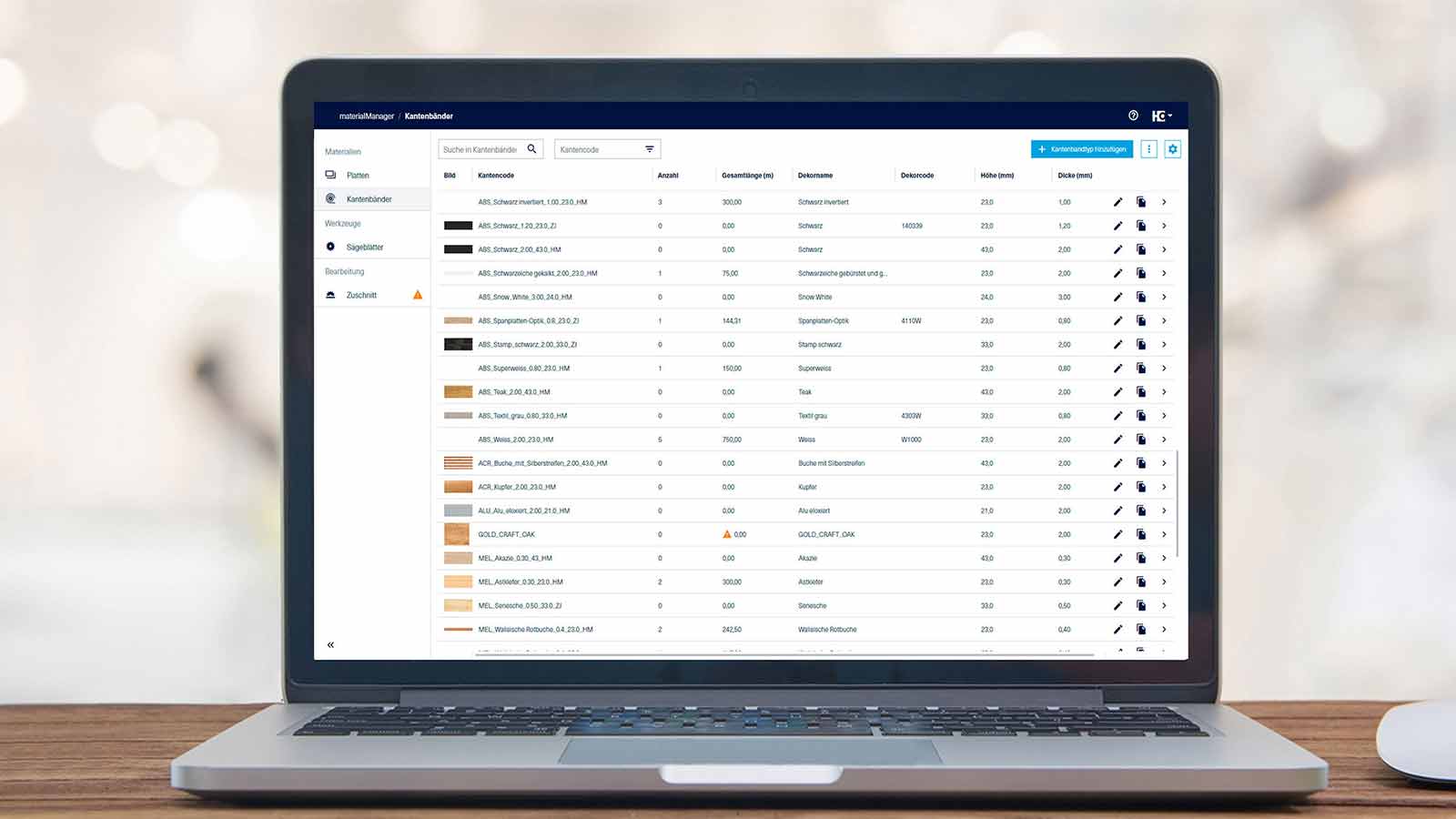
 materialManager

materialManager

Central material management in the company: an overview of all material data and stocks of your edgebands and panel types

Zum materialManager
materialAssist Edge

materialAssist Edge

The materialAssist app is part of the Edgeband Management Set. materialAssist is used in workshops to manage edgebands. The app can be used to create, store and remove edgebands from storage.
Show more
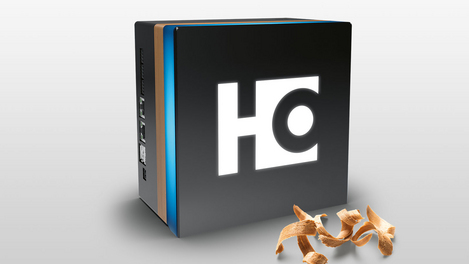
HOMAG CUBE

HOMAG CUBE

Your building block for the first step toward a digital workshop

Show more
Edge Data Package

Edge Data Package

Edgeband assistant and machine in combination

Show more
Catalog data from well-known manufacturers

Catalog data from well-known manufacturers

Catalog data from well-known manufacturers is available in the app.
Show more

Further solutions

Sorting Production Set: The sorting assistant

Sorting Production Set: The sorting assistant

  • Sorting of components - every component has its place
  • One sorting assistant - multiple applications: sorting after cutting or before the assembly area
  • Overview of the completeness of the sorted components and the remaining open components
Read more
Cutting Production Set: The Cutting Assistant

Cutting Production Set: The Cutting Assistant

  • Cutting optimization & label printing for any saw
  • Clear management of boards and offcuts
  • Labeling of parts
Read more
Nesting Production Set: The Nesting Assistant

Nesting Production Set: The Nesting Assistant

  • Saving material and labeling on nesting machines
  • Clear panel and offcut management
  • Labeling of components
Read more

Contact us

Protected against spam

You can compare up to 4 products per category.