MOS Robotics

Production Management

Cutting Production Set: The Cutting Assistant

Download PDF
HighlightsFeaturesTechnical dataSpecial featuresFurther solutions

Cutting optimization & label printing for any saw

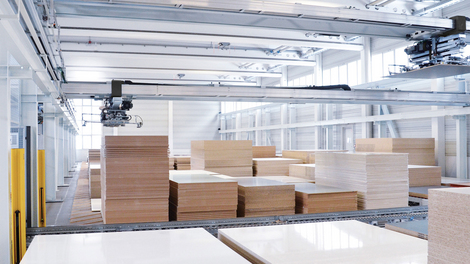
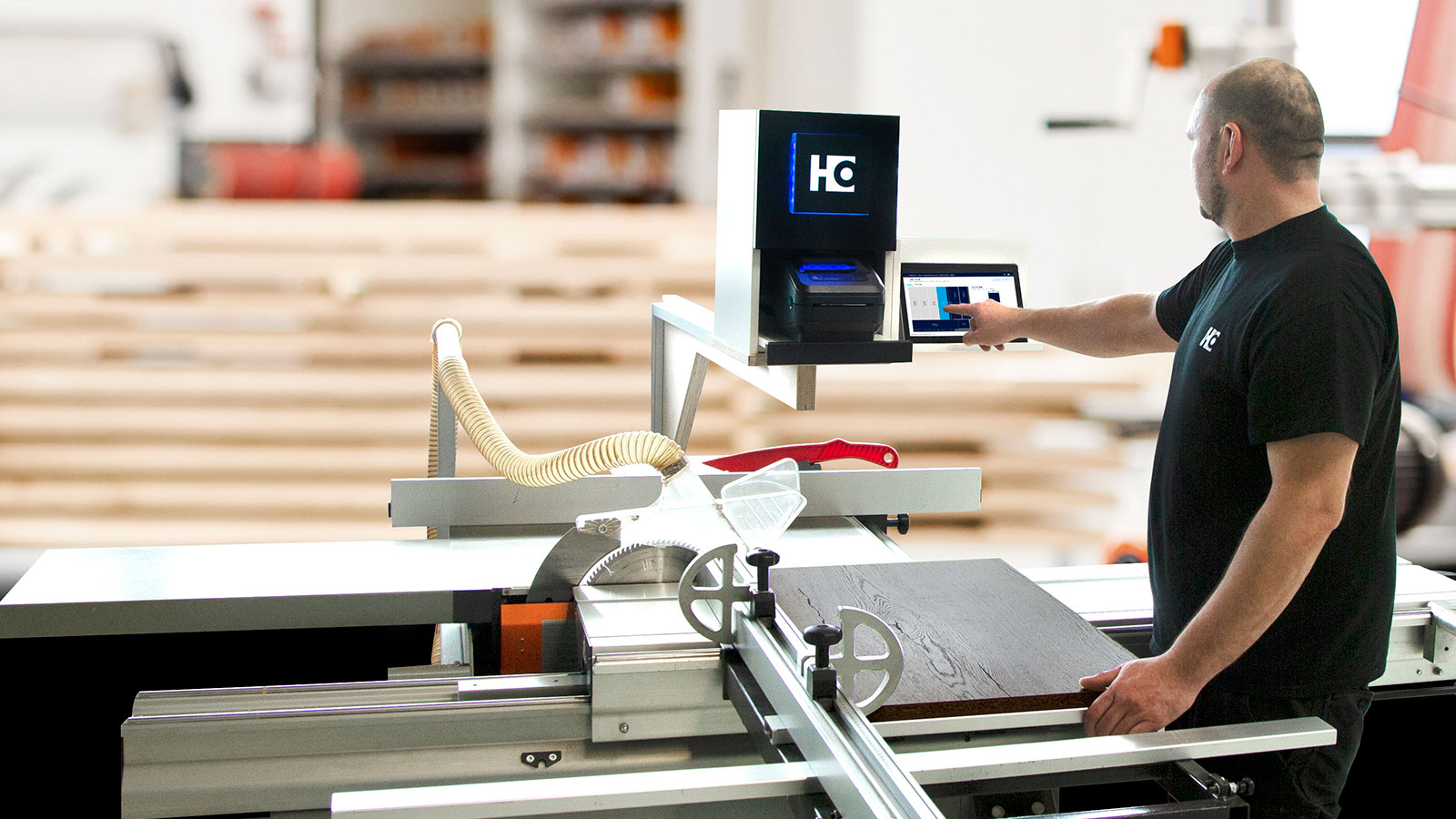
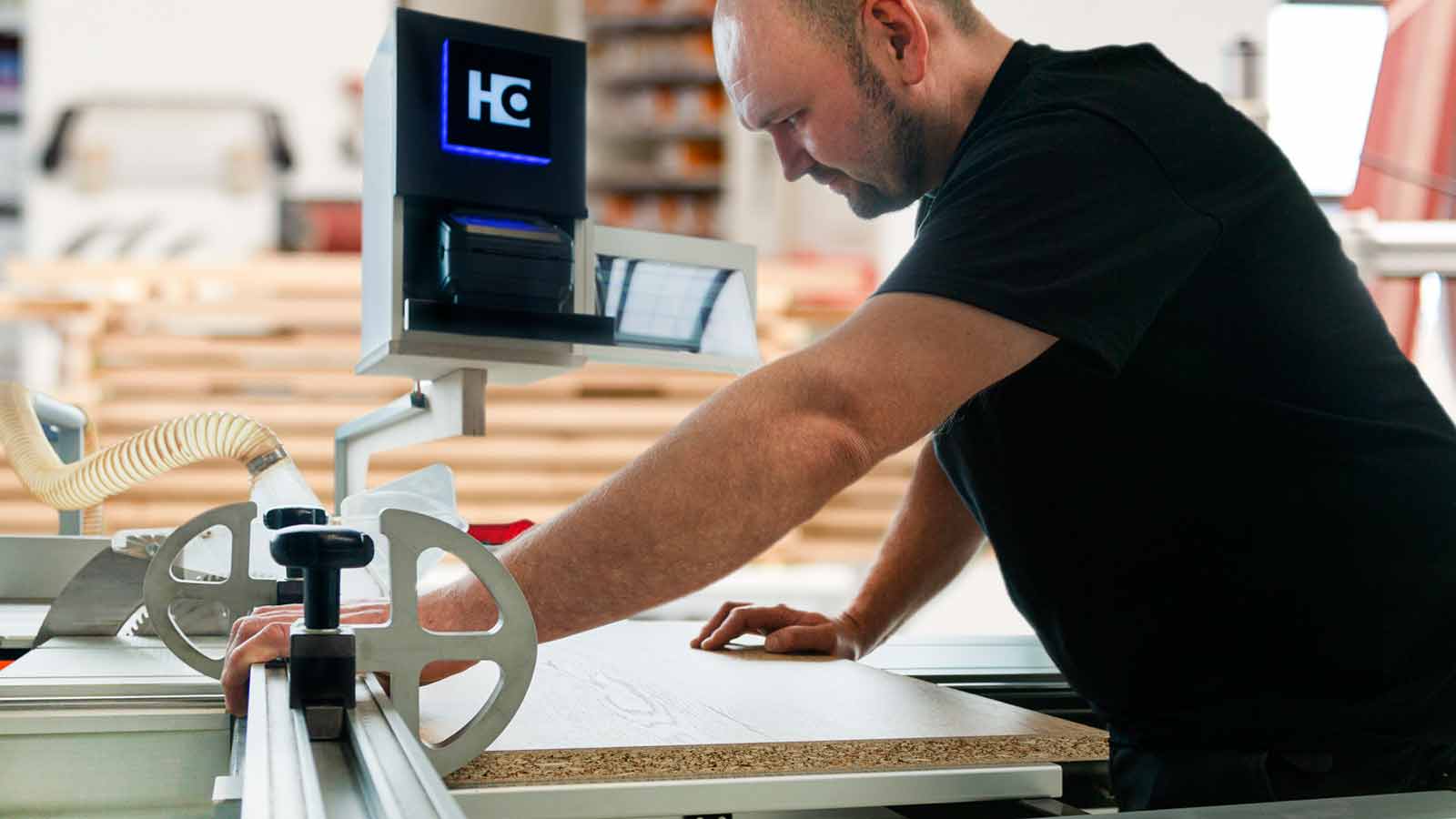
Our cutting assistant supports you in optimizing your cutting patterns, in labeling the parts and in the cutting process on your manual saw. Simply optimize your cutting patterns with a click and transfer them to the app on your tablet in the workshop. There, you work through the cutting pattern with the help of a clear display in the app - and print an individual label for each part. This way, each workpiece has all the info for subsequent processing. The cutting assistant was developed for use on all sliding table saws, vertical saws or horizontal panel saws - regardless of type, age or manufacturer.

Highlights

Flexible: Can be used for existing cutting saws - e.g. sliding table saws, vertical saws or horizontal panel saws. Regardless of the manufacturer, the age of the saw or the model.
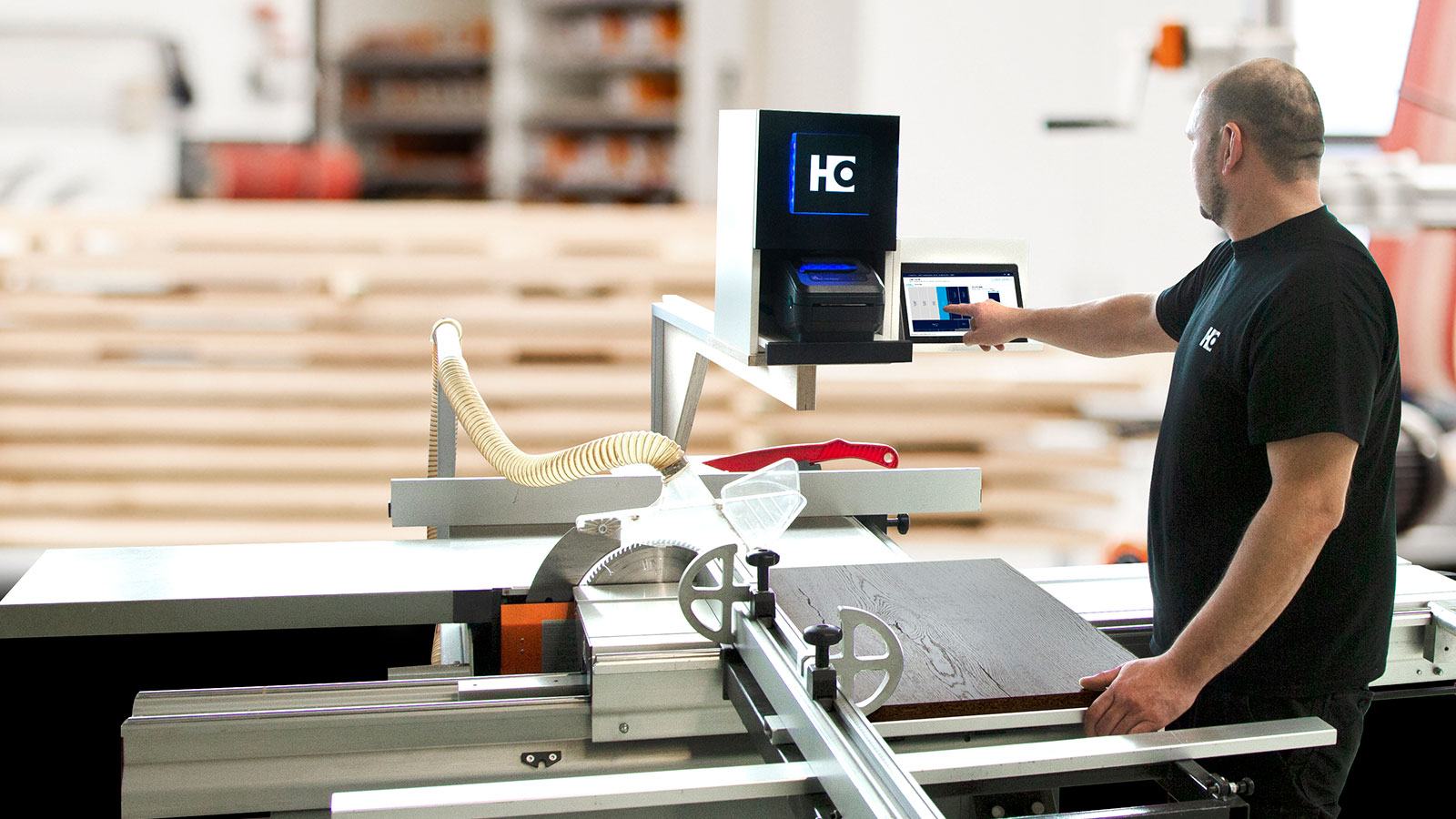
Flexible: Can be used for existing cutting saws - e.g. sliding table saws, vertical saws or horizontal panel saws. Regardless of the manufacturer, the age of the saw or the model.

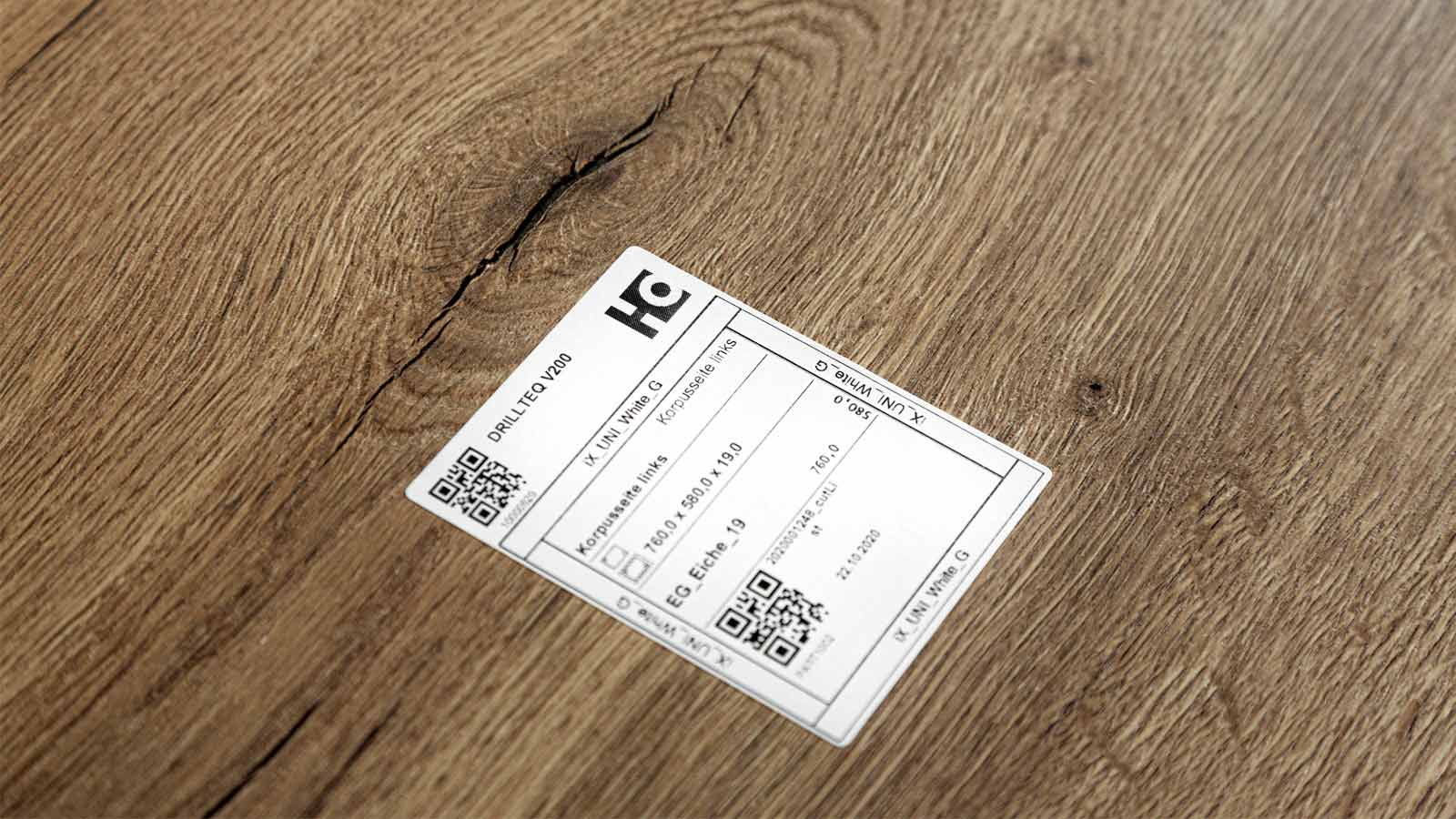
Integrated processing data: Label printing to identify the sawn parts directly on the saw (also for circular saws, vertical saws and older machines). Thus, from the very beginning, every workpiece has all relevant information. This includes, for example, the job name, information on the component and edge banding, or up to two QR codes for the CNC programs.
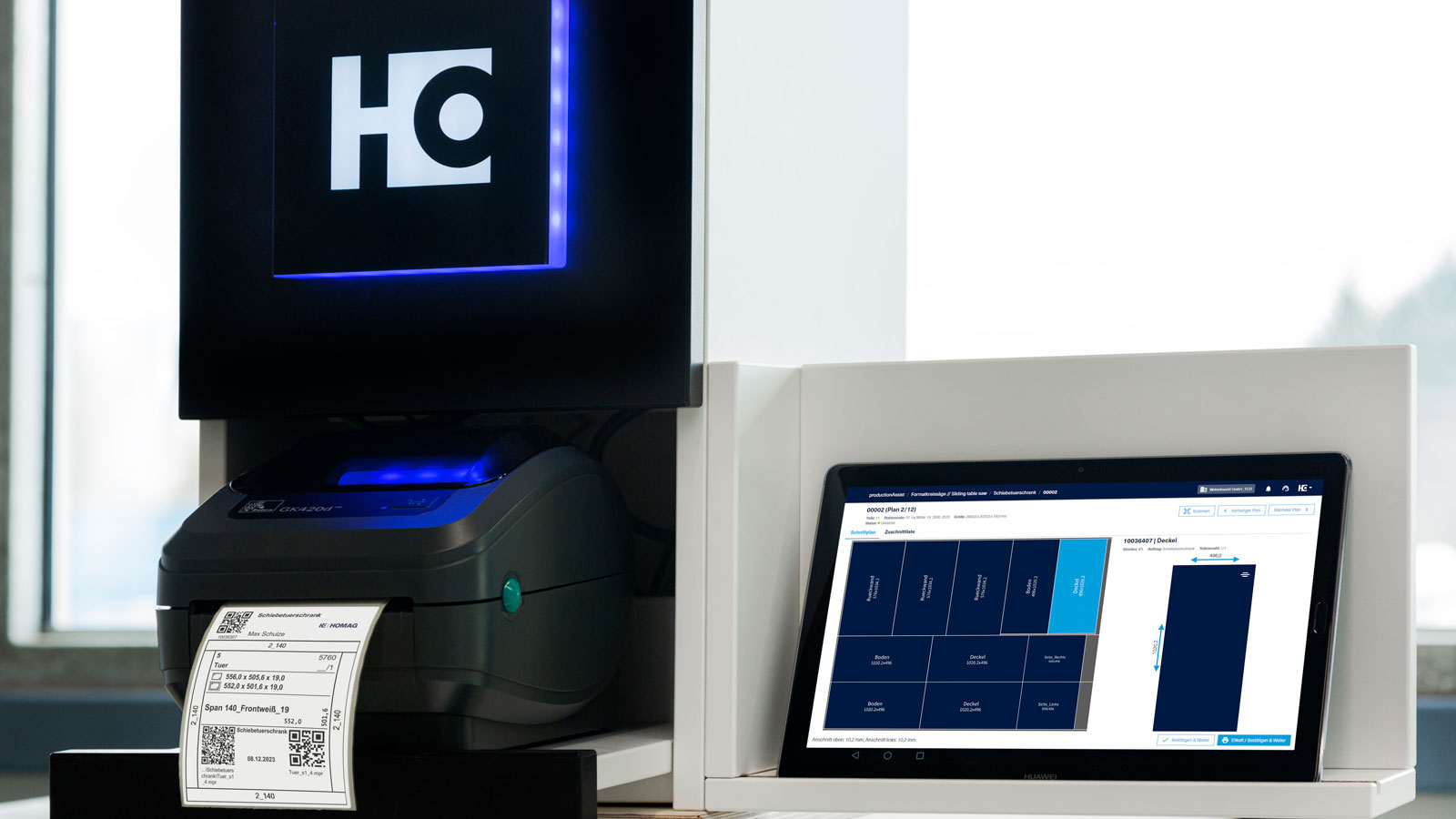
Integrated processing data: Label printing to identify the sawn parts directly on the saw (also for circular saws, vertical saws and older machines). Thus, from the very beginning, every workpiece has all relevant information. This includes, for example, the job name, information on the component and edge banding, or up to two QR codes for the CNC programs.

Reuse of offcuts: Offcuts can be labeled simply with a click and registered for reuse in the next optimization. This not only saves time, but also reduces material costs.
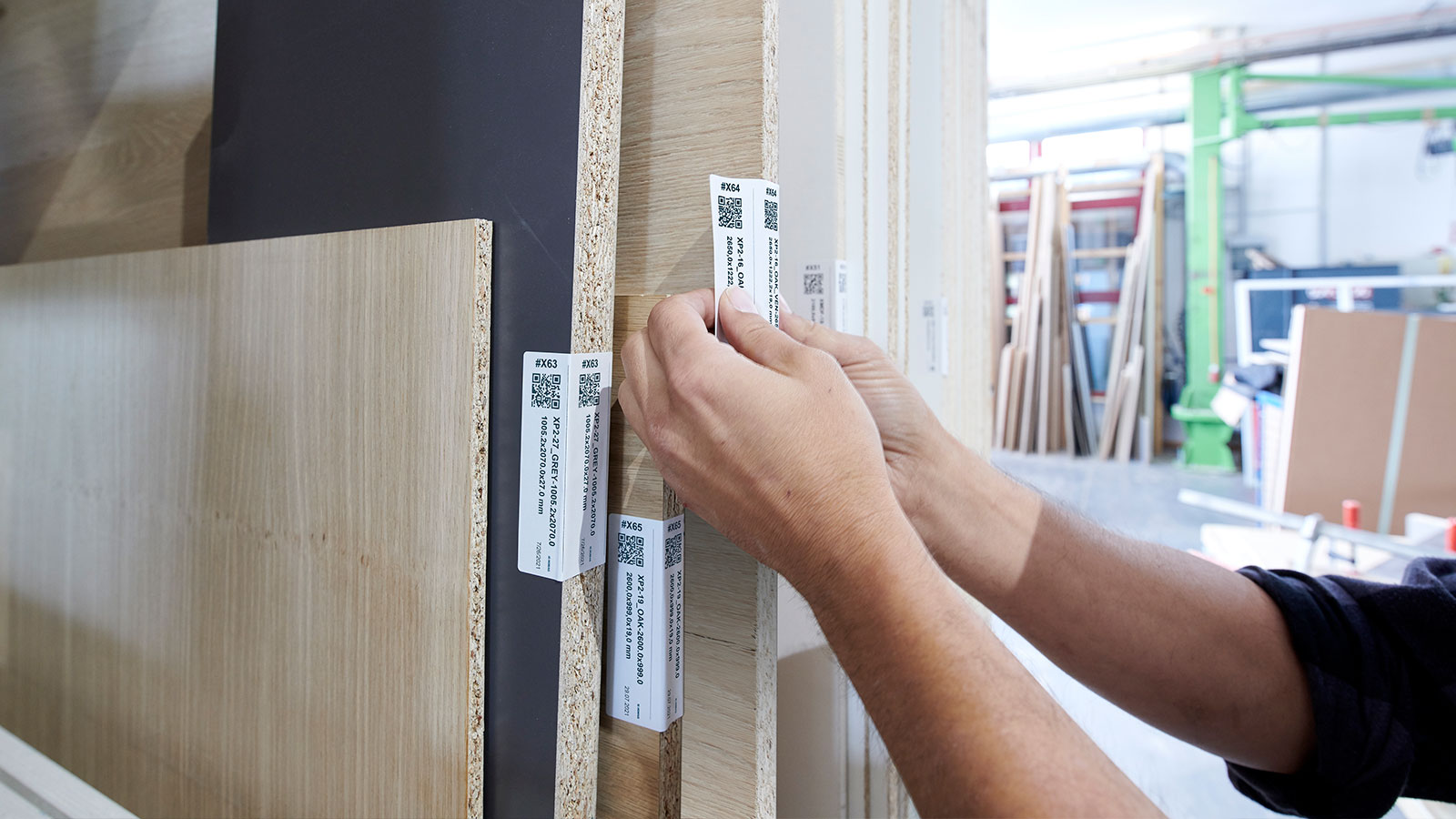
Reuse of offcuts: Offcuts can be labeled simply with a click and registered for reuse in the next optimization. This not only saves time, but also reduces material costs.

Features

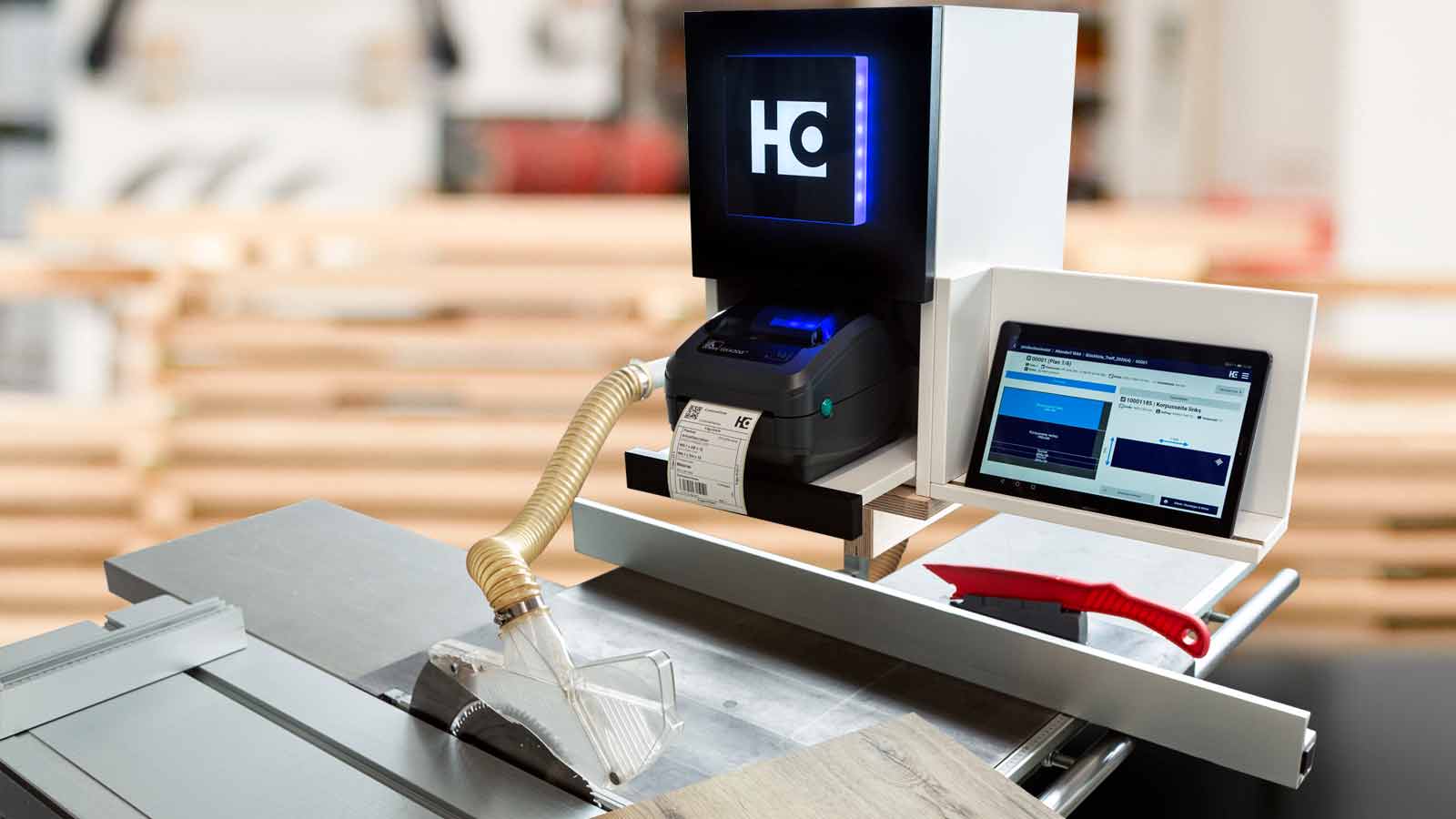
  • What does the Cutting Production Set consist of?
    The following components are included in the scope of delivery:

  • The workflow in the workshop:

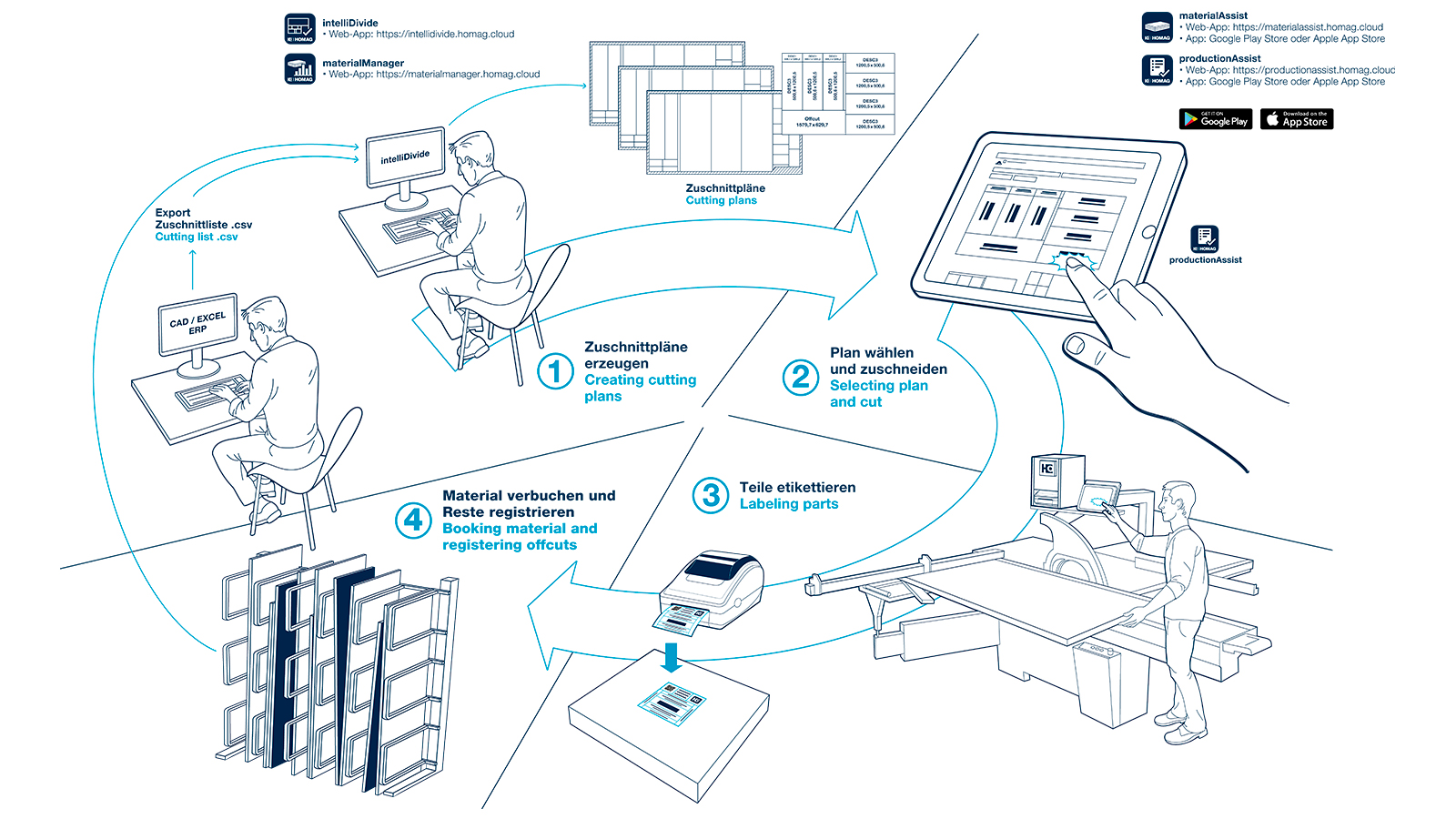
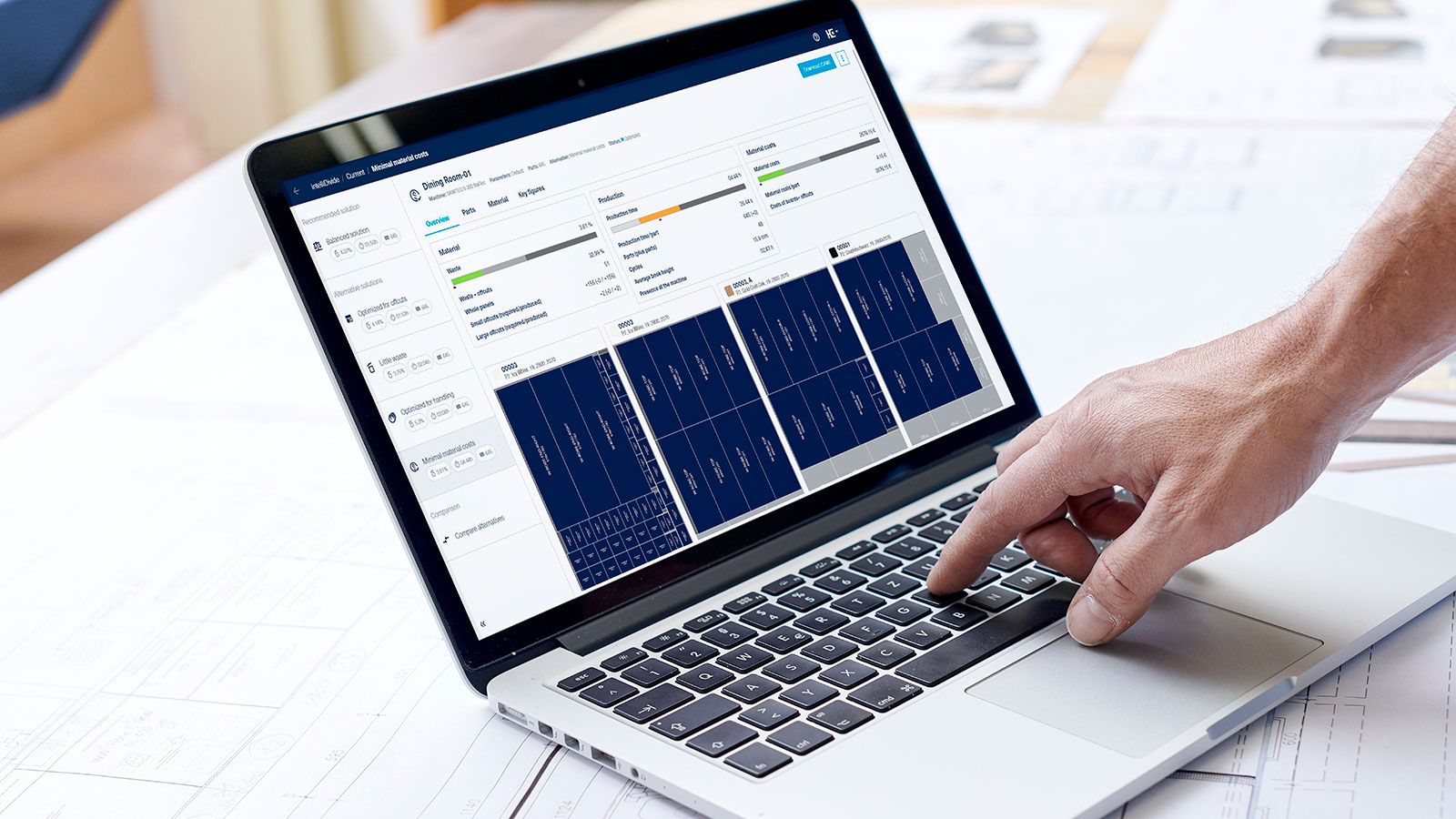
    1. Start the optimization of your job in the intelliDivide Cutting optimization software in the work preparation in the office. Then you send the resulting cutting patterns with a click to the productionAssist Cutting app on the tablet at your saw.
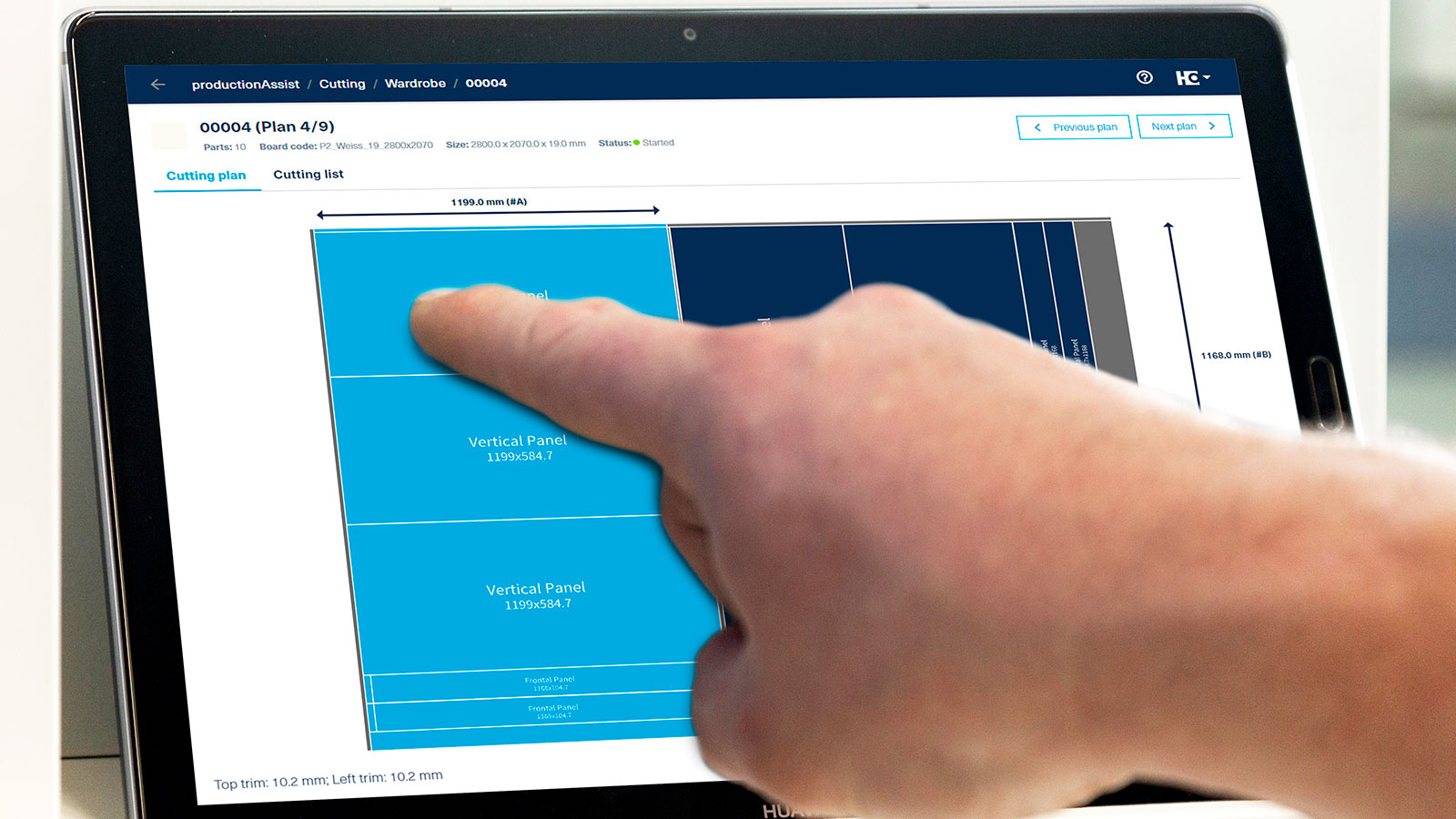
    2. There, you select the cutting pattern that you need at that precise time and start the sawing process. When you are cutting the parts, the productionAssist Cutting app provides a continuous, precise overview of the status of the cutting pattern (even for manual saws):
      • Which parts have already been sawn?
      • Which part is suggested next?
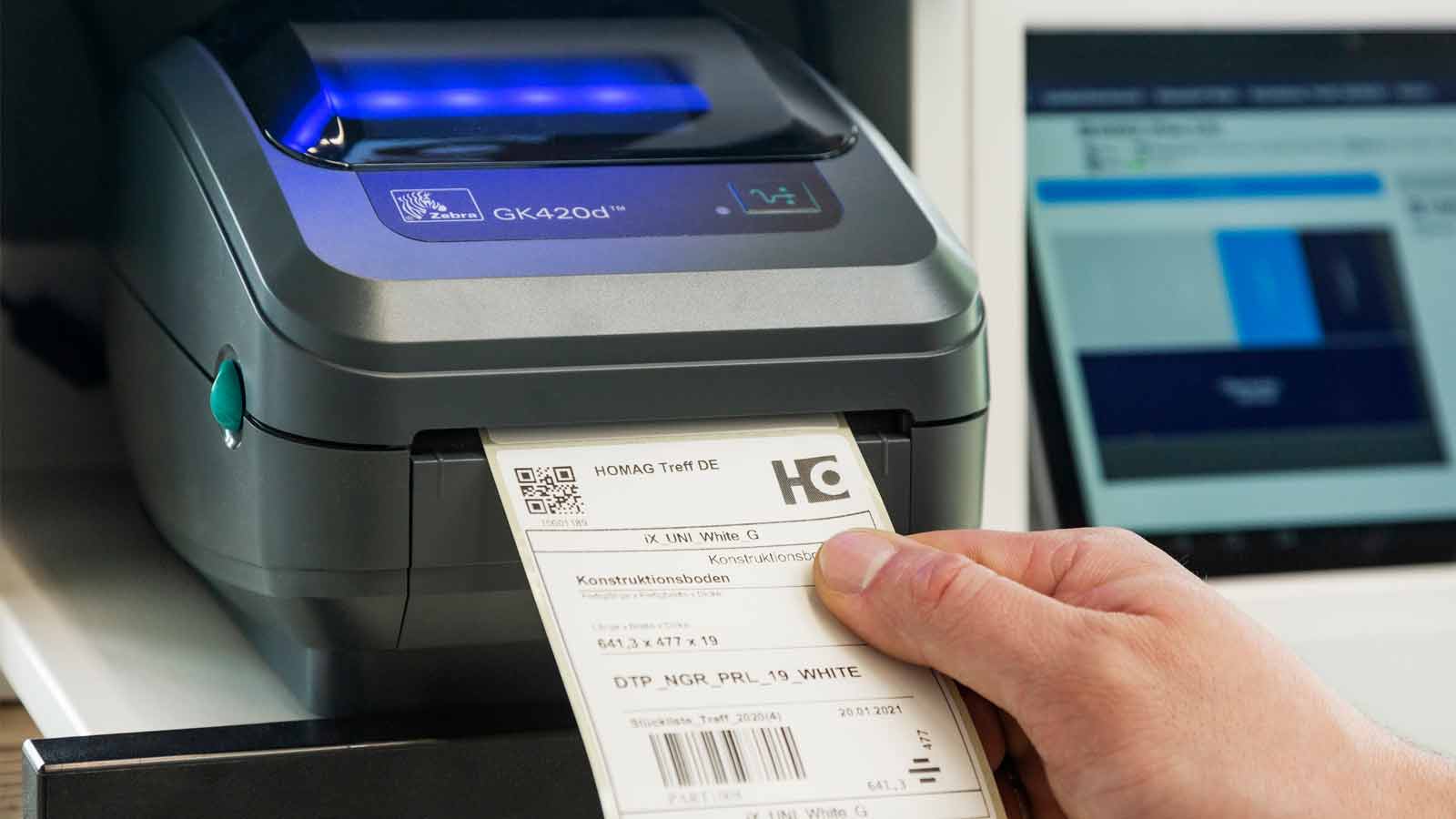
    3. Then you simply click to print the labels for each part on the label printer provided in the set. As a result, every part can be clearly identified and carries all important information with it - such as the job name, information on the component and for the edge banding, or up to two QR codes for the CNC programs.
    4. If larger pieces of waste arise in cutting patterns that are to be reused, these can be registered in materialManager and are therefore available for the next optimization.

      The result: Reduced material consumption, reuse of offcuts, time savings and complete production data from the first process step.

Technical data

Is this product available in your country? Take a look at the availability here.
Special features

 intelliDivide Cutting

intelliDivide Cutting

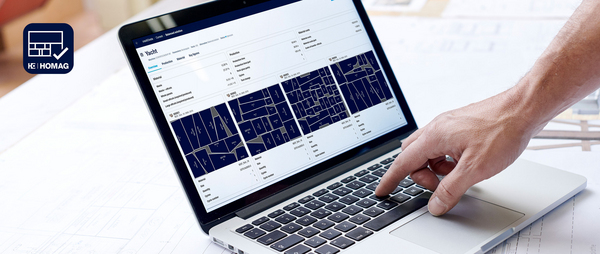
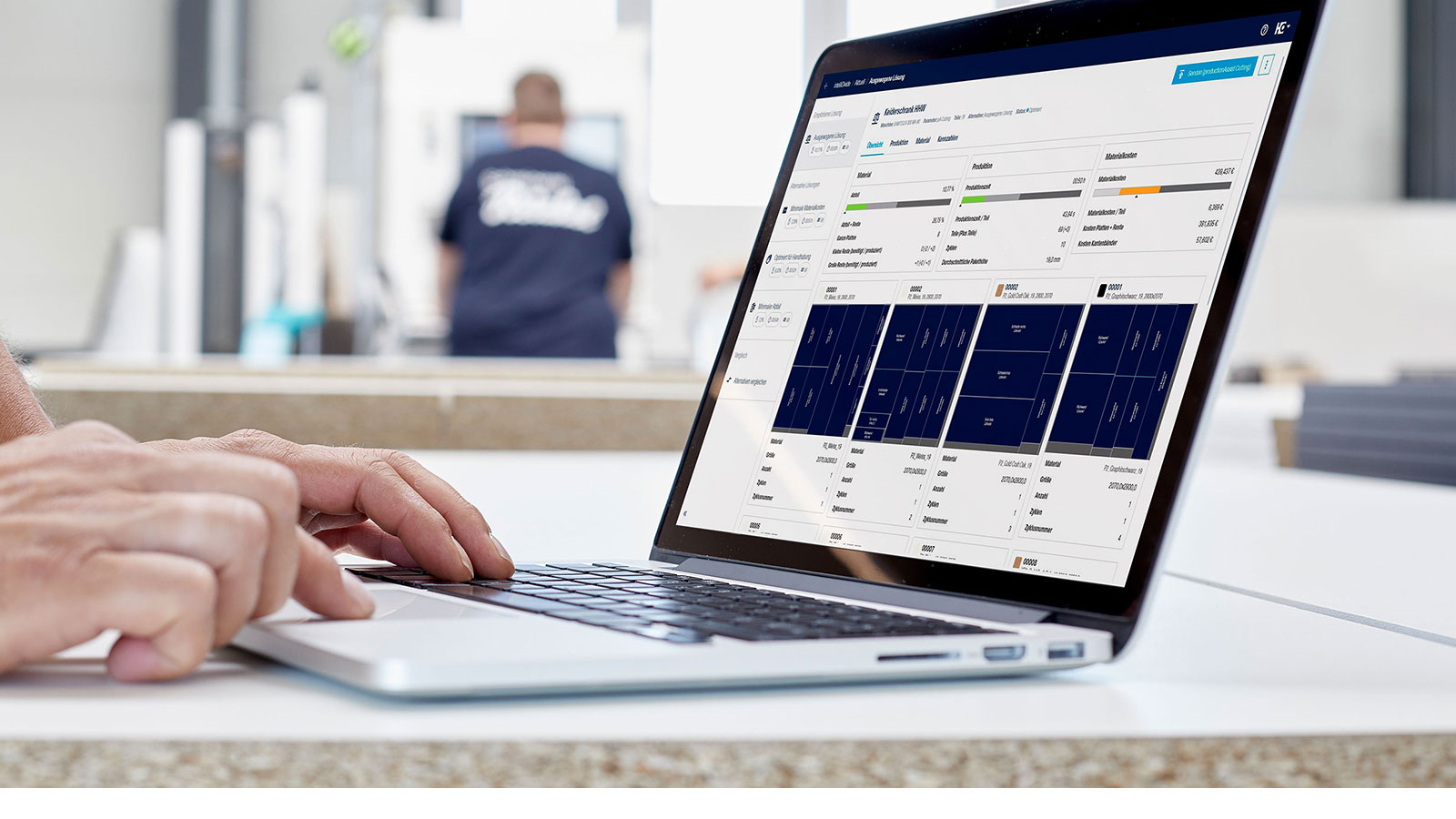
Optimization software for cuttingAs an integral part of the cutting assistant, intelliDivide Cutting allows you to easily and conveniently optimize your cutting patterns during work preparation and send them directly to the productionAssist Cutting app in production with just one click.

Read more
productionAssist Cutting

productionAssist Cutting

The productionAssist Cutting app is part of the Cutting Production Set. productionAssist Cutting is used in the workshop during manual cutting at the saw. The app on the tablet allows you to process your cutting pattern easily and comfortably.
Show more
materialManager

materialManager

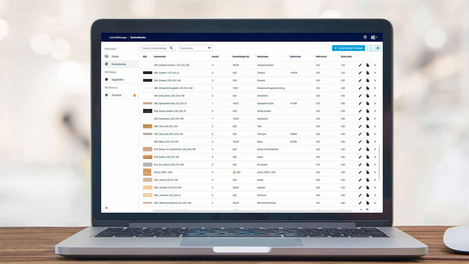
Central material management in the company: an overview of all material data and stocks of your edgebands and panel types
Read more
materialAssist Boards

materialAssist Boards

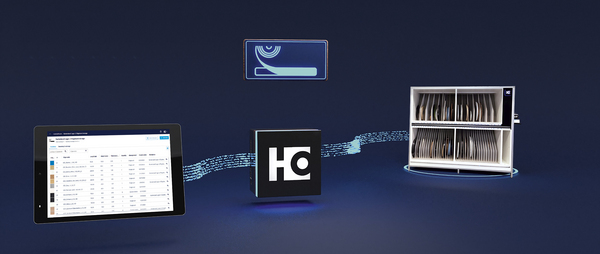
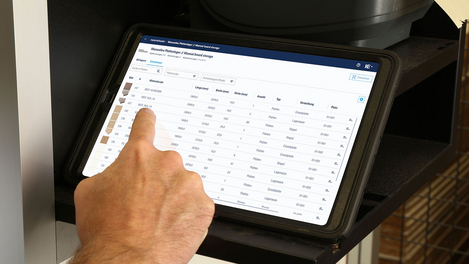
The materialAssist Boards app is part of the Cutting Production Set. materialAssist Boards is used in the workshop to manage panels and offcuts. The app can be used to create, store and remove panels and offcuts from storage.

Show more
HOMAG CUBE

HOMAG CUBE

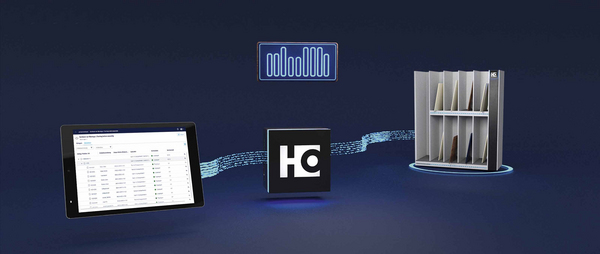
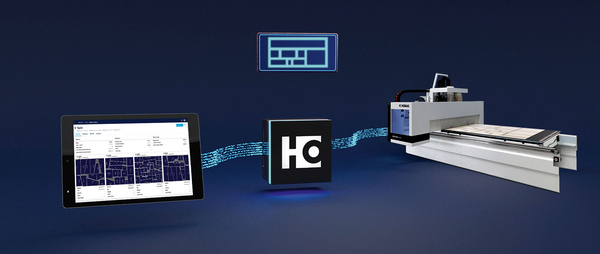
Your building block for the first step toward a digital workshop

Show more
Calculate your savings now!

Calculate your savings now!

The cutting assistant pays off immediately. Calculate your material and cost savings every month quickly and easily.

Read more

Further solutions

Cut Rite

Cut Rite

  • Efficiency through cost reduction
Read more
Nesting Production Set: The Nesting Assistant

Nesting Production Set: The Nesting Assistant

  • Saving material and labeling on nesting machines
  • Clear panel and offcut management
  • Labeling of components
Read more
intelliDivide Nesting

intelliDivide Nesting

  • Optimization software for dividing panels in a nesting process
  • Optimization of nesting patterns with just a few clicks
  • Simultaneous calculation of several solutions
Read more
Edgeband Management Set: The edgeband assistant

Edgeband Management Set: The edgeband assistant

  • The edge material and all related information at a glance
  • Clear management and unique identification of edges in the rack (incl. residual lengths)
  • Reduced setup times thanks to faster edge changes
Read more
Sorting Production Set: The sorting assistant

Sorting Production Set: The sorting assistant

  • Sorting of components - every component has its place
  • One sorting assistant - multiple applications: sorting after cutting or before the assembly area
  • Overview of the completeness of the sorted components and the remaining open components
Read more

Contact us

Protected against spam

You can compare up to 4 products per category.