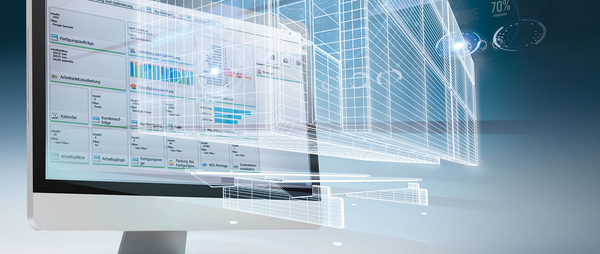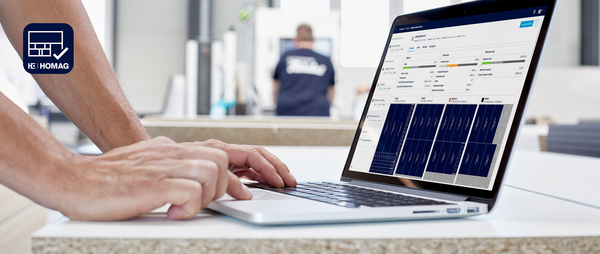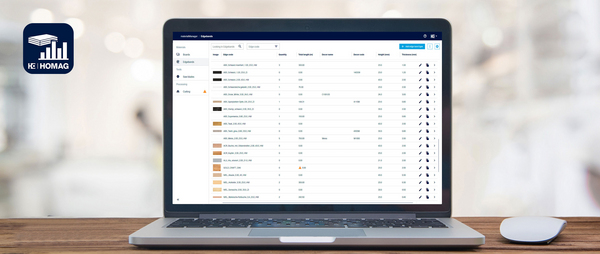
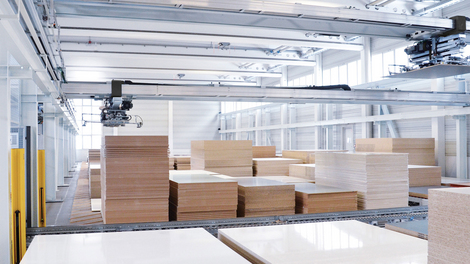
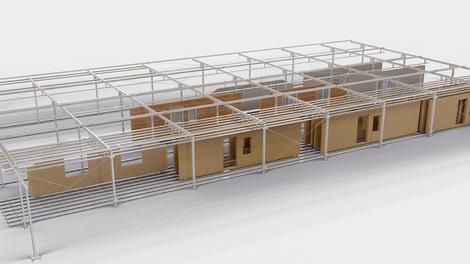
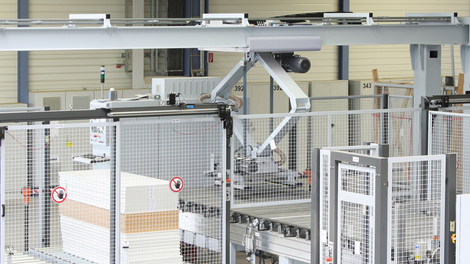

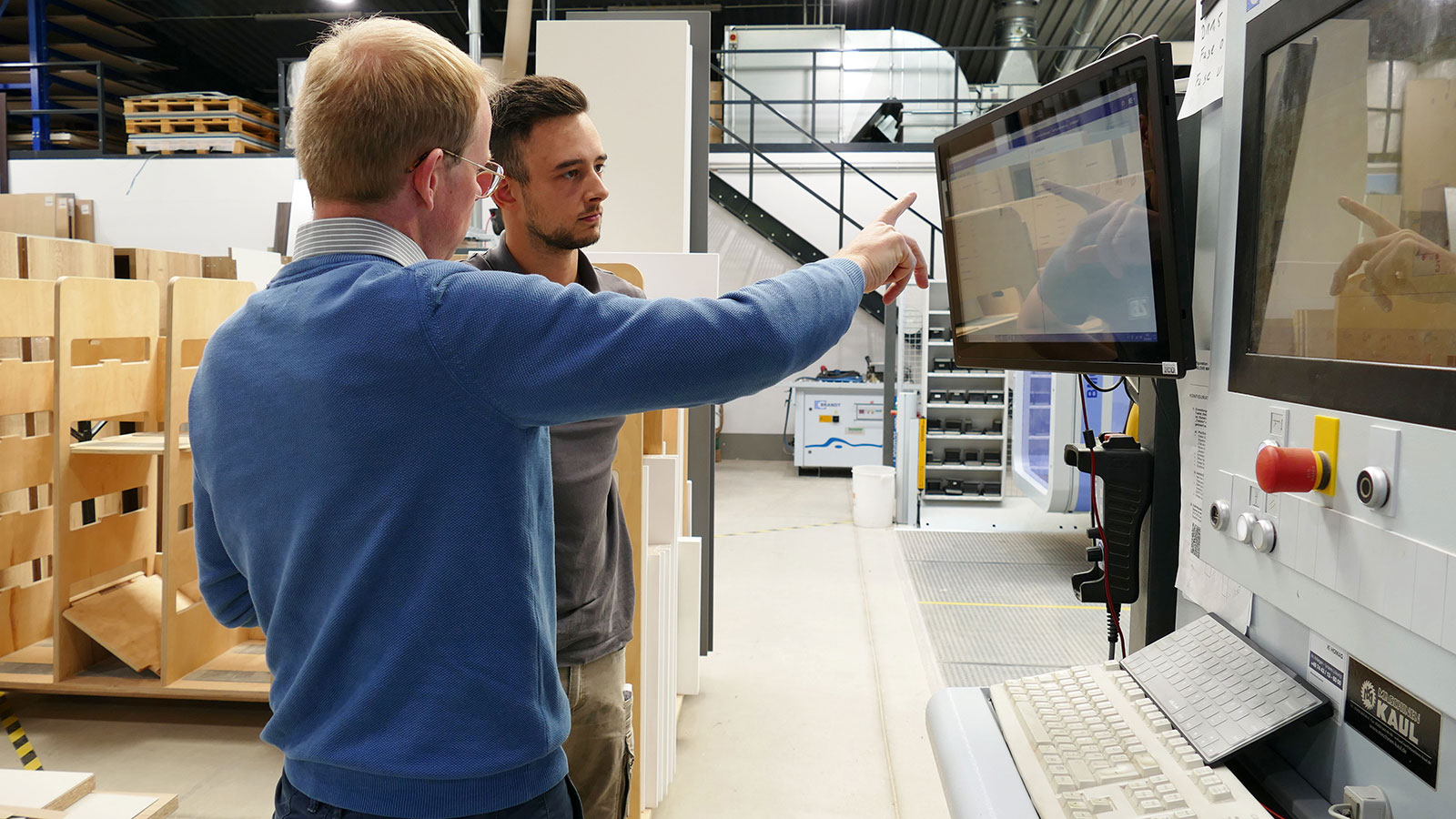
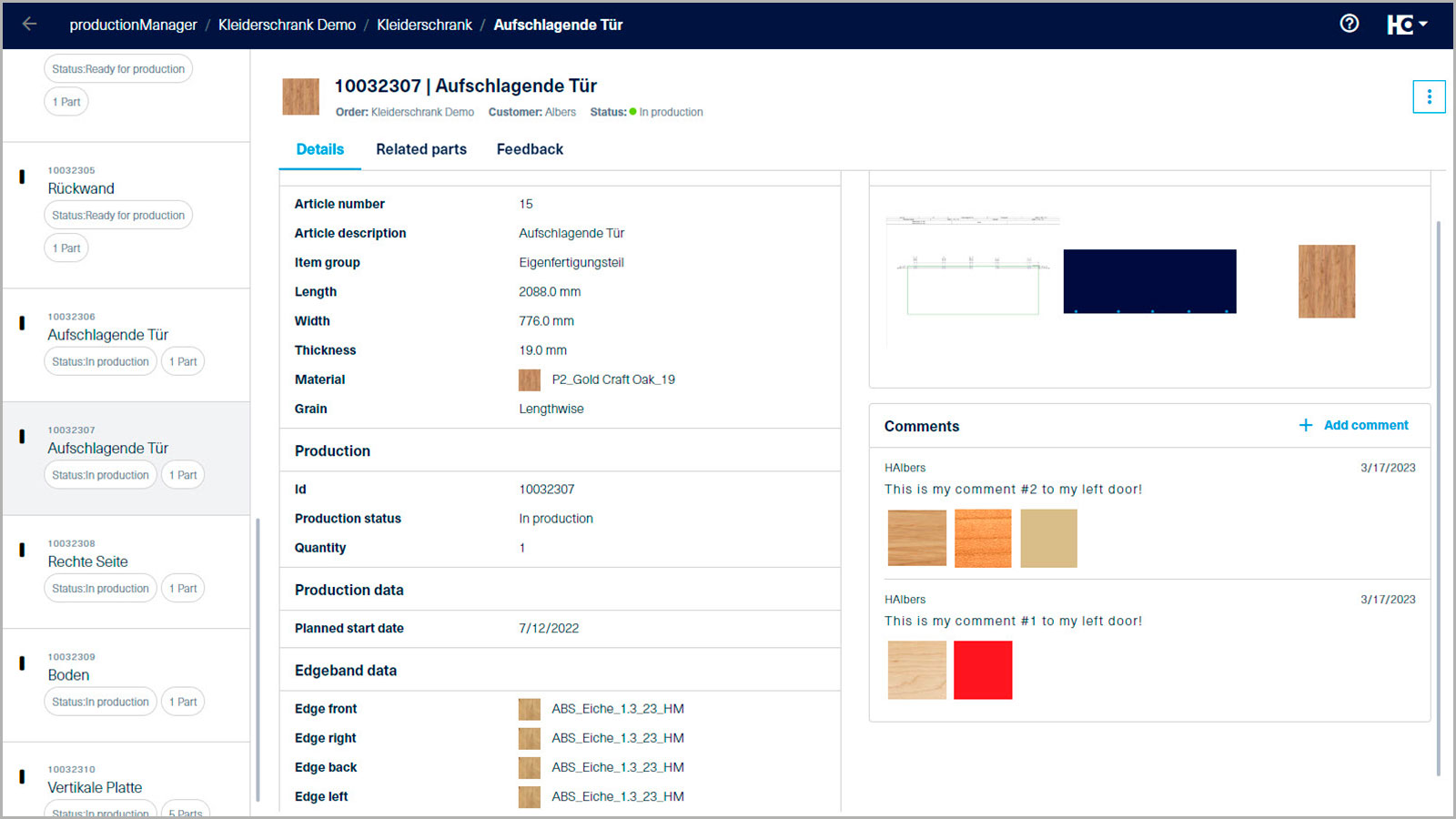
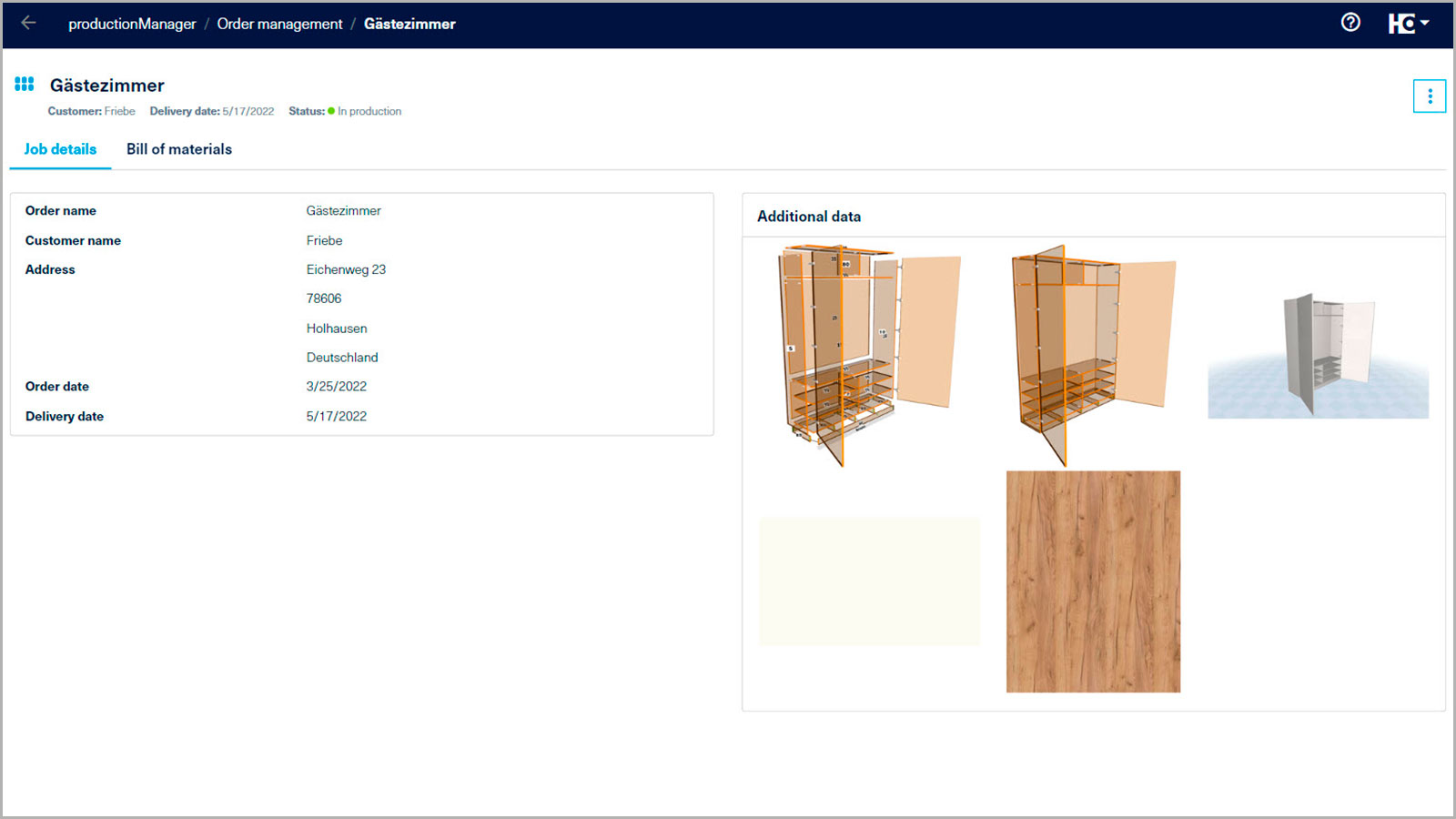
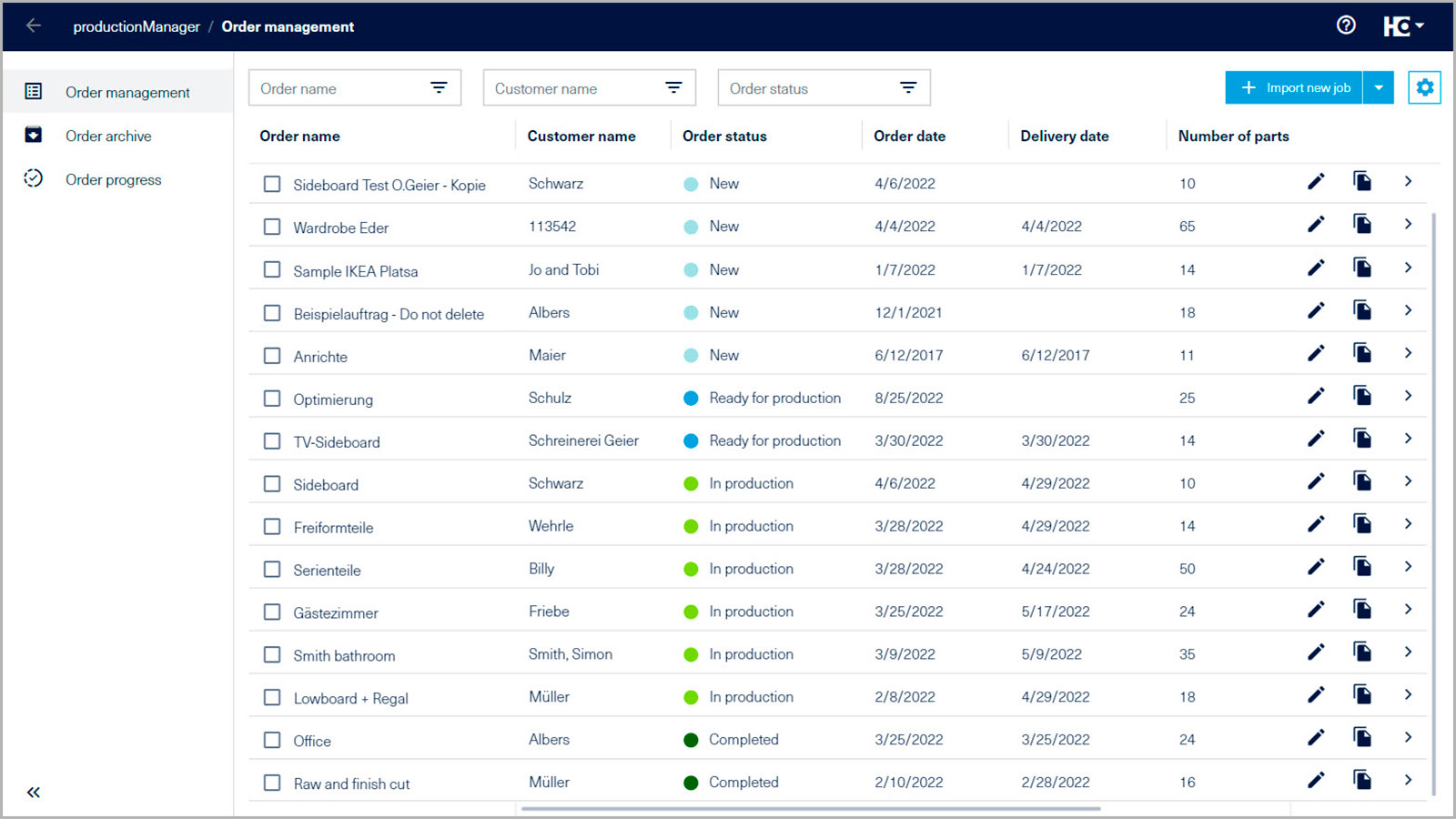
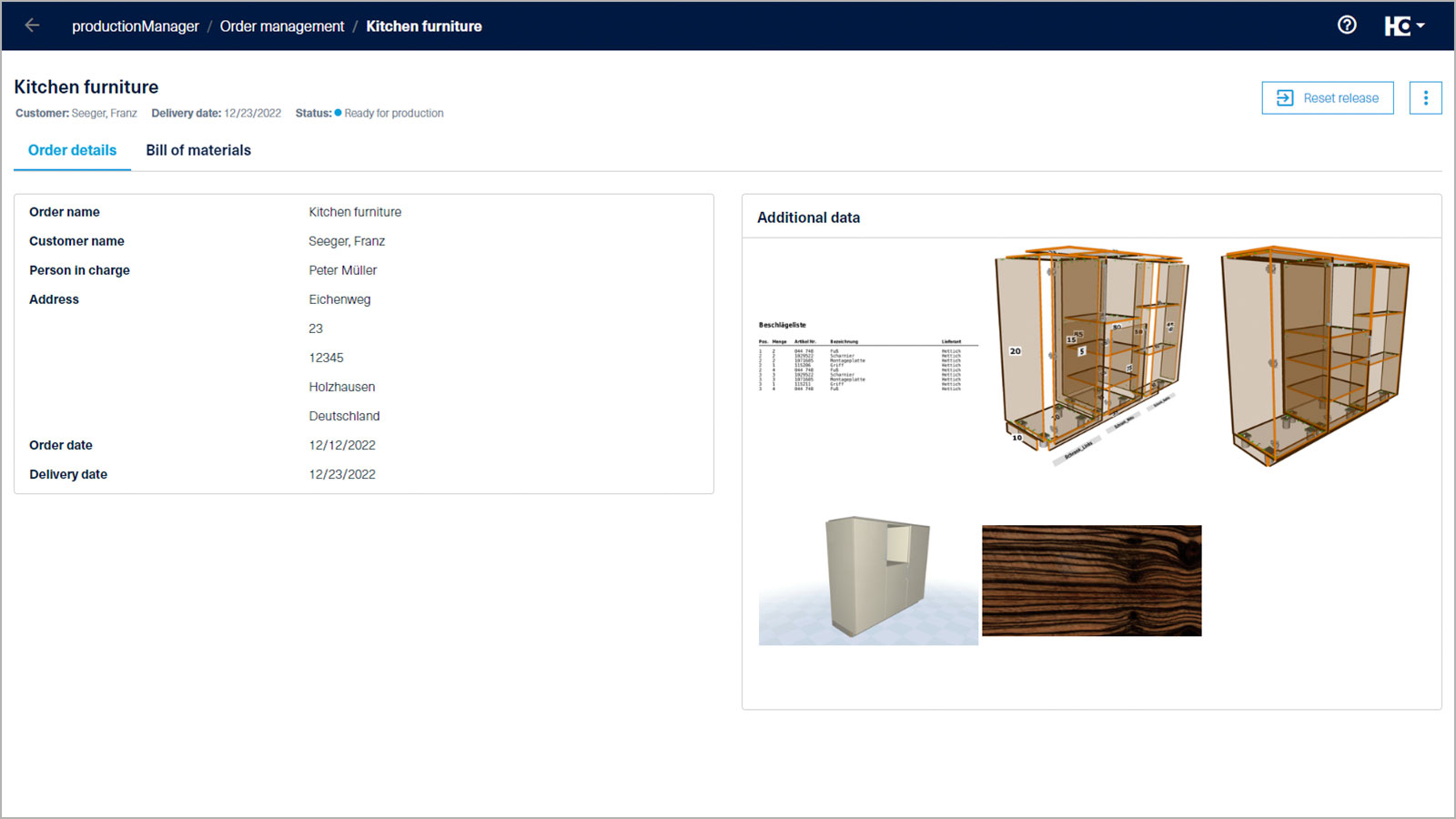
Put an end to piles of paperwork , because the digital job folder ensures an overview of jobs and the continuous digital use of planning and design data. This means that paper documents can be replaced in production.
Production Management
The digital job folder brings transparency to the workshop
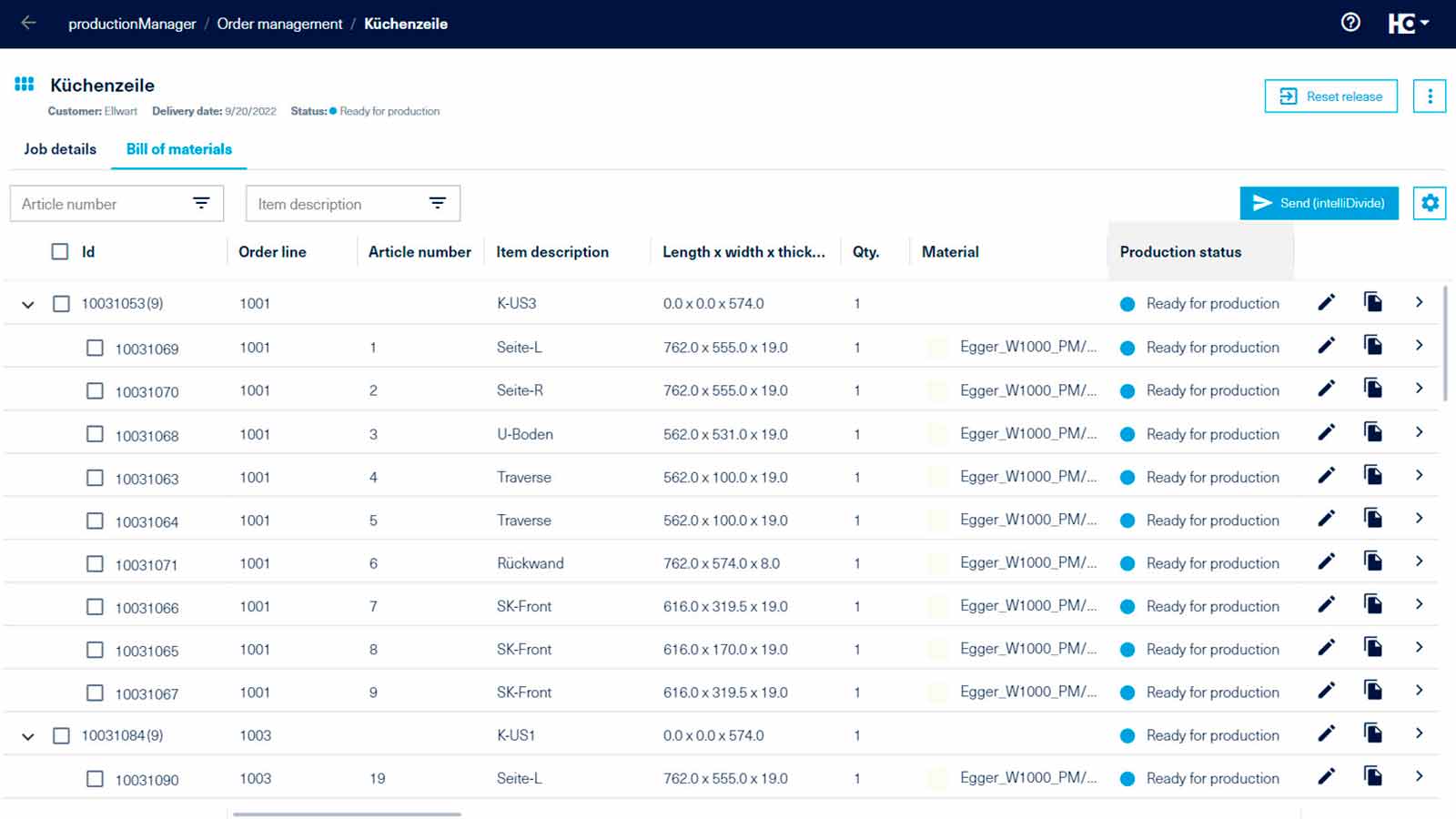
With full order books, the challenge of maintaining an overview and keeping order data and information up to date among all employees is growing. With the digital job folder, everyone on your team now has access to all information on every job in real time - from work preparation to production to assembly. But this web app doesn‘t just provide support for the end-to-end organization of data: it also makes the current status of individual components transparent.
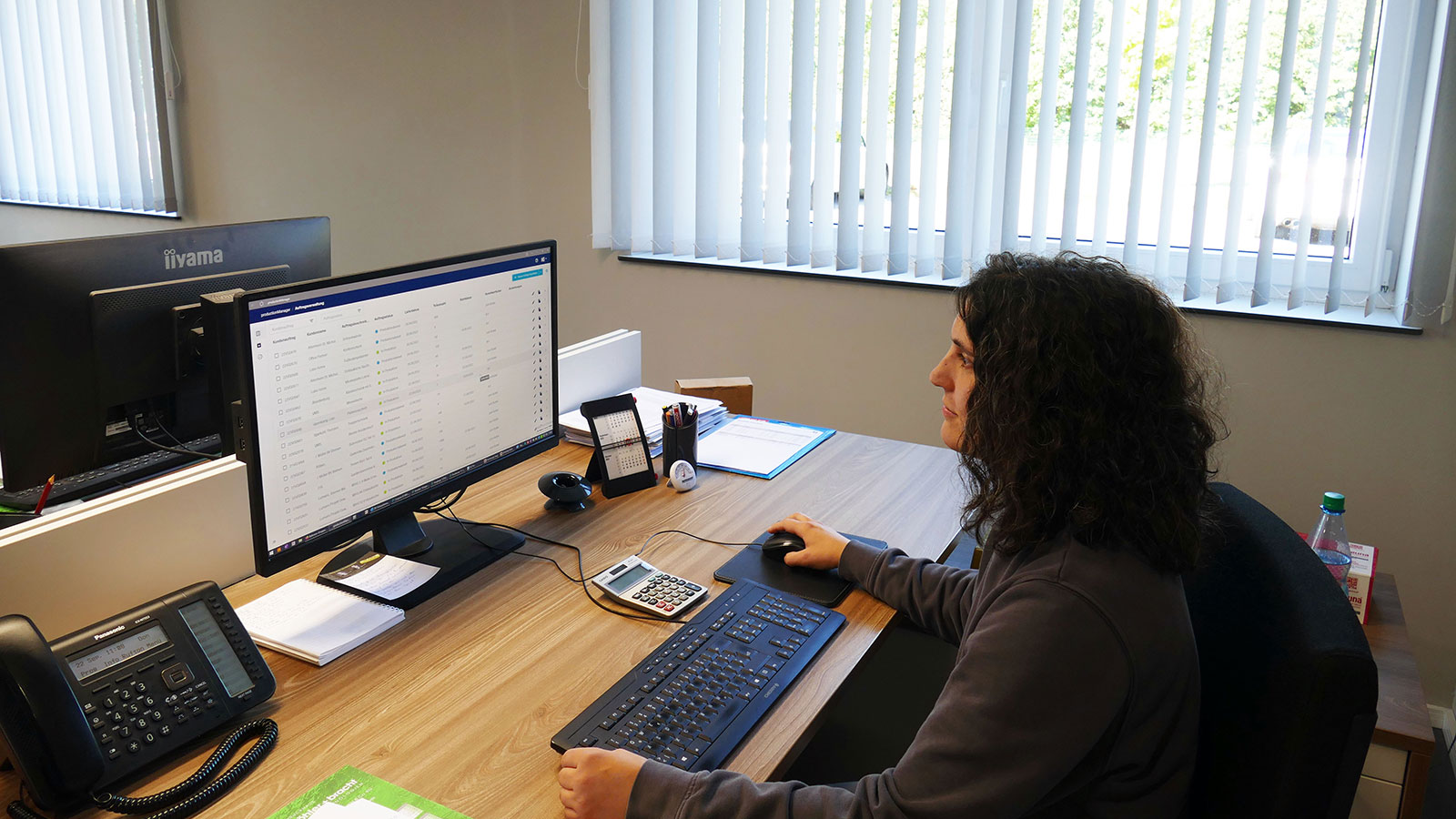
Put an end to piles of paperwork , because the digital job folder ensures an overview of jobs and the continuous digital use of planning and design data. This means that paper documents can be replaced in production.
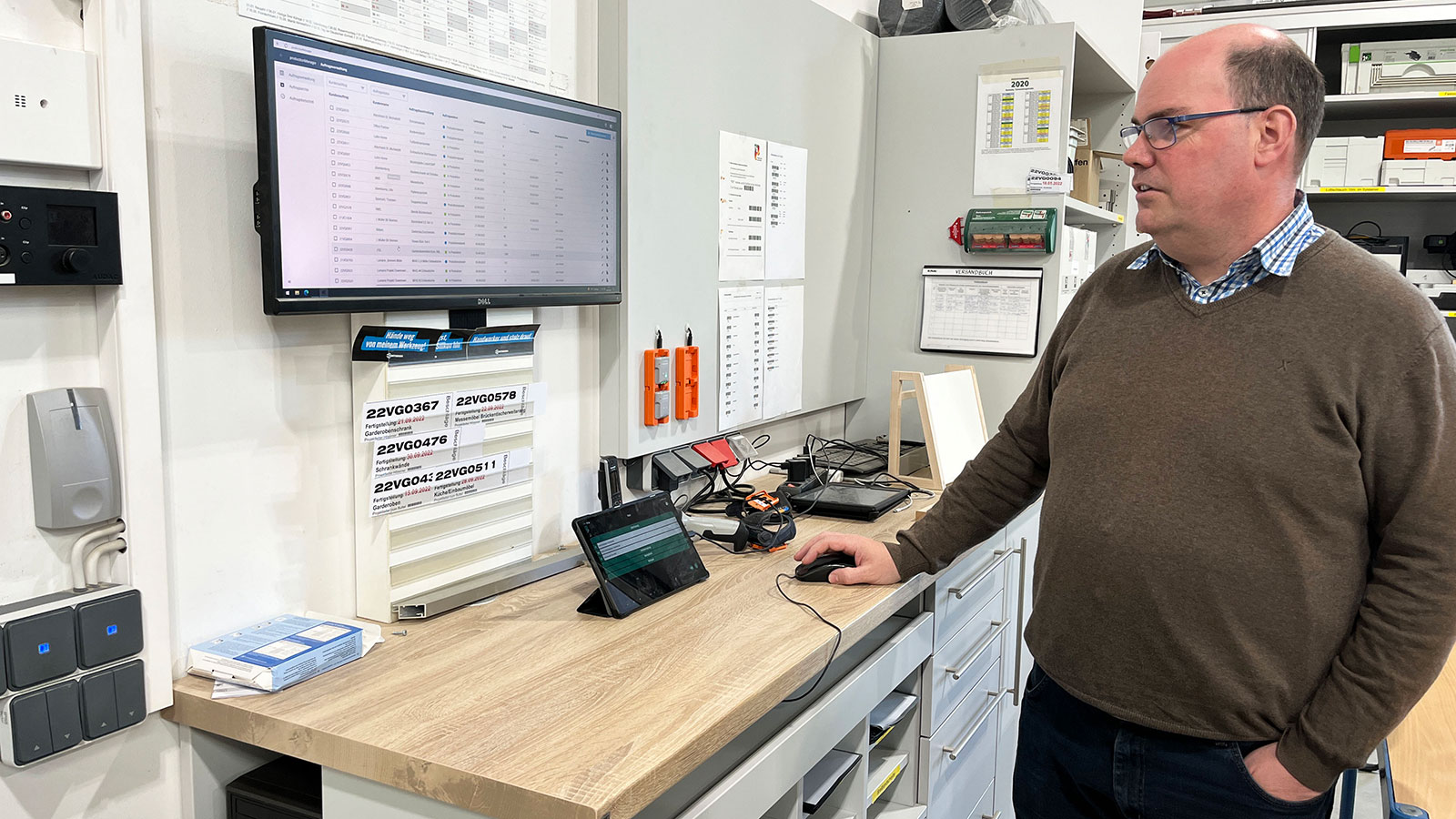
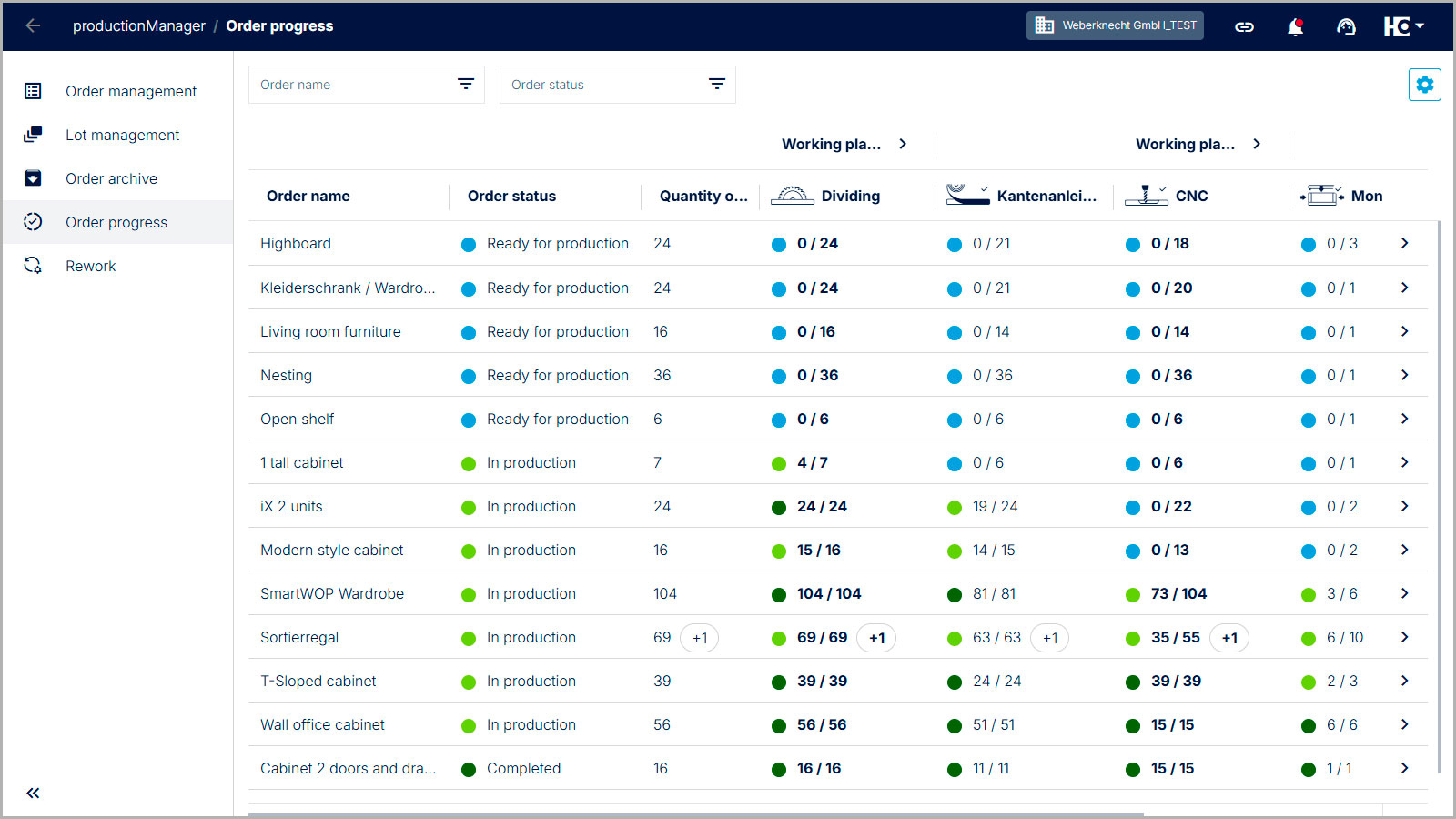
Complete transparency , because all employees can track job progress in real time. The status of articles and components is automatically updated and directly visible in the job progress.
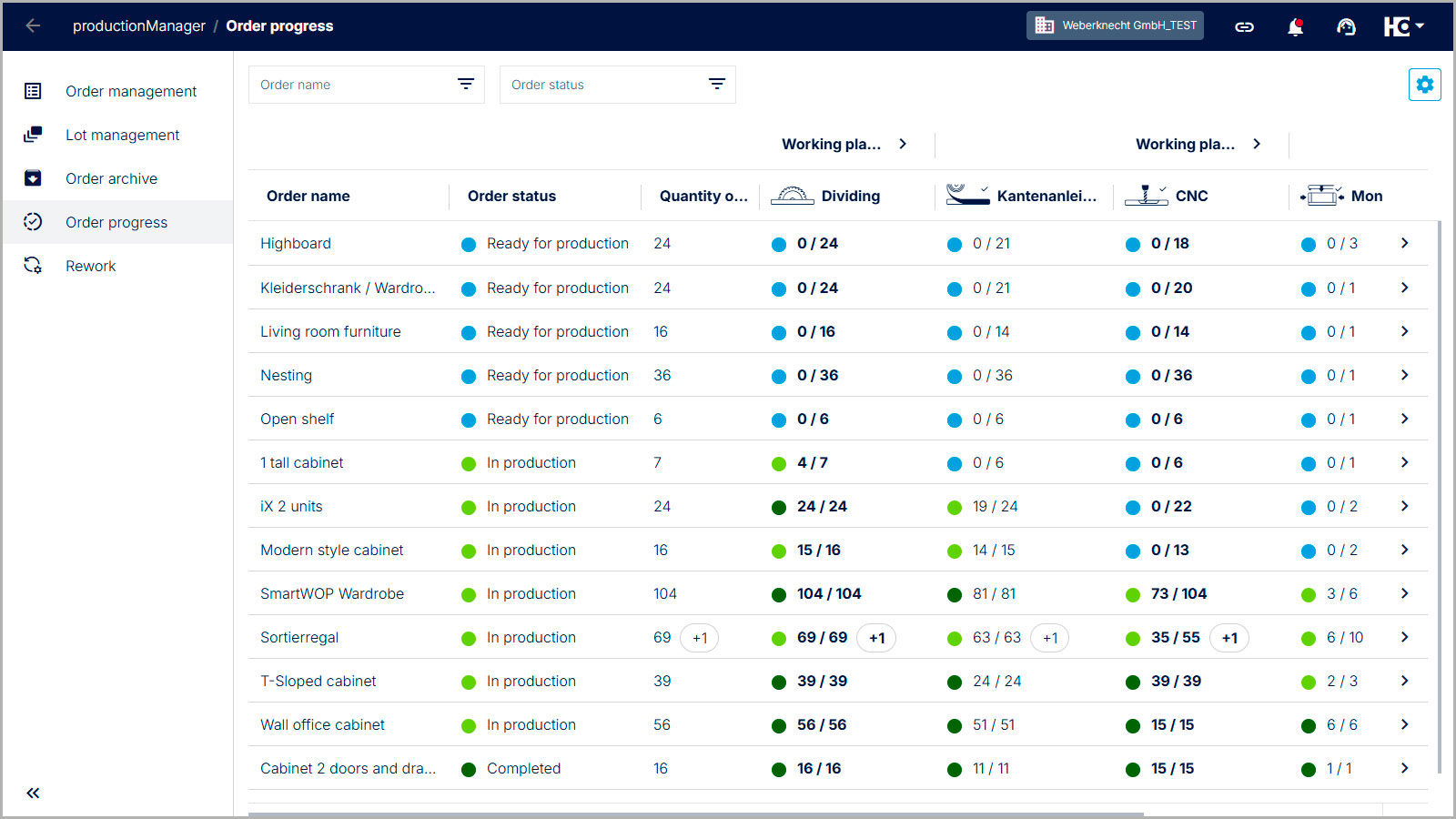
Seamless integration , because you can use different data sources. You create a new order or import it from a CAD/CAM system, an industry solution or Excel and all order details are available digitally. In addition, productionManager can be easily and flexibly integrated into any existing workshop environment. No adjustments to the software landscape or machinery are necessary.
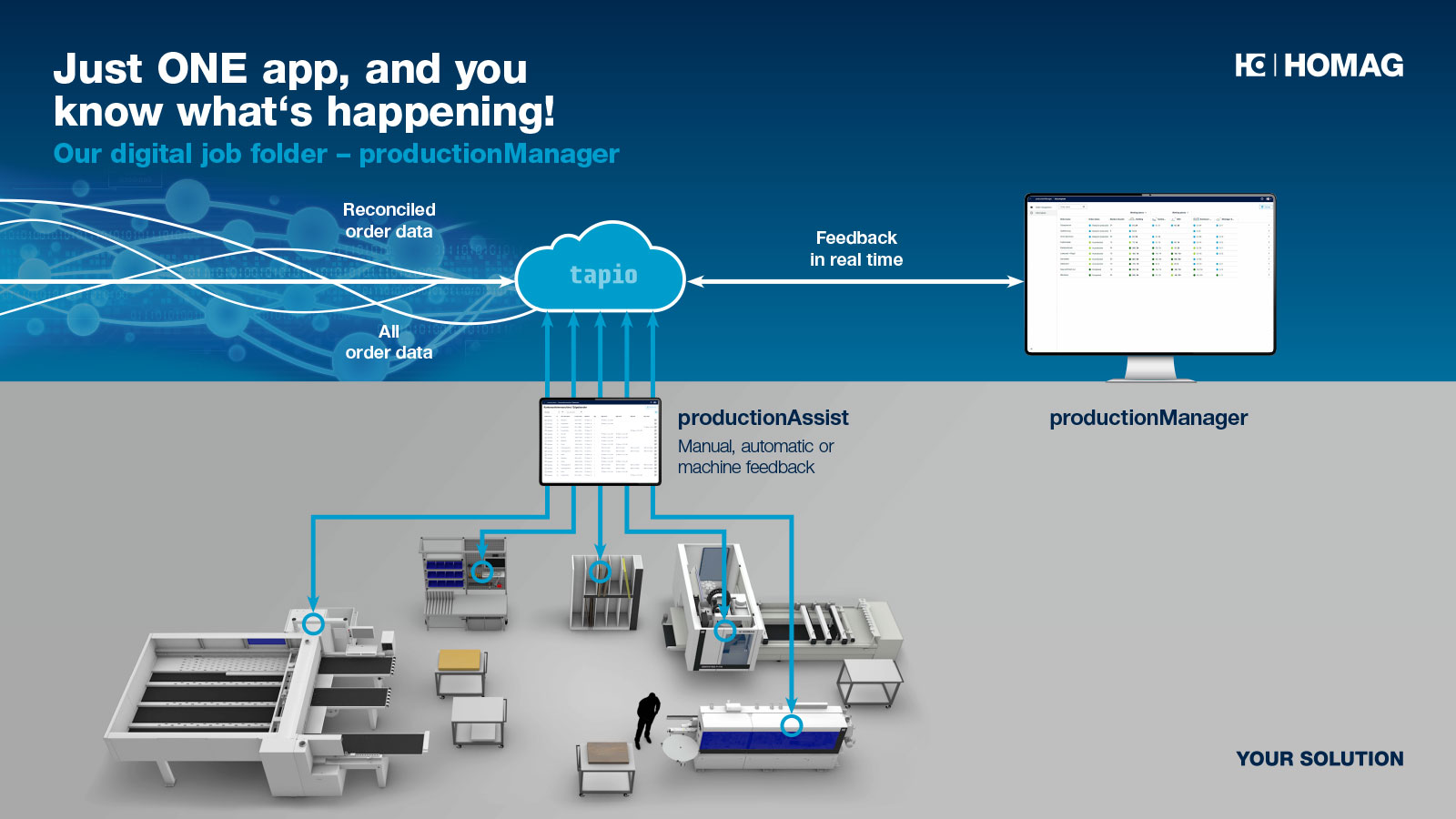
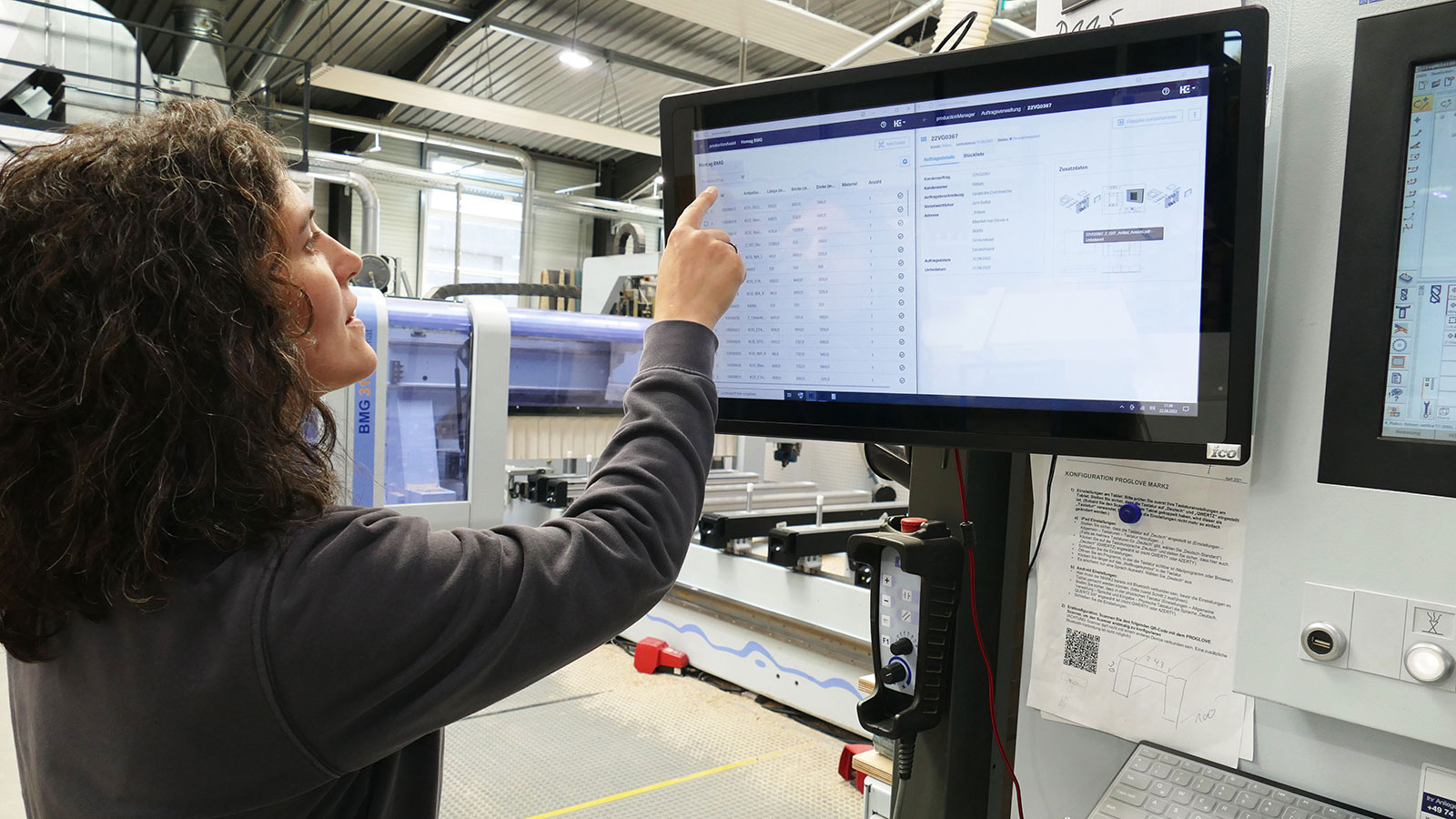
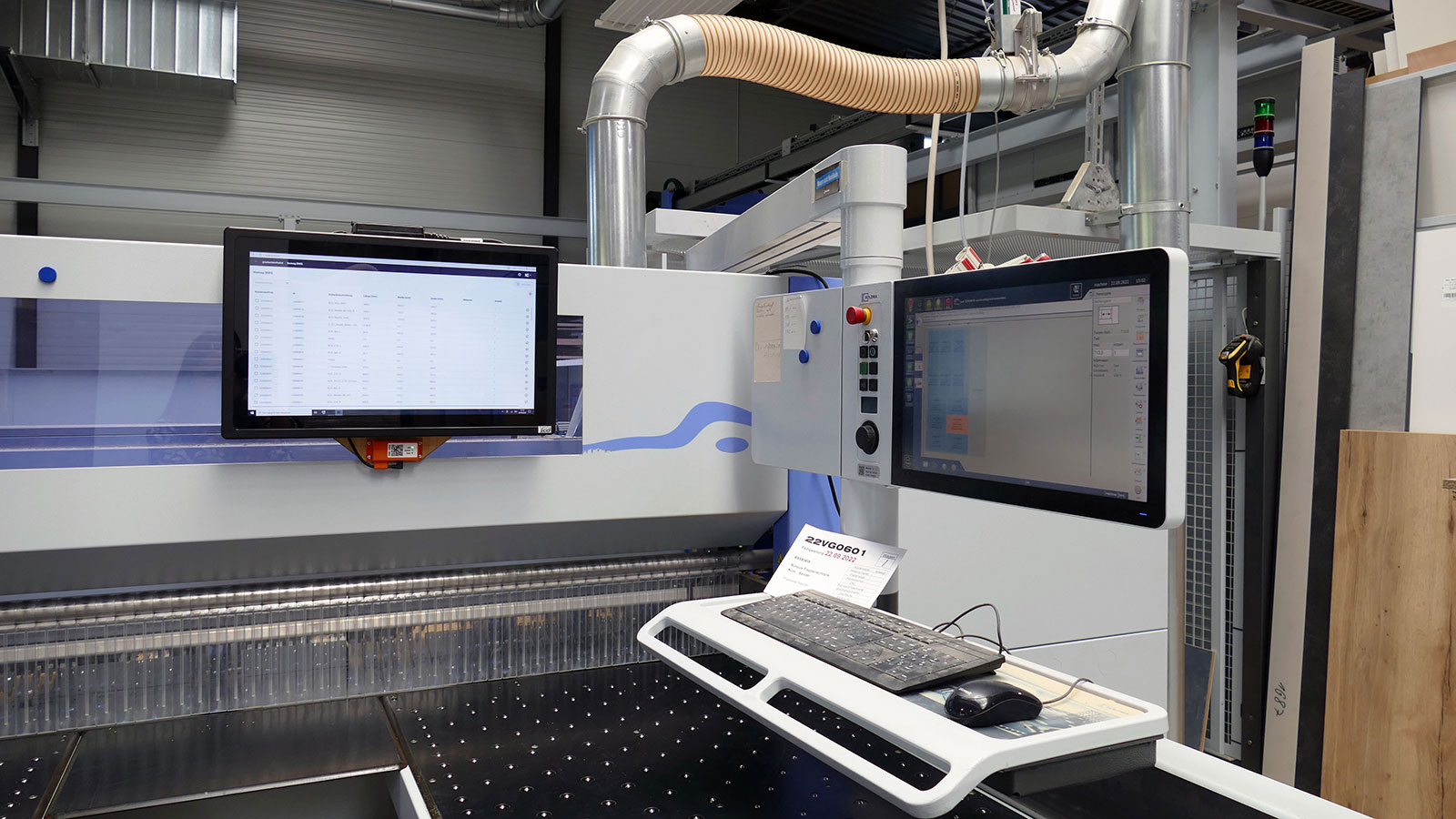
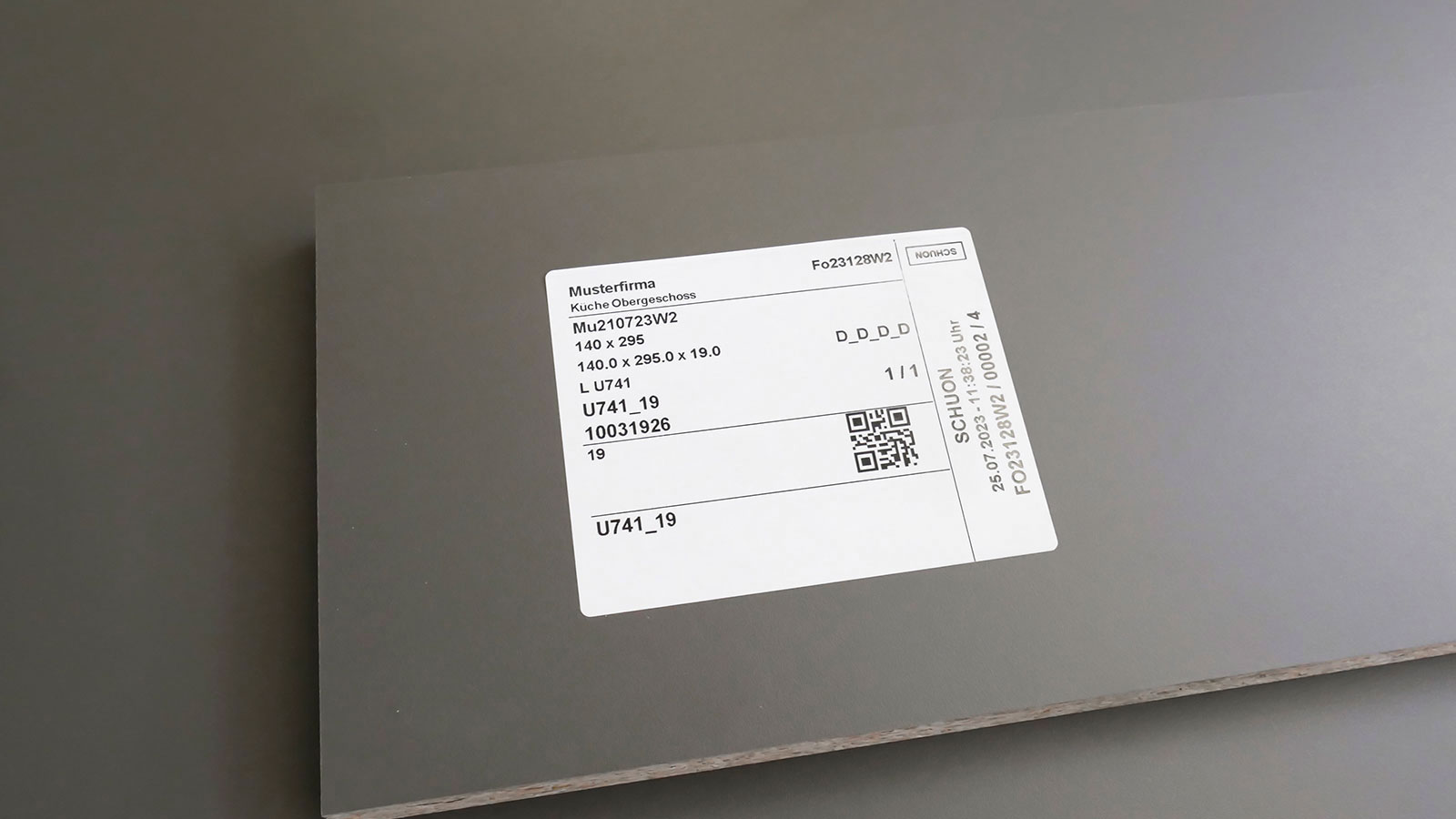
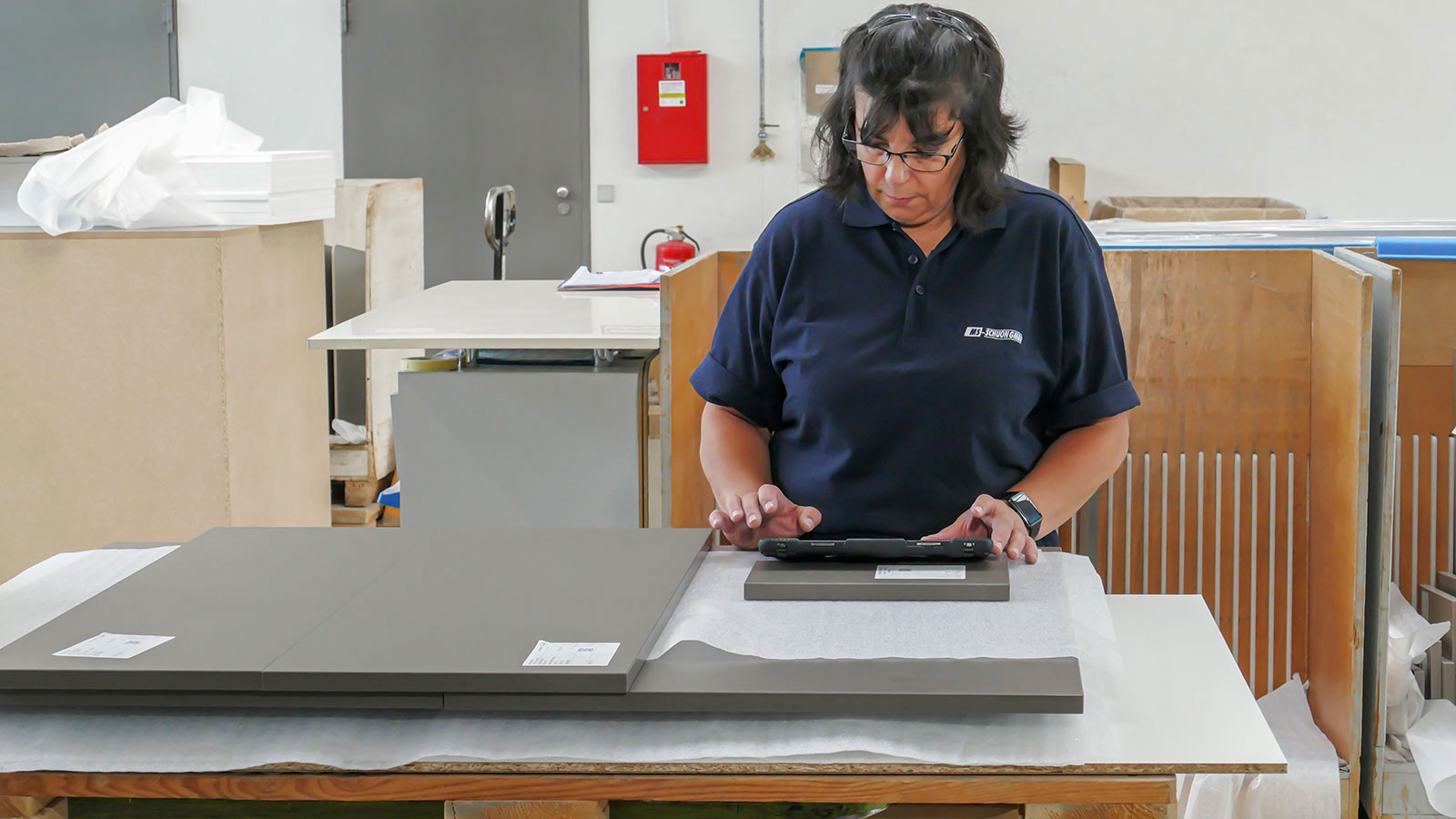
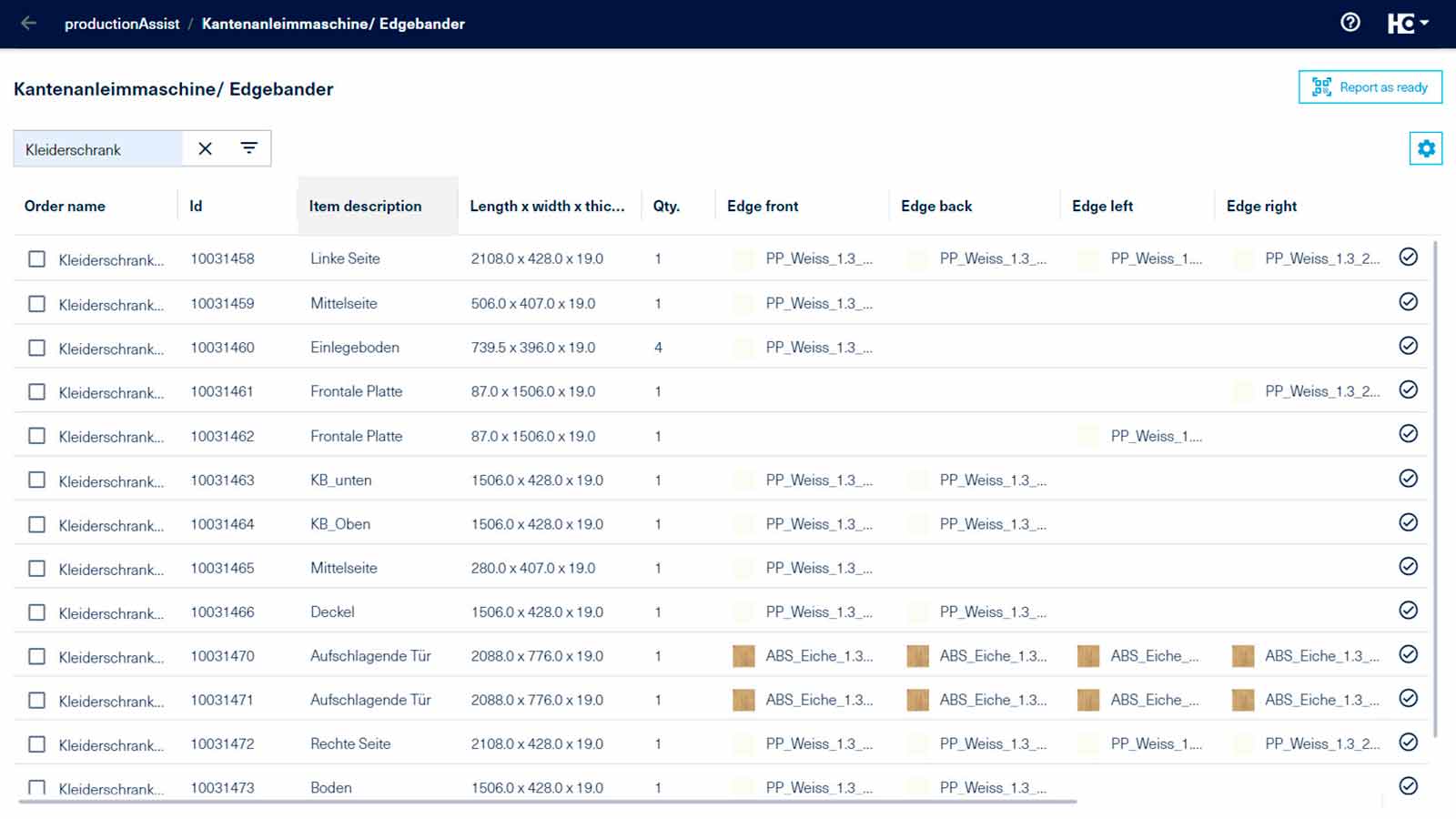
Feedback on job status within various stations in the workshop via app: The feedback assistant productionAssist Feedback (part of productionManager) is used for production. The feedback assistant displays components and items that are to be processed. Components and articles can be confirmed as "finished" by scanning or clicking. The advantage: all employees know which component or article has been processed or even assembled, because the job progress is automatically visible in productionManager.
Feedback on the job status within various stations in the workshop via the machine: Of course, the completion message can also be sent automatically via a HOMAG machine.
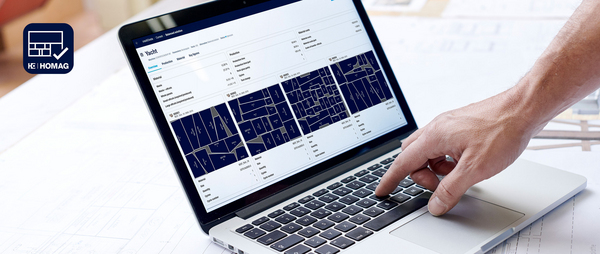
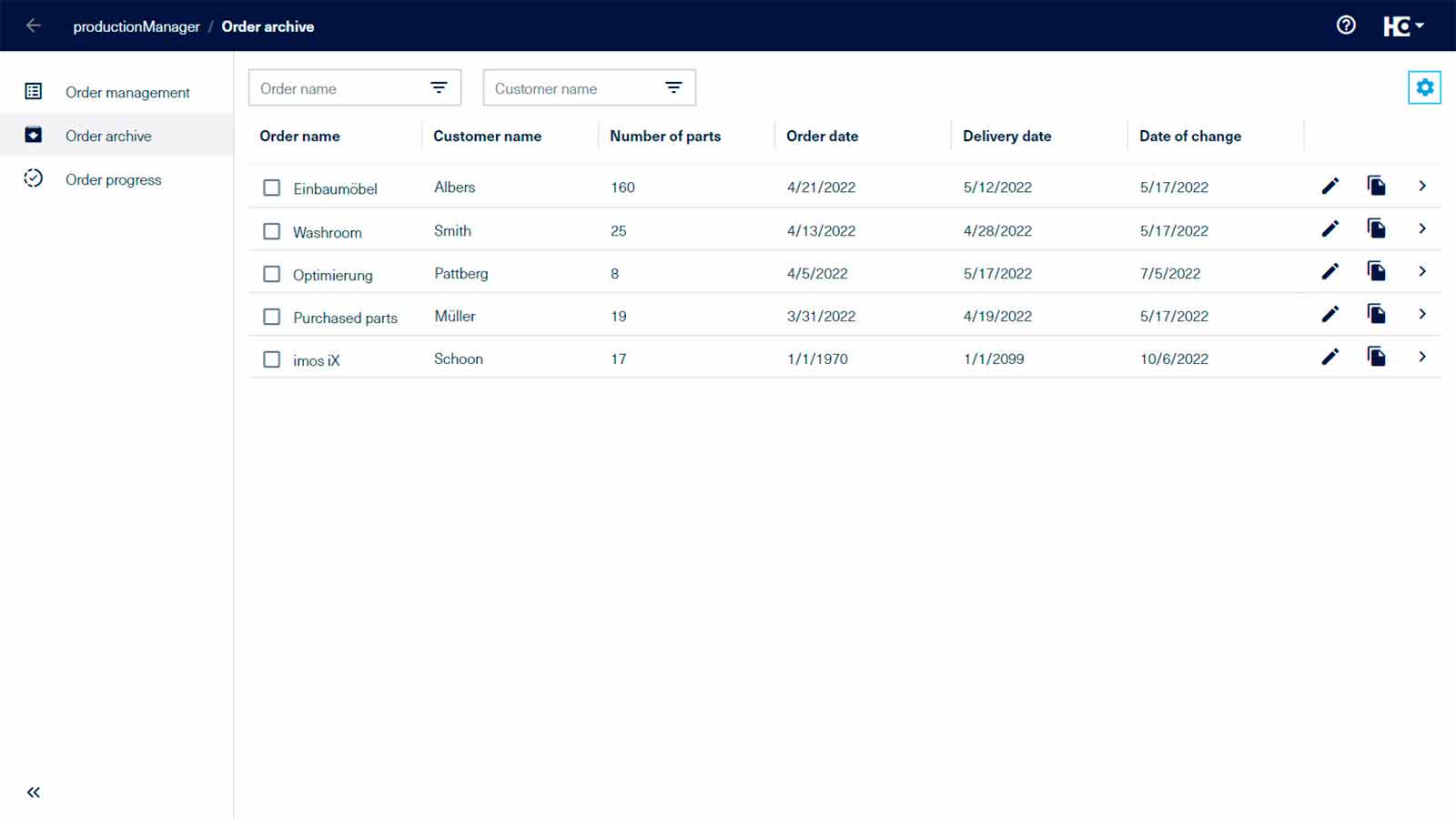
Combine jobs: The "batch formation" function allows you to combine your jobs into production batches and forward them directly to the cutting optimization software (or export them as a cutting list). Simply click to bundle your jobs according to key figures (e.g. the same materials) and thereby reduce material consumption and save money. You can also use relevant key figures to directly see the effects that your formed batches have on production.
Rework of parts: Record parts for rework and display them automatically in productionManager. It is possible to specify the error of the part, add photos or comments and notify the employee responsible. This allows a rework to be quickly incorporated into the production process in a controlled manner - and you can track your rework parts at any time in the "Order progress" area of productionManager.
Simple communication channels: Comments are entered directly in the digital job folder at the corresponding component or part. The comments are then displayed on a part-by-part basis and all employees, regardless of whether they are involved in work preparation or production, can view the comments.
The backbone of communication in the HOMAG apps: The productionManager ensures that the right information appears in the right place in work preparation and the workshop.
| Usage | Browser application for use on a PC, laptop or tablet |
| Browser | We recommend: Microsoft Edge, Google Chrome or Mozilla Firefox |
| Internet access (DSL, UTMS, LTE) | min. 5 Mbit / recommended 50 Mbit |
| Is this product available in your country? | Take a look at the availability here. |
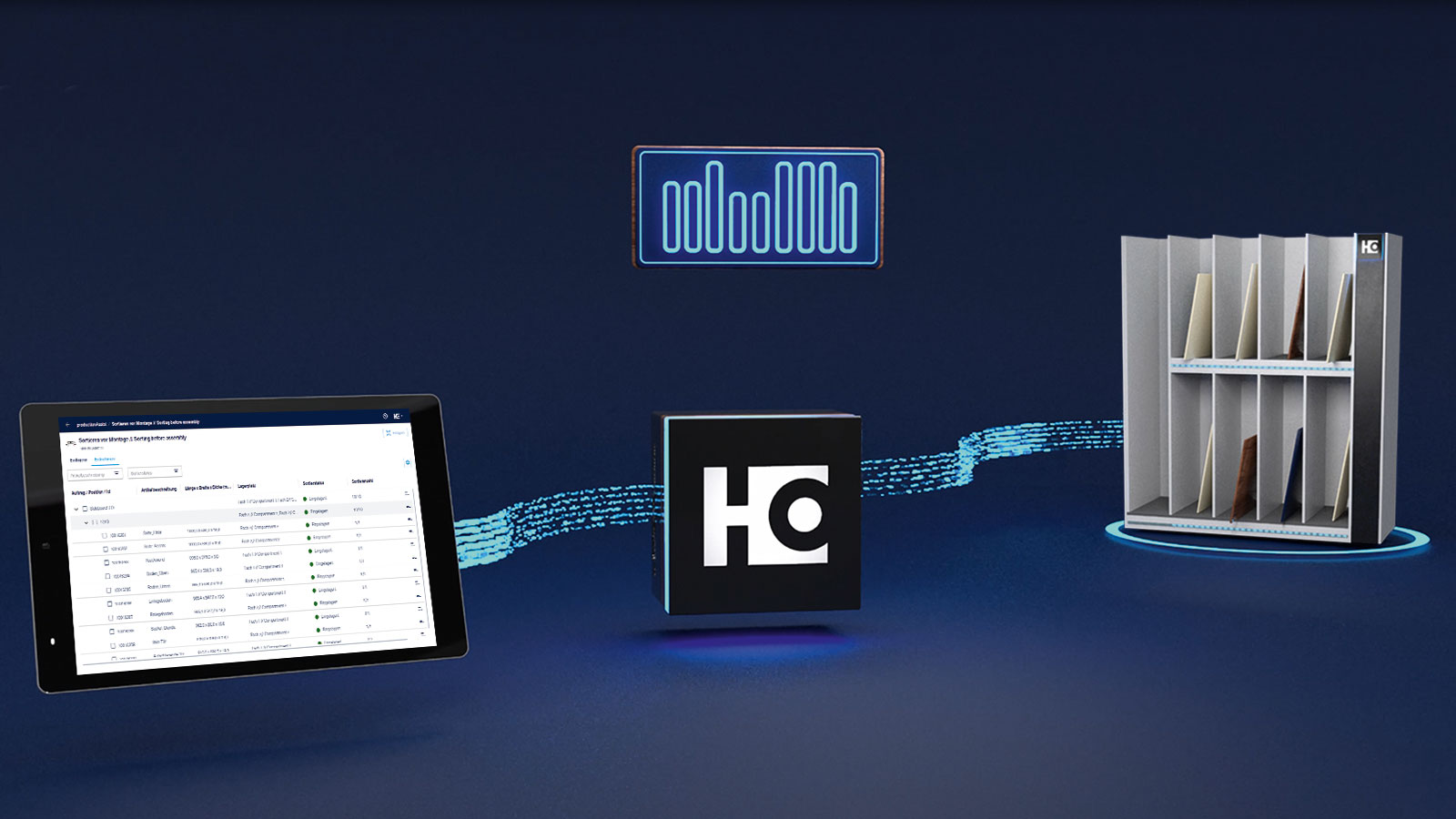
Sorting assistantDigital support for sorting your components in the workshop. As an integral part of the sorting assistant, productionManager ensures that all information about your job is available at all times - both in the work preparation and production areas.
Read more
The basic version of productionManager is free of charge. The step toward the digital future - with no risk and many possibilities.

The web-based software is always up to date and no effort is required for updates.

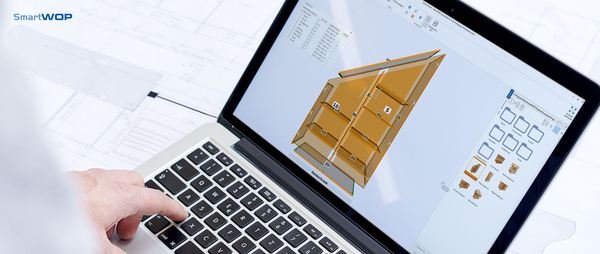
Data exchange with imos iX, Borm, Triviso and OSD ERP systems, SWOOD or SmartWOP is completely automated and perfectly uncomplicated. The result is a continuous data flow from a single source.
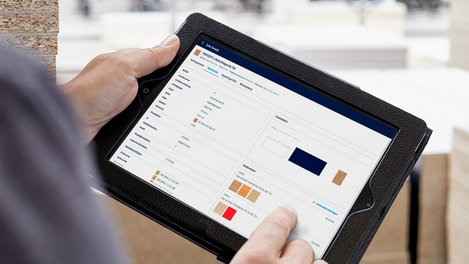
Feedback assistant You can use productionAssist Feedback to set up feedback workstations for your production. The components, assemblies and items that are to be processed are displayed on the feedback workstation.