
woodWOP CAD Plugin
- Create 2D and 3D CAD drawings directly in woodWOP
Easy programming of workpieces in 3D
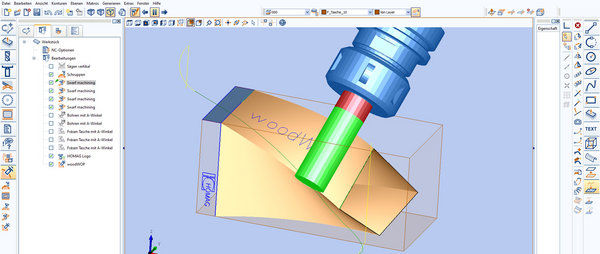
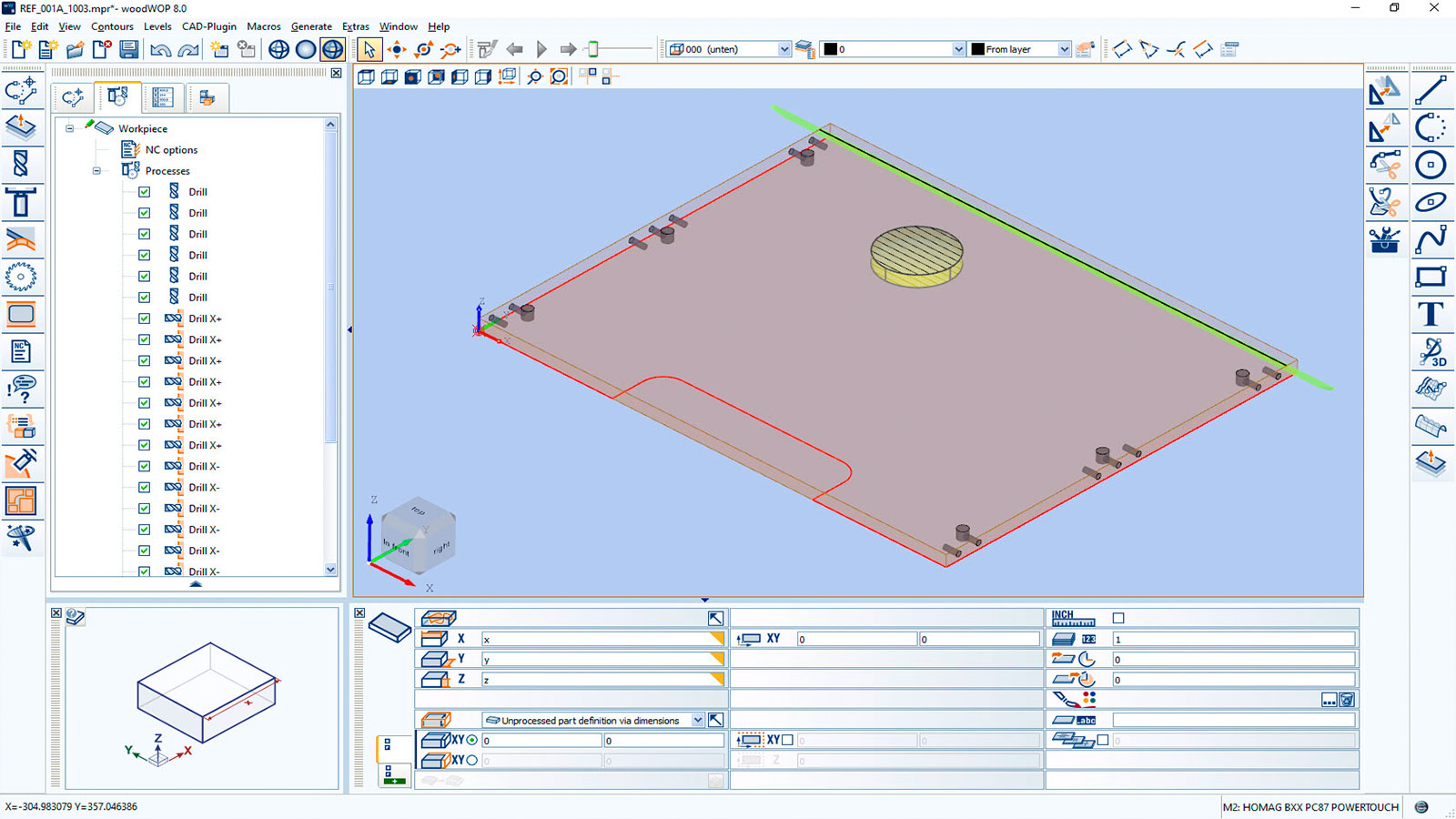
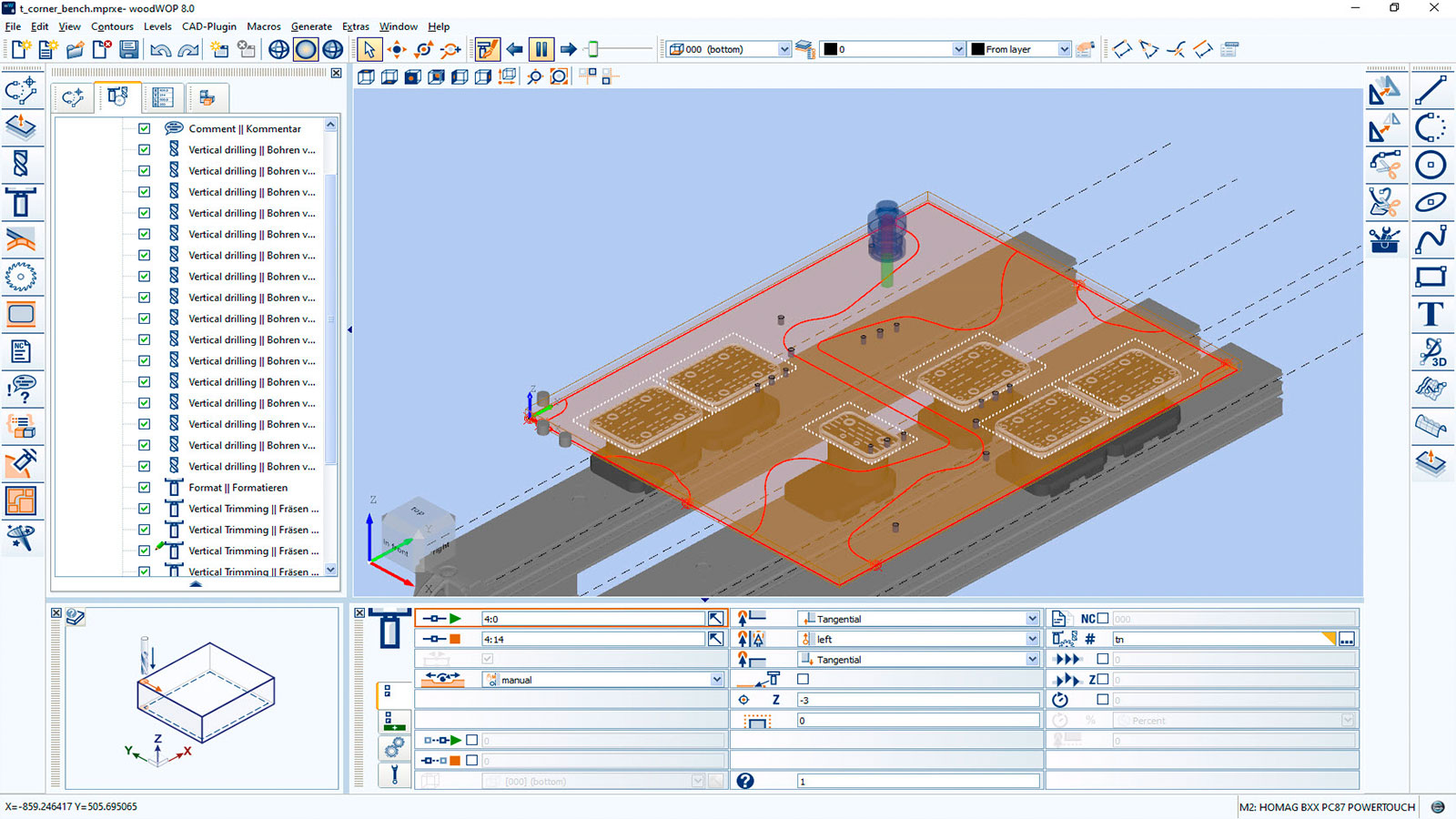
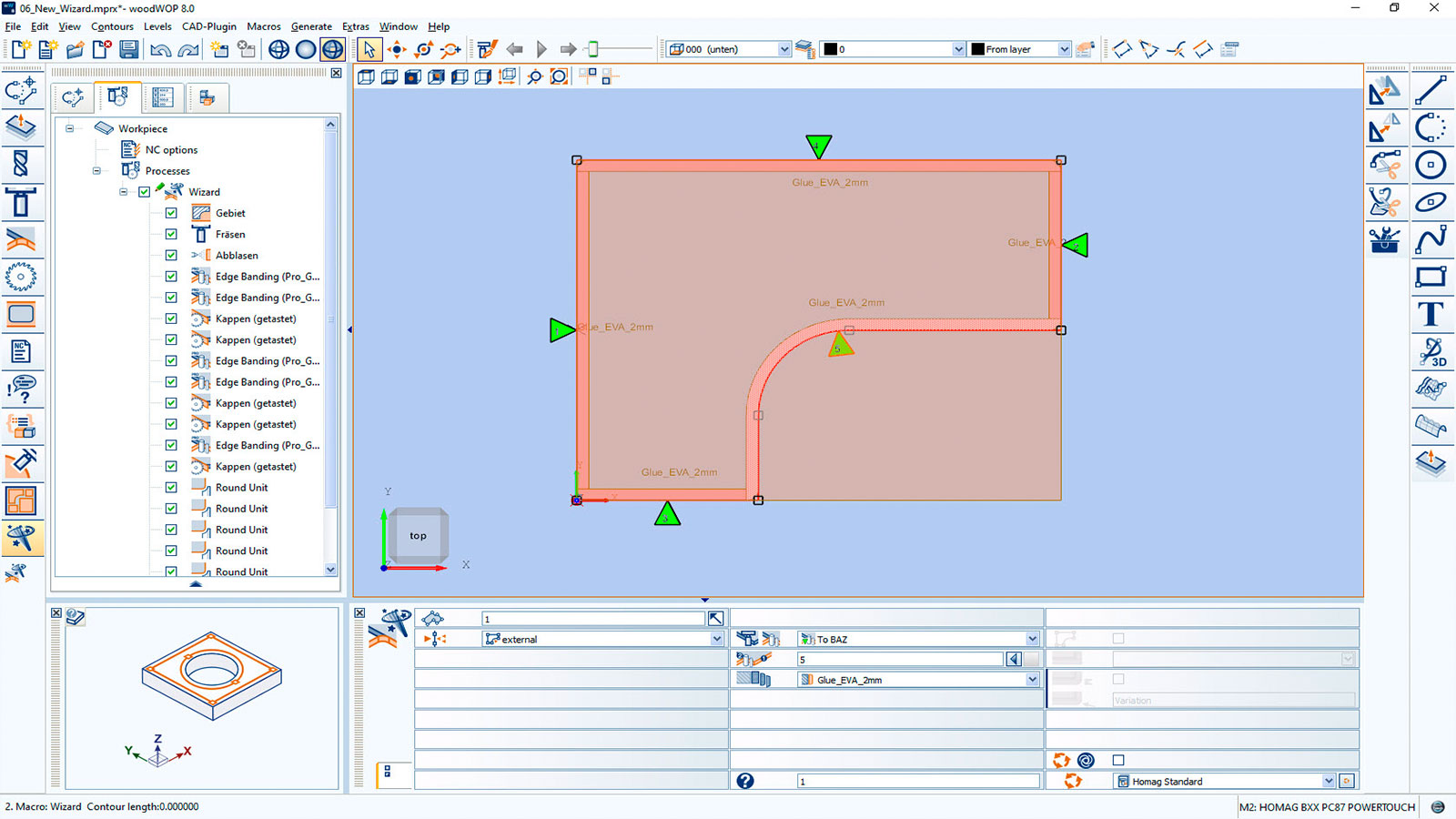
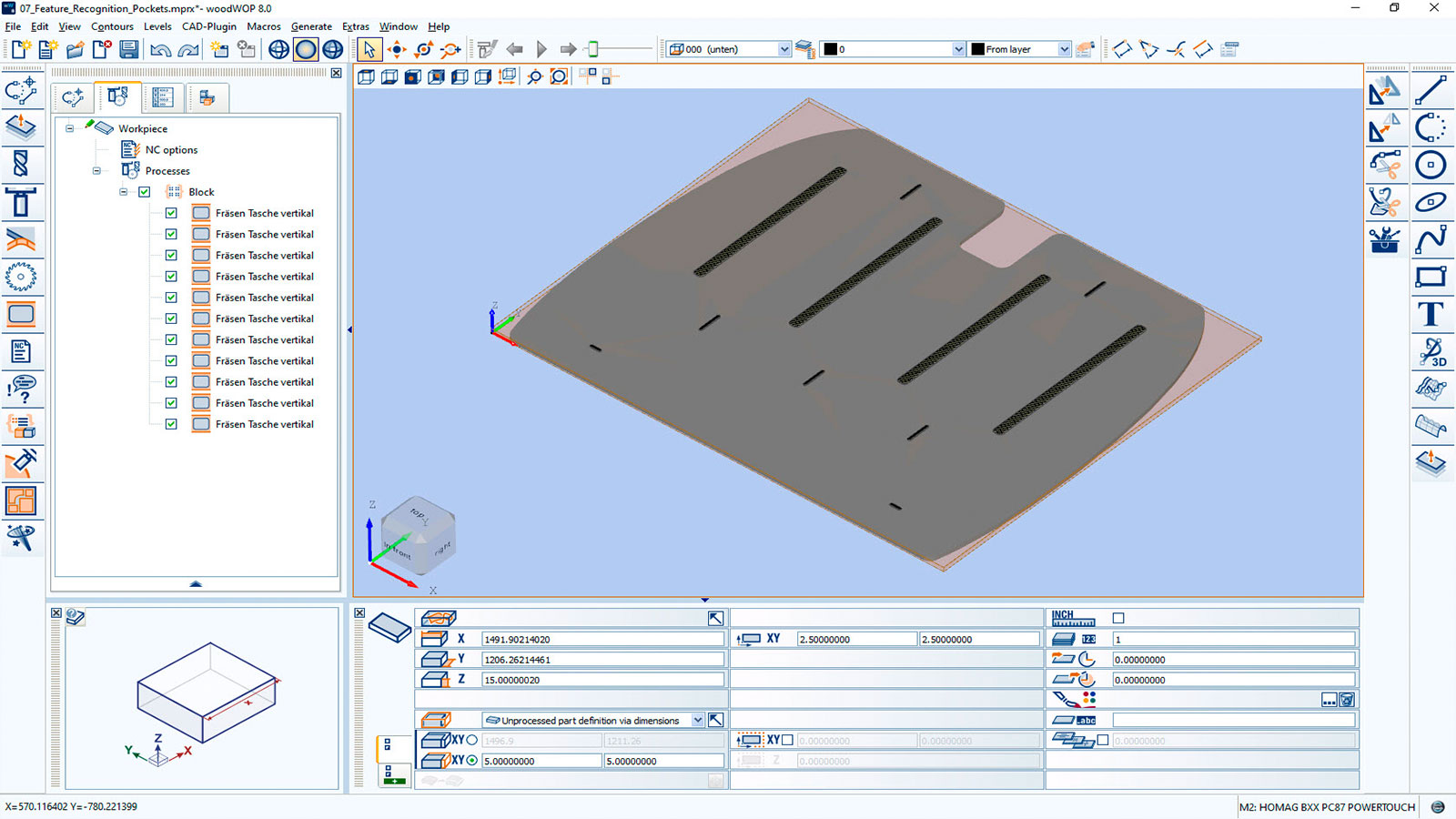
The woodWOP interface is centered around the large graphics area. The workpiece, processing steps and clamping equipment are displayed in 3D. Trimming, bore holes and saw cuts can be programmed quickly and easily by entering the processing parameters, and can then be checked immediately in the graphics area. This optimizes programming reliability and enables you to constantly monitor the creation of the program.
Numerous standard processing steps, such as bore holes, saw cuts and pocket trimming, ensure that it is easy to get the program started
Easily save your own processing steps and insert at the click of a mouse using components
Global online forum for CNC programming: https://forum.homag.com
Share your ideas with colleagues!
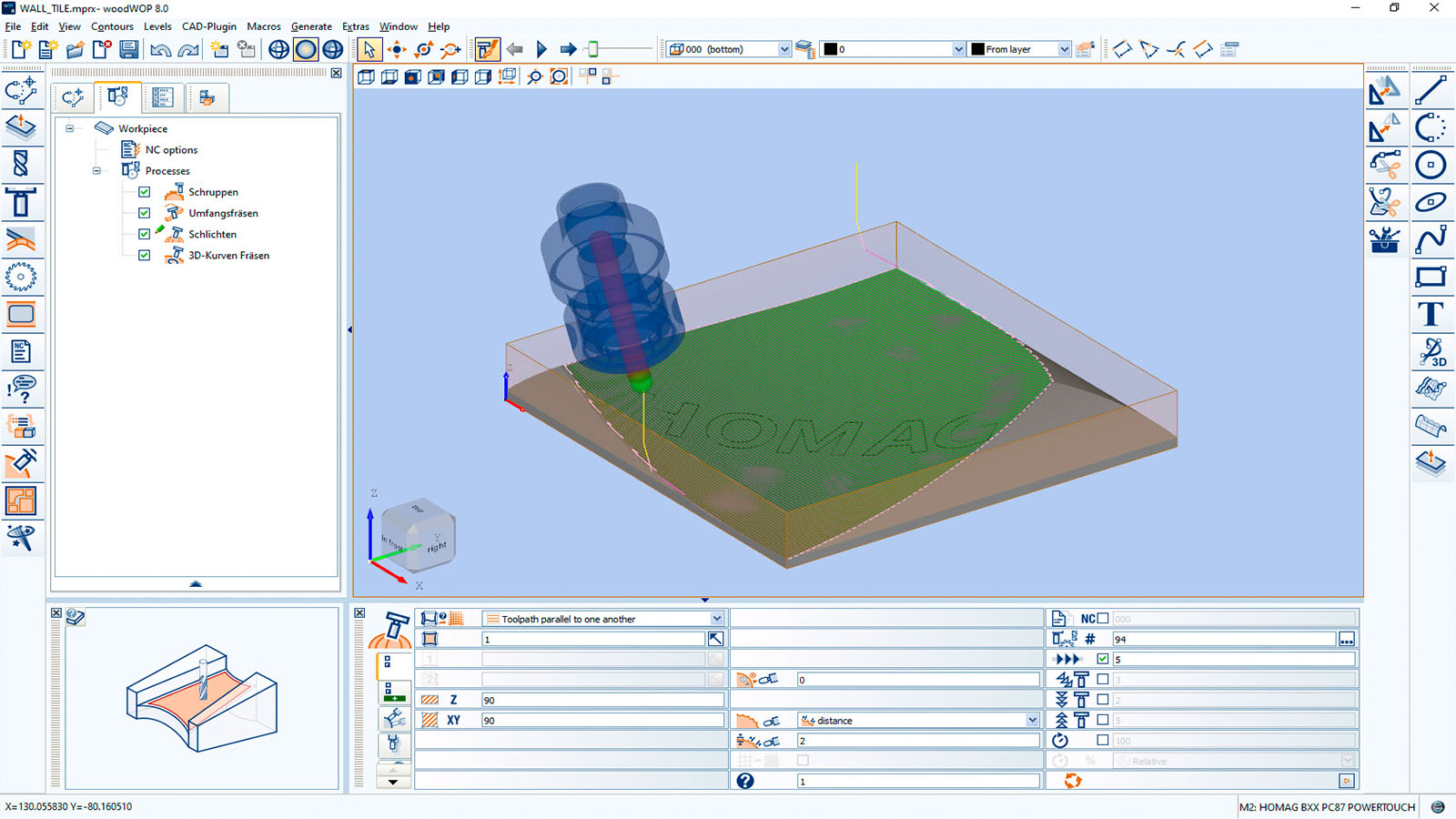
Automatically generate milling paths from 3-axis processing right through to interpolating 5-axis processing with the CAM plugin (optional)
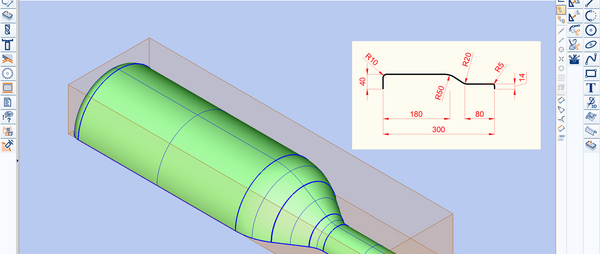
Design 3D surfaces and import 3D models from external CAD systems with the CAD plugin (optional)
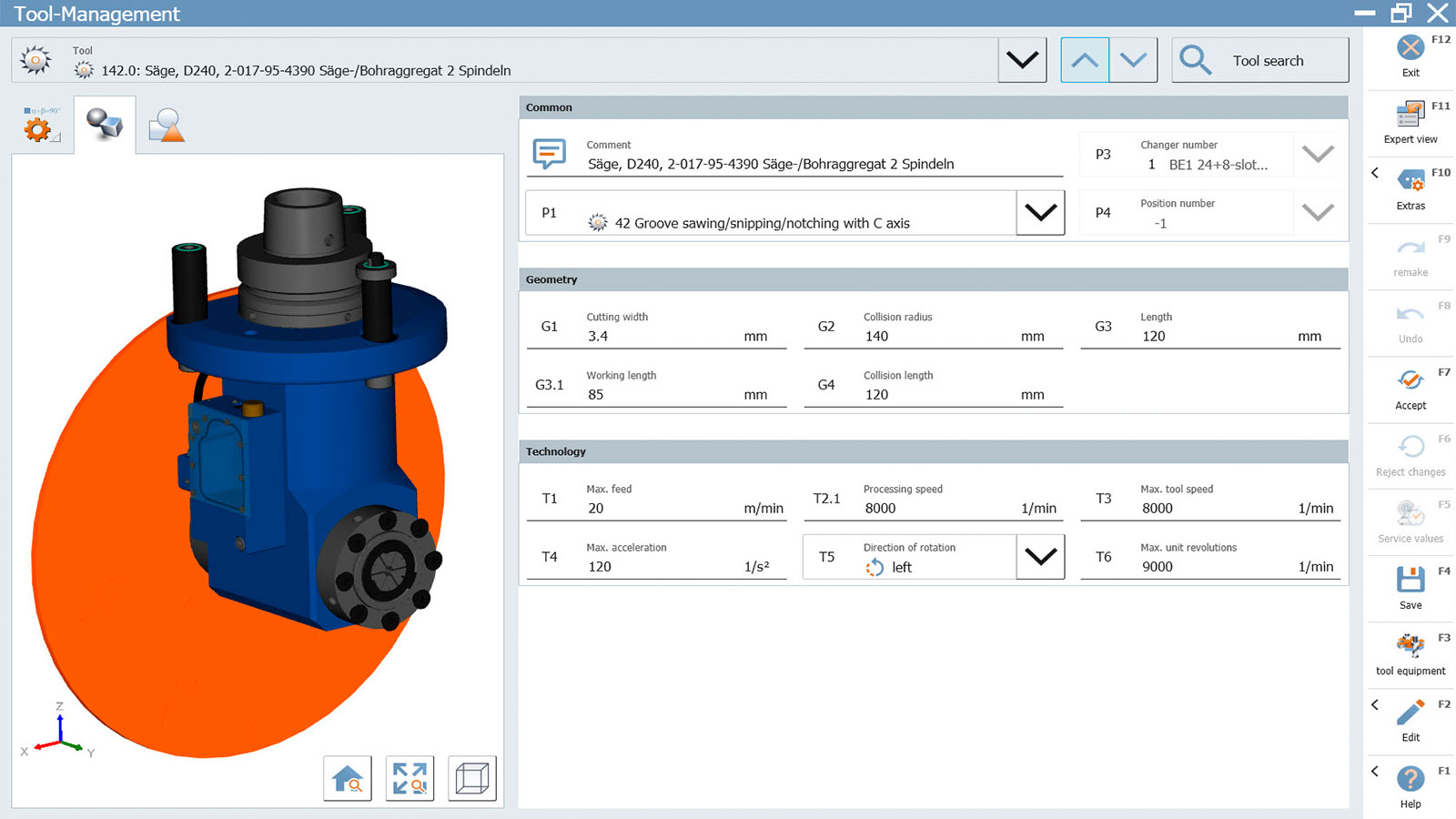
Work preparation is optimized thanks to a simulation of the processing steps with material removal, collision detection and time calculation with woodMotion (optional)