MOS Robotics

Production Management

Sorting Production Set: The sorting assistant

Download PDF
HighlightsFeaturesTechnical dataSpecial featuresFurther solutions

Every part has its place - with our assistant for the sorting of furniture components

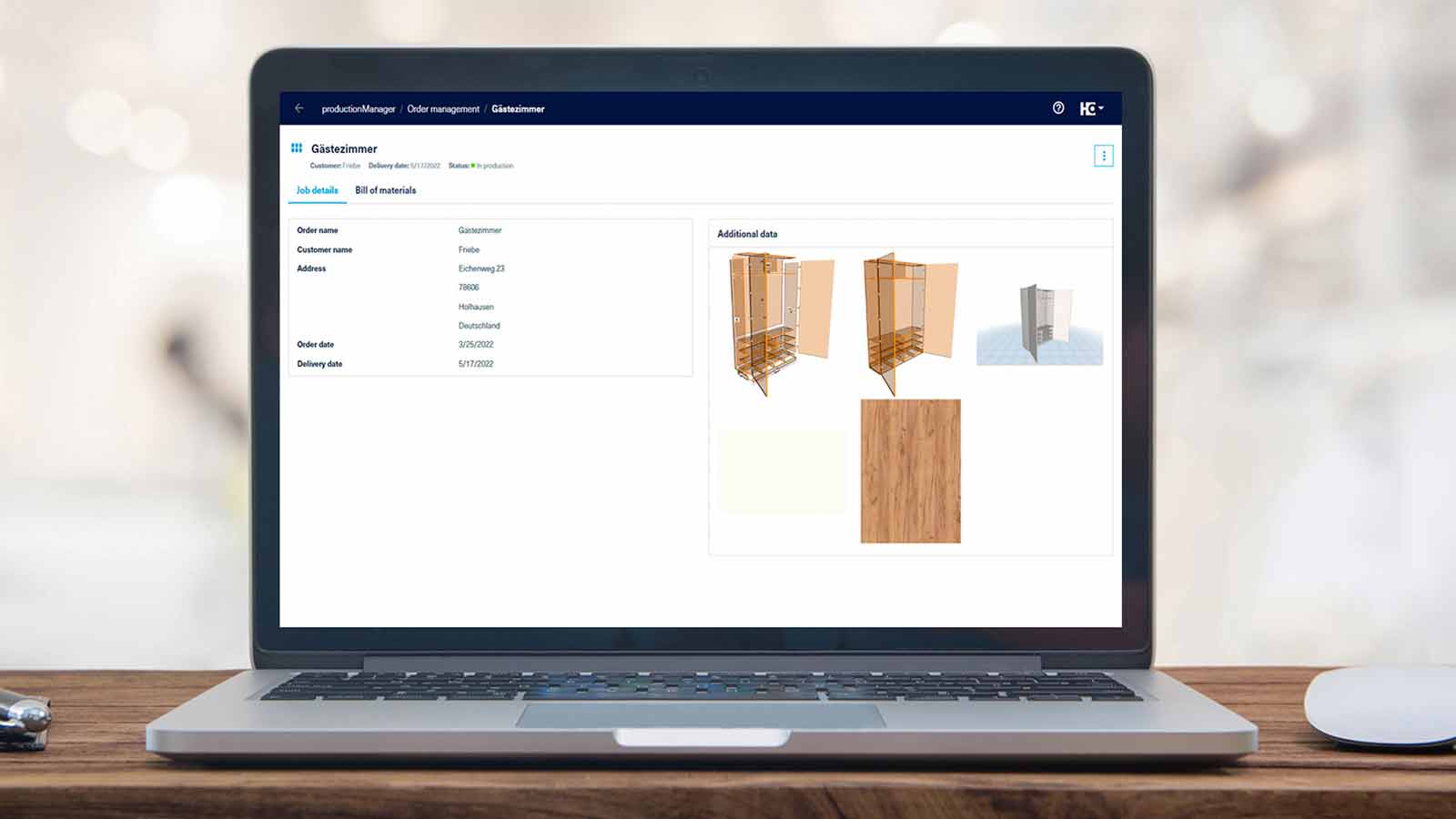
Our sorting assistant supports you with the sorting of components in the workshop. In this way, you always have an overview of the furniture parts for which processing has already been finished and which are complete for assembly, packaging or further processing. The productionManager (part of the sorting assistant) provides you with all the information about your job at all times. You can view the status of your parts in the job progress - and in real time! This allows you to create consistent and transparent workflows for your entire business.

Highlights

Transparent: Overview of the completeness of the furniture or components to be sorted. You can sort your parts cabinet by cabinet and prepare them for the assembly area.
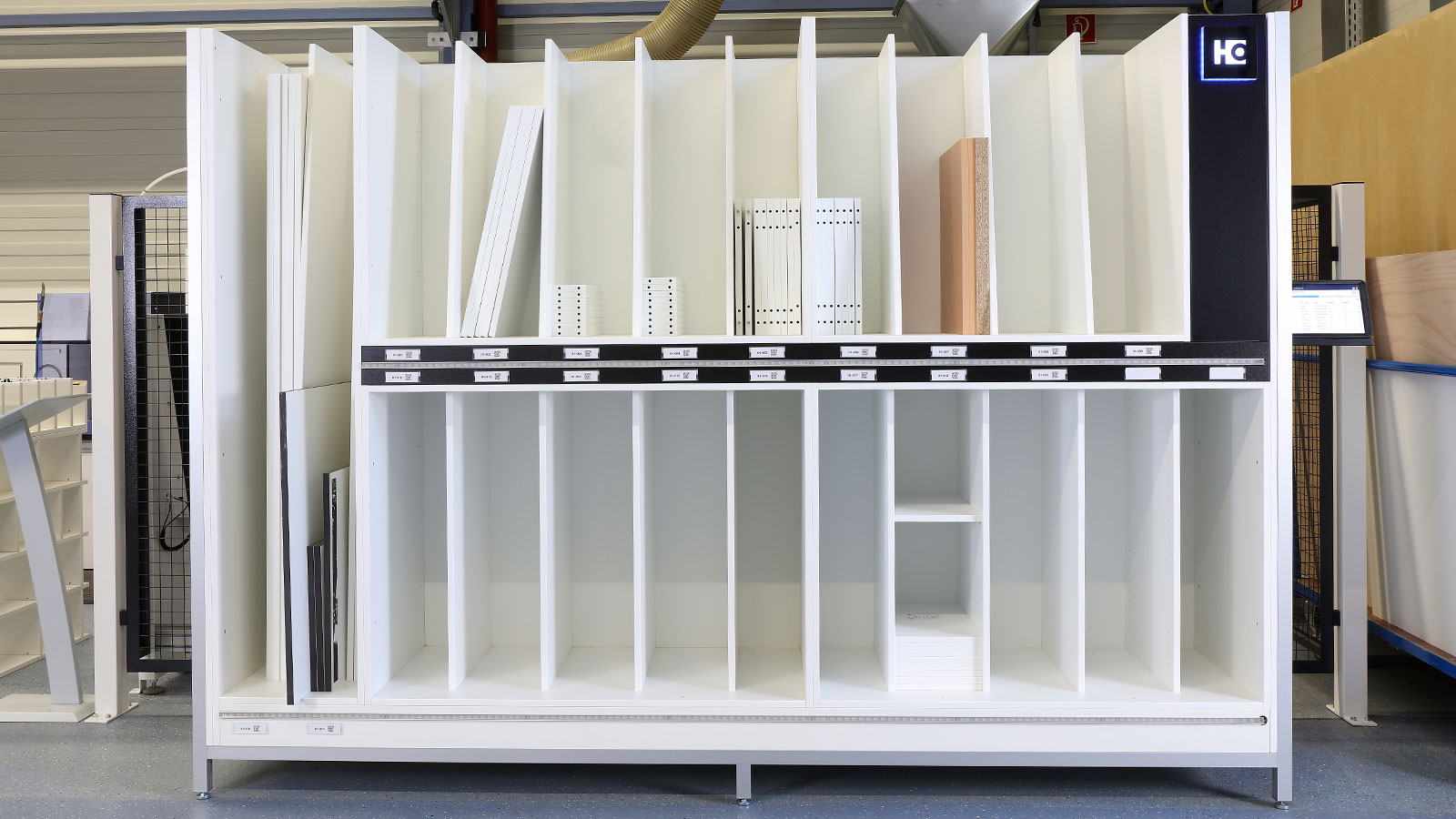
Transparent: Overview of the completeness of the furniture or components to be sorted. You can sort your parts cabinet by cabinet and prepare them for the assembly area.

Saves time and secures workflows: No waiting times due to missing parts - all parts for assembly are complete. The productionManager, the digital job folder, also provides all information (including drawings).
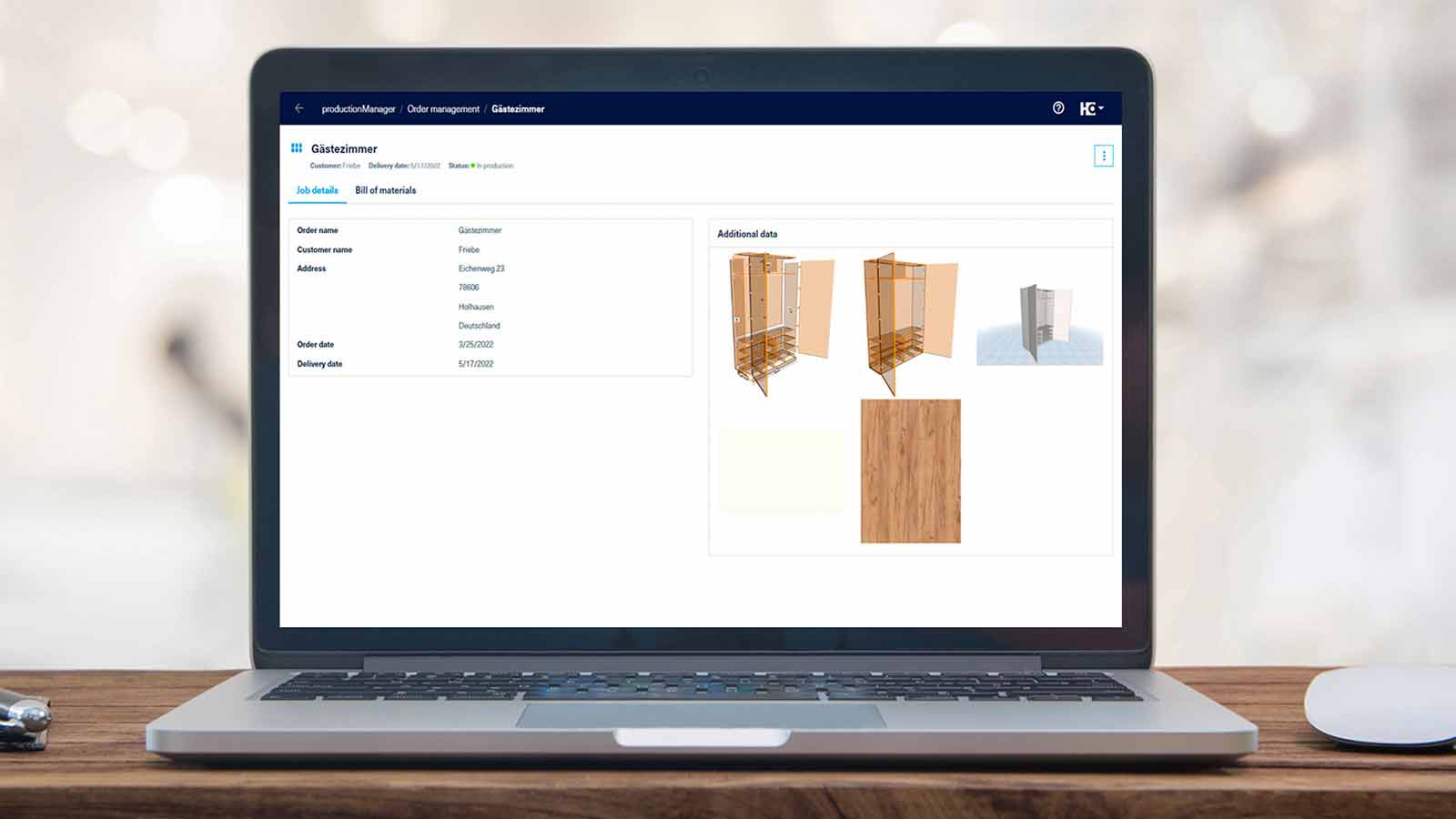
Saves time and secures workflows: No waiting times due to missing parts - all parts for assembly are complete. The productionManager, the digital job folder, also provides all information (including drawings).

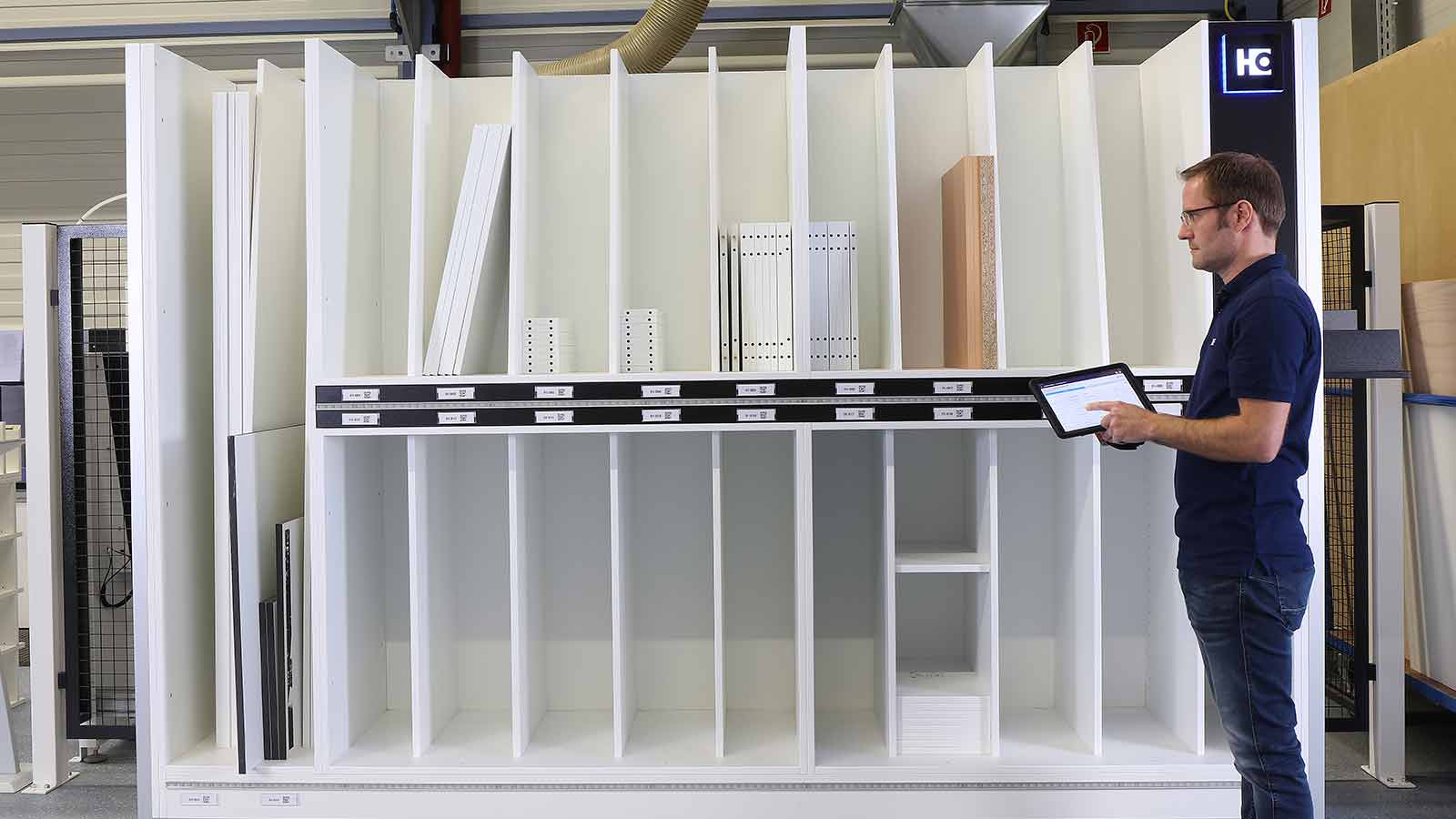
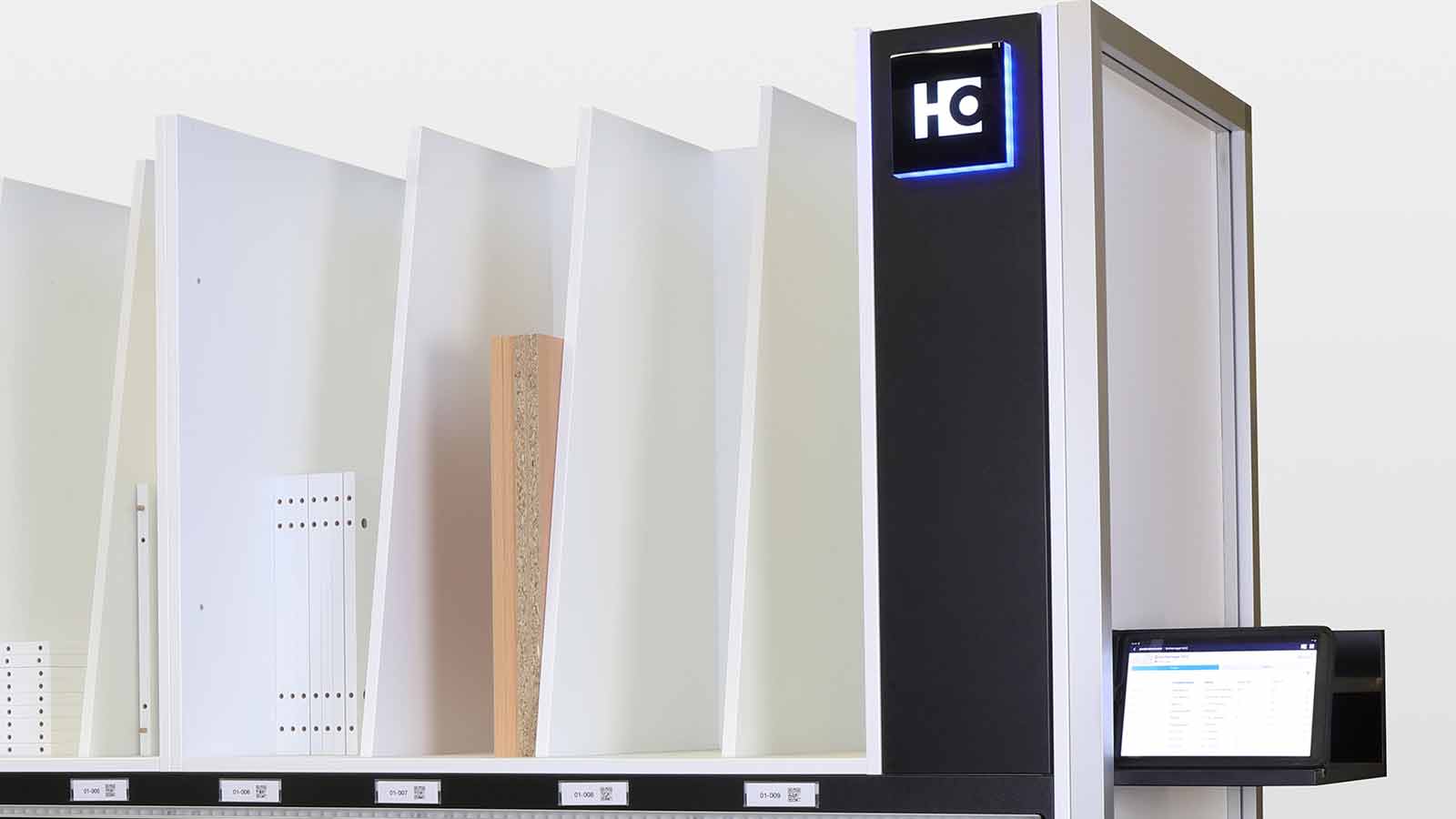
Intelligent way of working: The productionAssist Sorting app notes the storage positions used in the intelligent sorting shelf and suggests the appropriate storage position for your components.
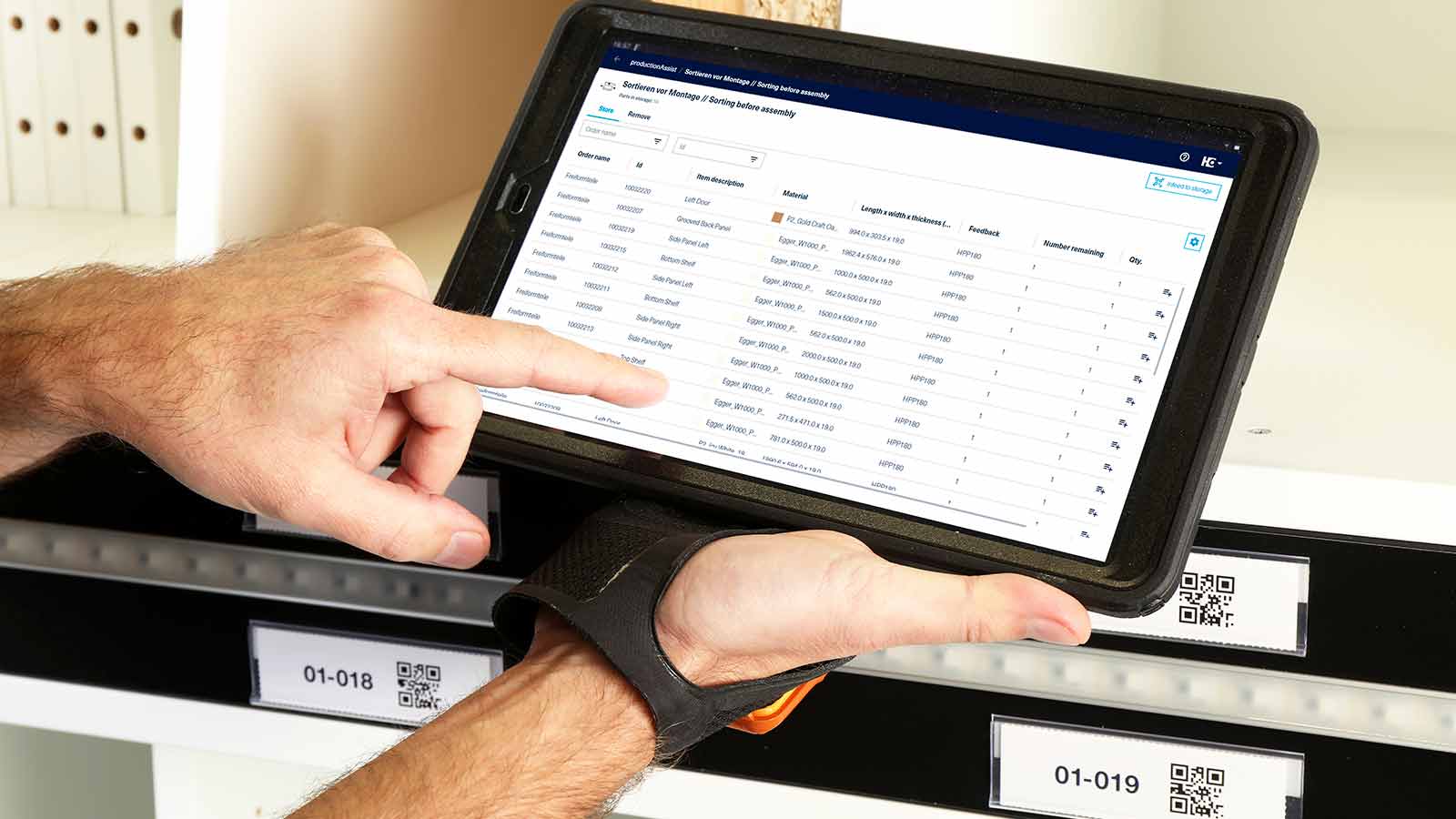
Intelligent way of working: The productionAssist Sorting app notes the storage positions used in the intelligent sorting shelf and suggests the appropriate storage position for your components.

Features

  • What does the Sorting Production Set consist of?
    The following components are included in the scope of delivery:

  • The workflow in the workshop:

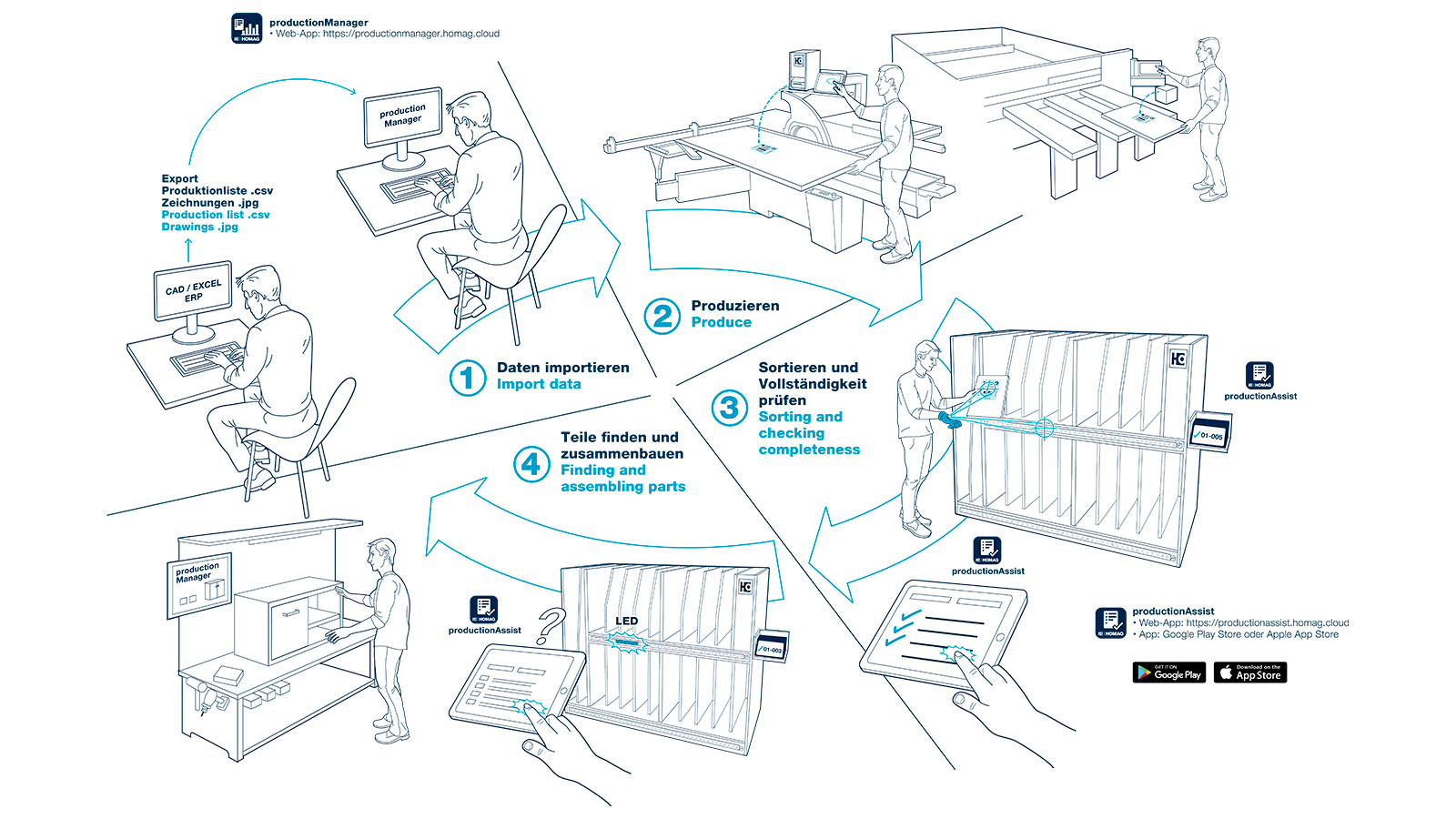
    • During work preparation, an order is first created, imported or transferred from the upstream system into the digital job folder, productionManager. If the order is approved, processing starts.
    • During the production of your components and furniture, you always have an overview of the status of your orders.

    Sorting after cutting

    • Each component is given its own label during cutting to aid identification.
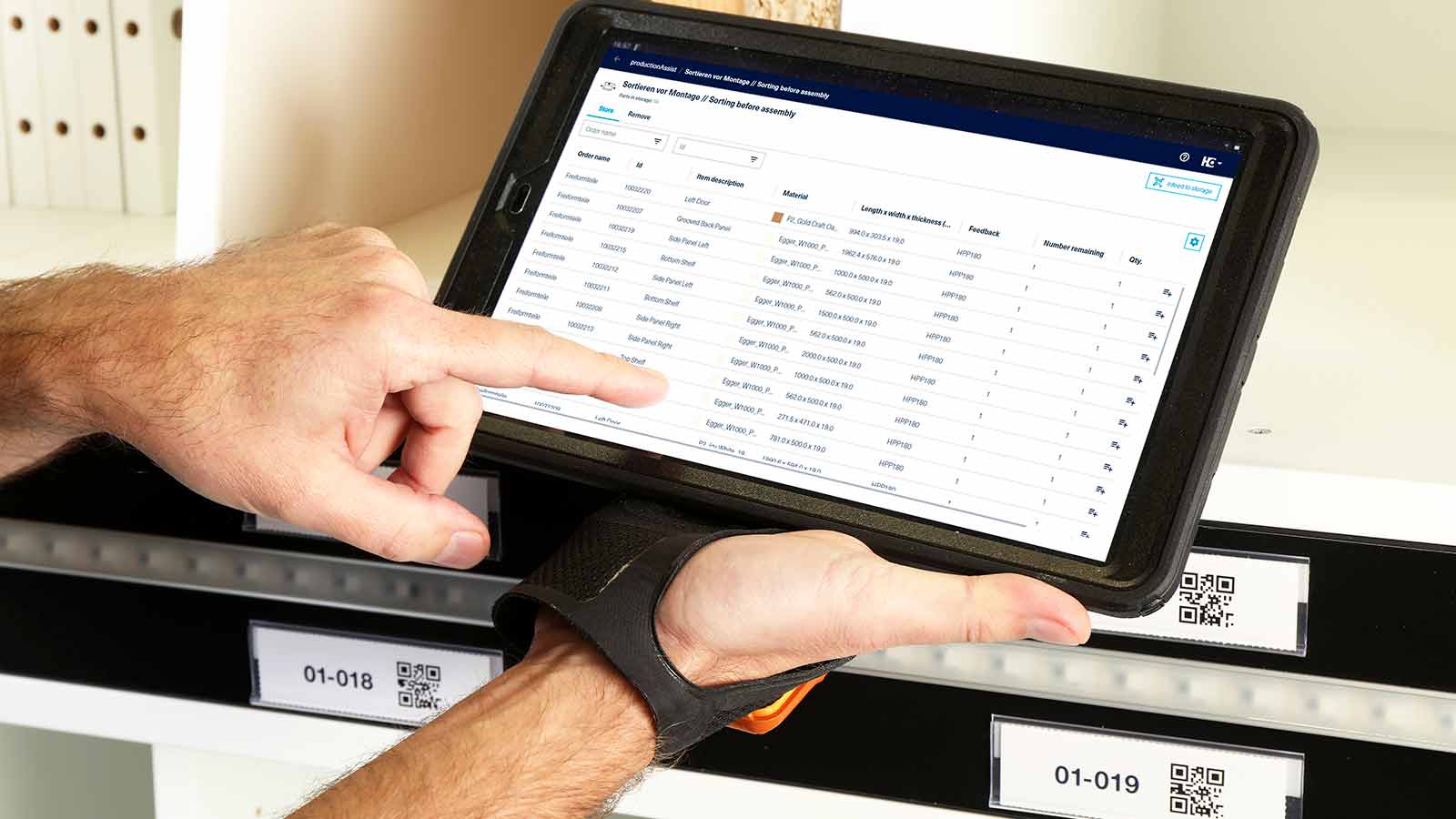
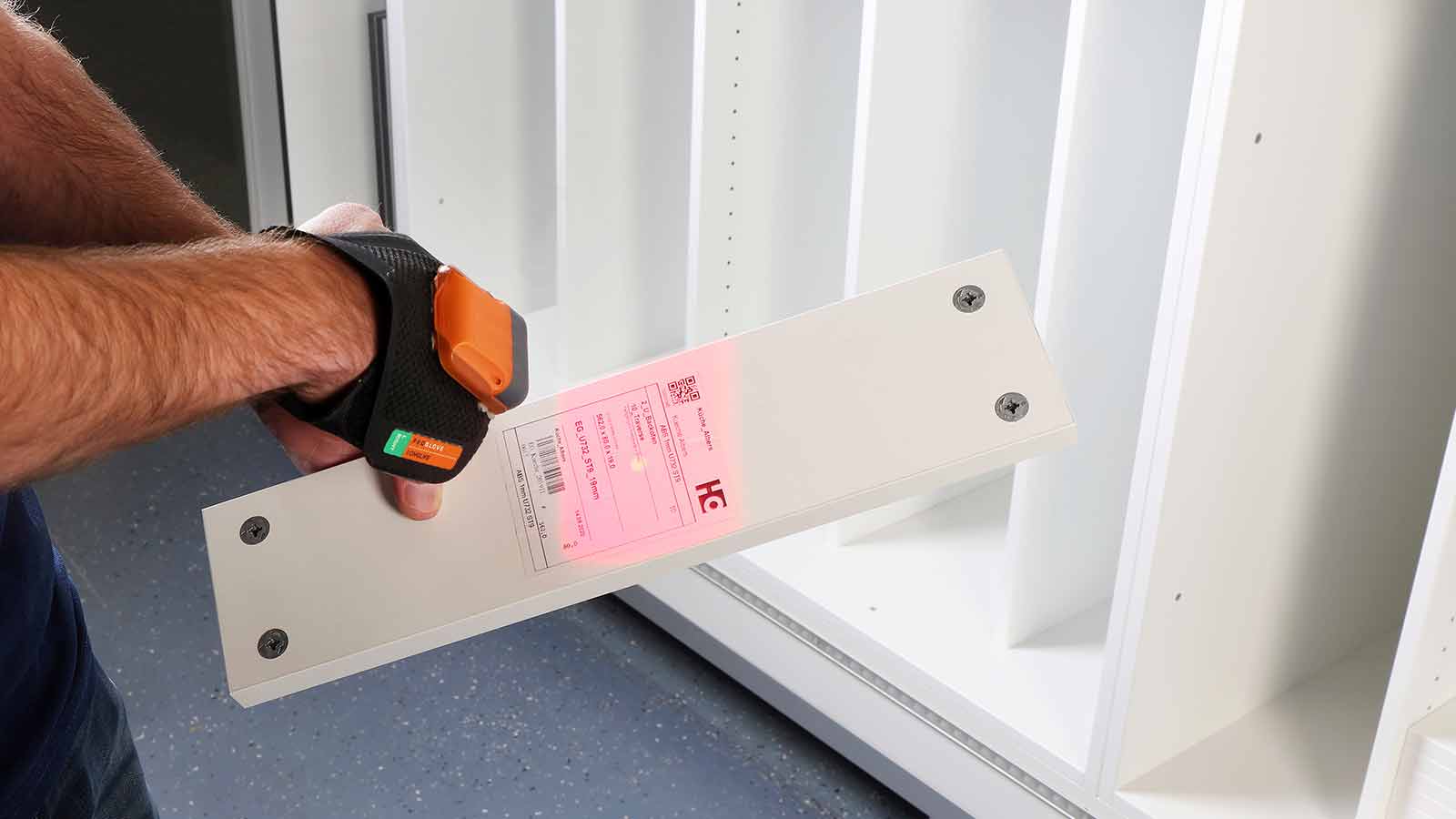
    • To begin sorting after cutting and thus optimally prepare the components for edging, scan the label on the workpiece and the productionAssist Sorting app will suggest a storage position depending on the edges to be glued to the respective component. Parts can also be assigned manually by clicking in the app.
    • Once all parts of an order have been sawn and sorted in full, the app provides feedback, which means that you can edge similar parts together. The missing parts can be displayed at any time.

    Sorting before the assembly area

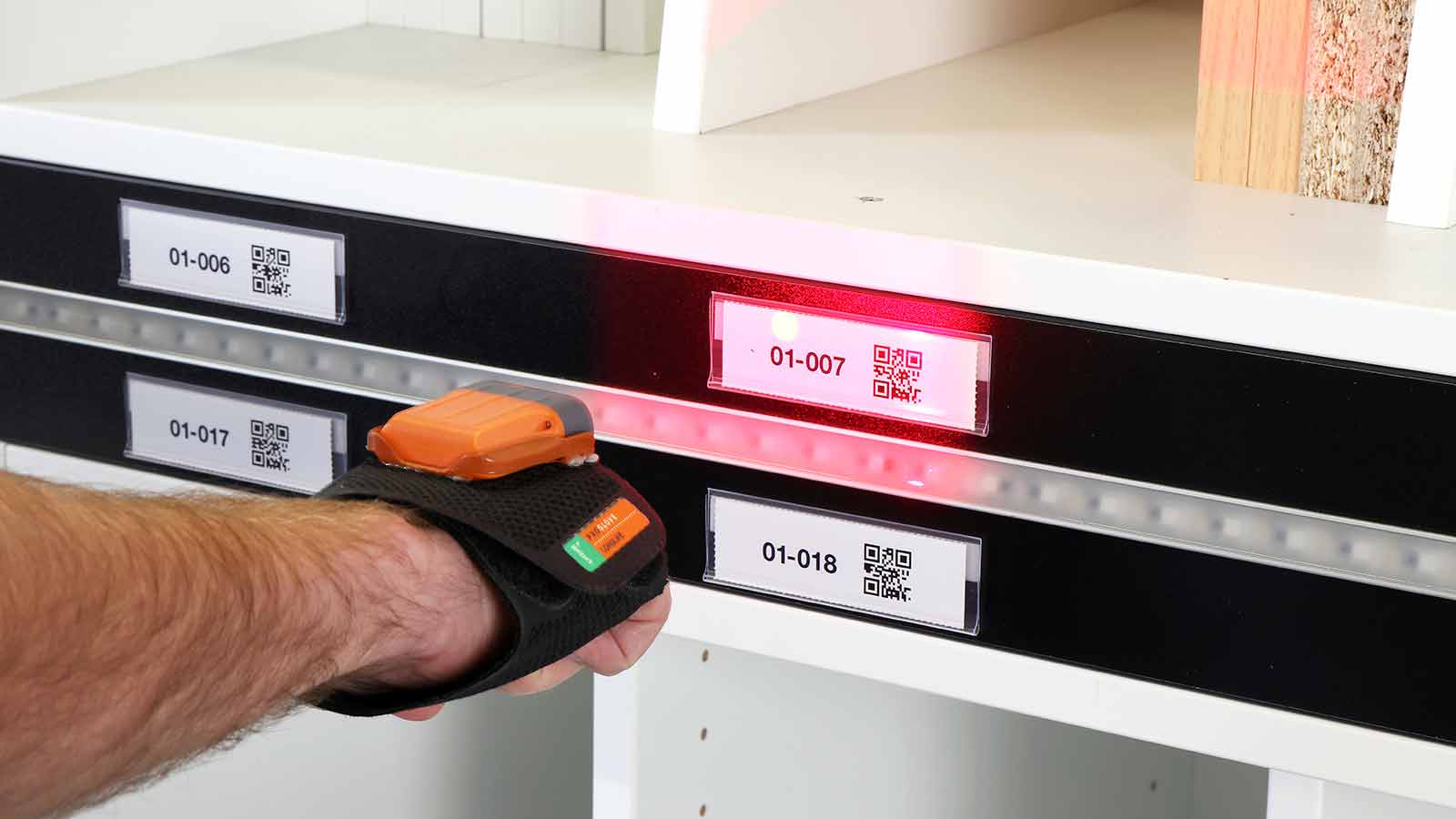
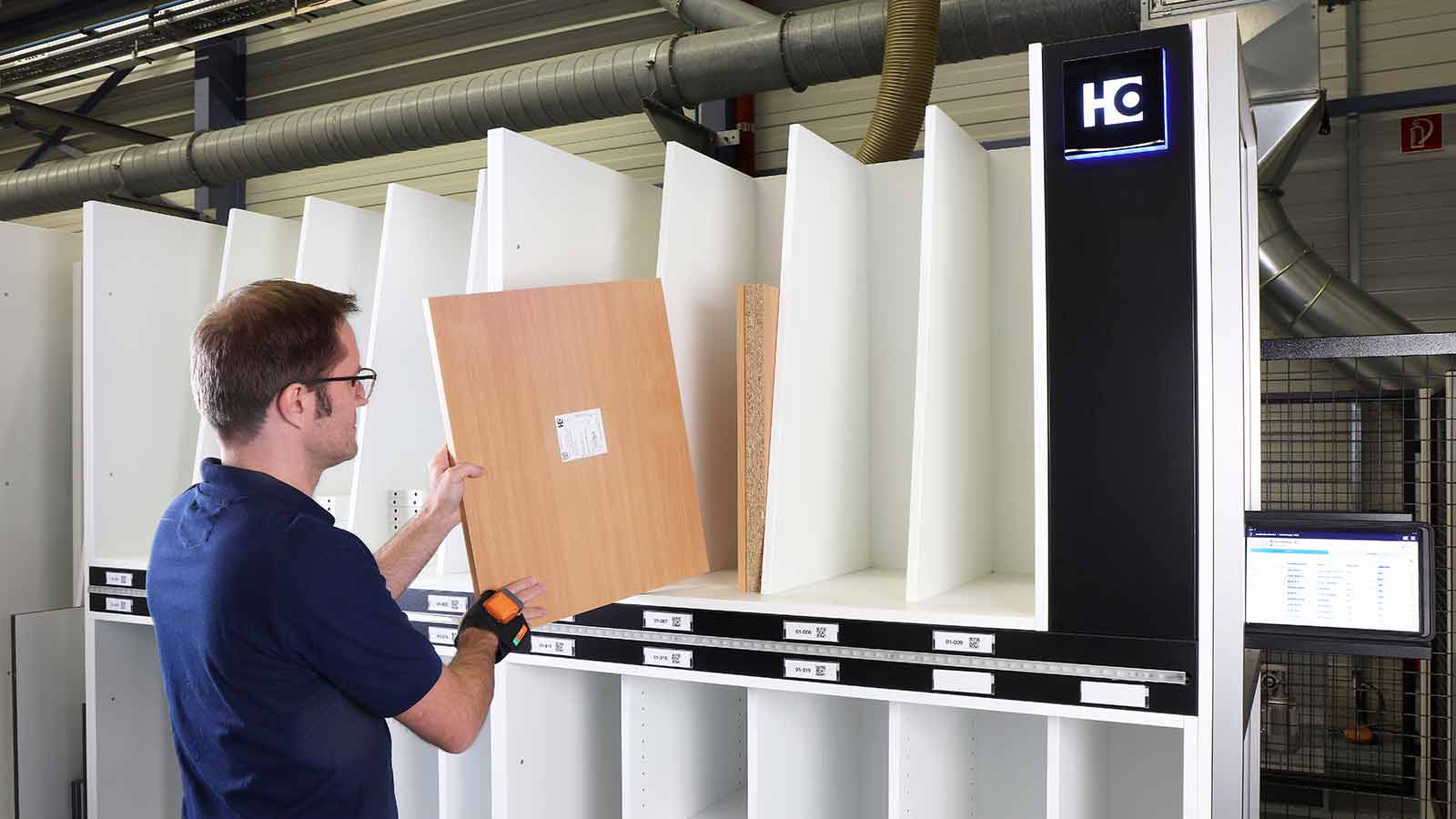
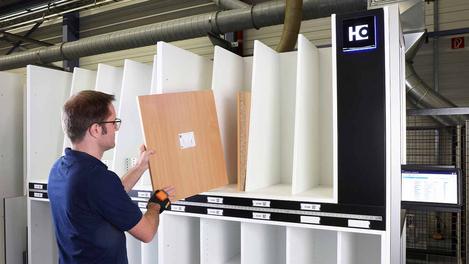
    • Before the assembly area, sort all finished parts systematically (by order item/item or all parts of an order) in the shelf. To enable this, when you scan the label on the workpiece, the productionAssist Sorting app suggests a shelf compartment for storage. The part can be assigned manually in the app or by scanning the compartment barcode, e.g. using a scanner glove.
    • If all parts of a piece of furniture are complete, the app will send feedback to say that the order is complete. The missing parts for each order can be displayed at any time.
    • As soon as the parts are to be removed from the shelf, the app and the LEDs on the shelf indicate where the corresponding parts are located.

Technical data

Is this product available in your country? Take a look at the availability here.
Special features

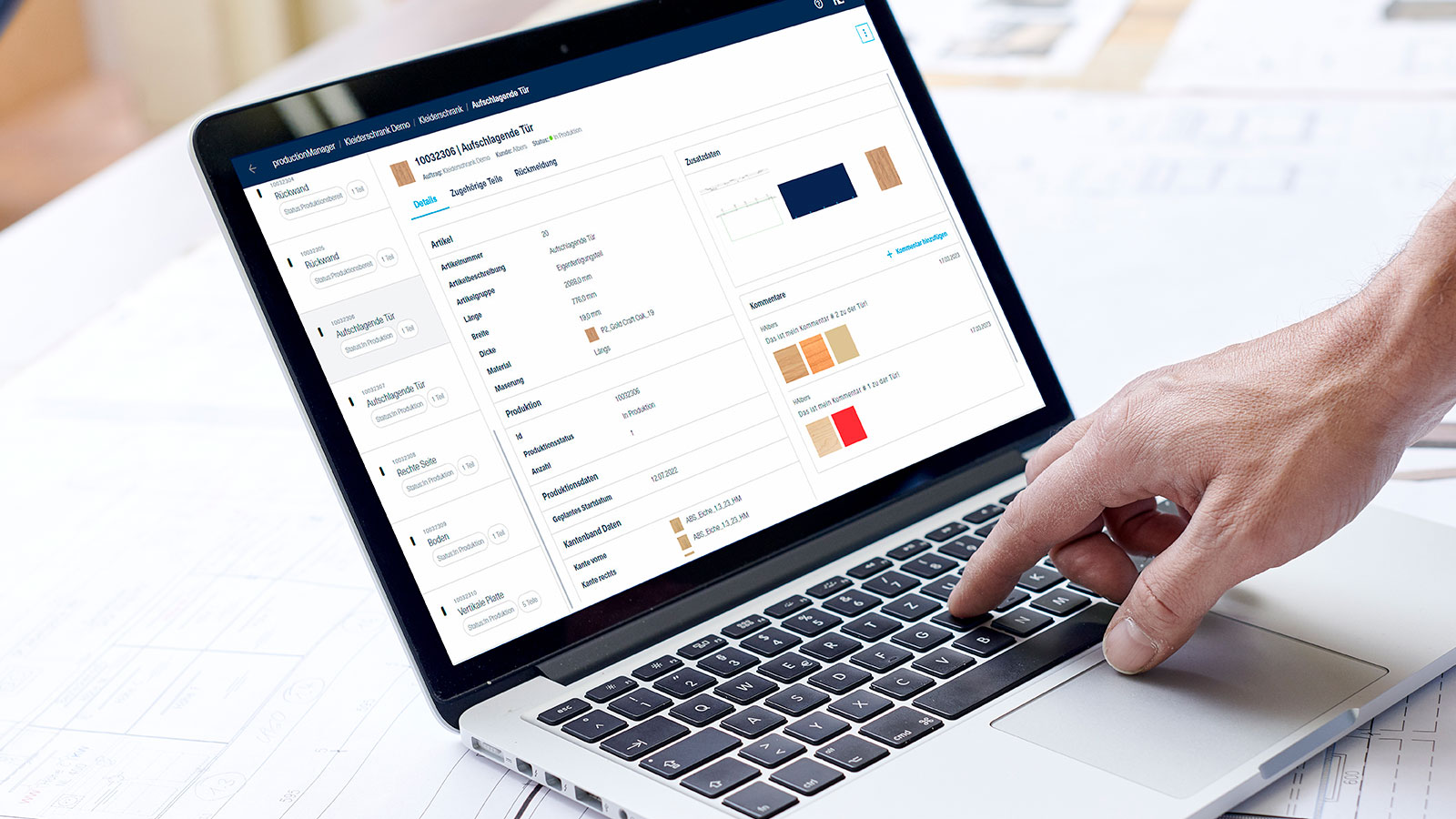
 productionManager

productionManager

Digital job folderAs an integral part of the sorting assistant, productionManager ensures that all information about your job is available at all times - both in the work preparation and production areas.

Read more
productionAssist Sorting

productionAssist Sorting

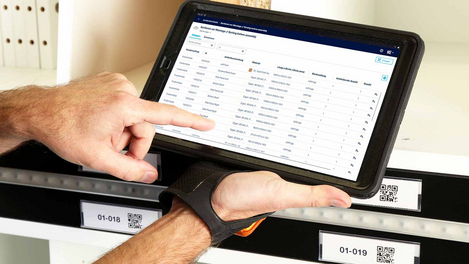
The productionAssist Sorting app is part of the Sorting Production Set. productionAssist Sorting is used in the workshop to sort the components. The app can be used to sort and remove components from storage.
Show more
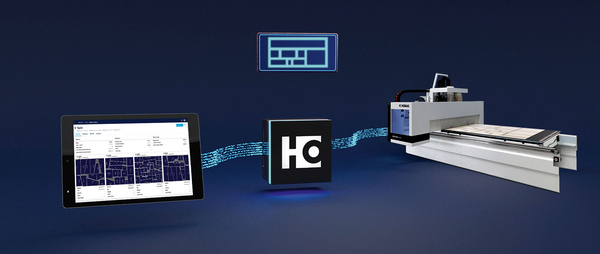
HOMAG CUBE

HOMAG CUBE

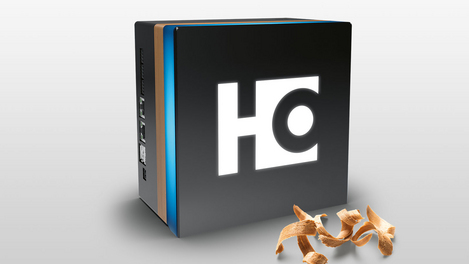
Your building block for the first step toward a digital workshop
Show more
Sorting options

Sorting options

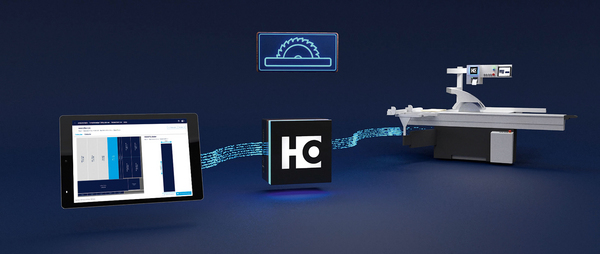
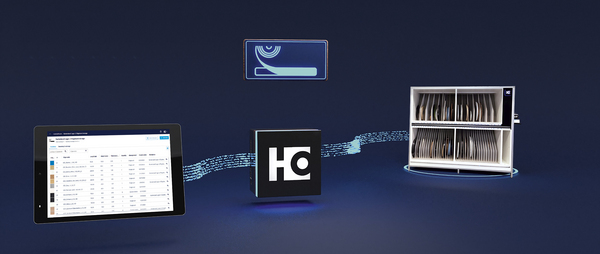
Our sorting assistant offers you several options for sorting your components. Simply select the option that suits you.
Show more

Further solutions

Cutting Production Set: The Cutting Assistant

Cutting Production Set: The Cutting Assistant

  • Cutting optimization & label printing for any saw
  • Clear management of boards and offcuts
  • Labeling of parts
Read more
Edgeband Management Set: The edgeband assistant

Edgeband Management Set: The edgeband assistant

  • The edge material and all related information at a glance
  • Clear management and unique identification of edges in the rack (incl. residual lengths)
  • Reduced setup times thanks to faster edge changes
Read more
Nesting Production Set: The Nesting Assistant

Nesting Production Set: The Nesting Assistant

  • Saving material and labeling on nesting machines
  • Clear panel and offcut management
  • Labeling of components
Read more

Contact us

Schutz vor Spam

You can compare up to 4 products per category.