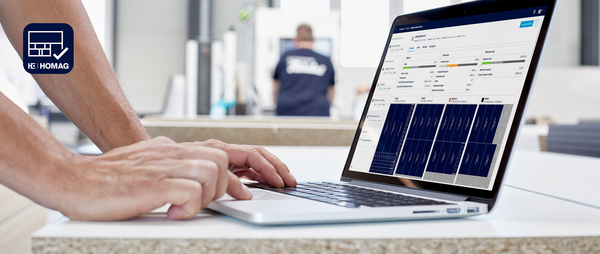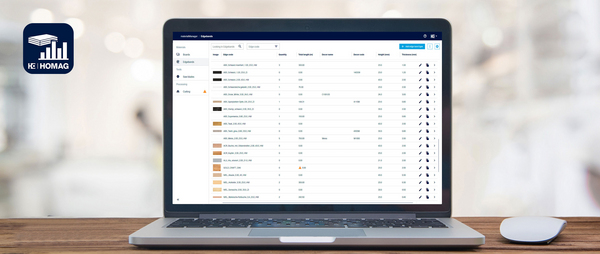
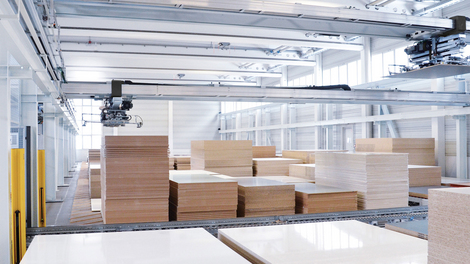
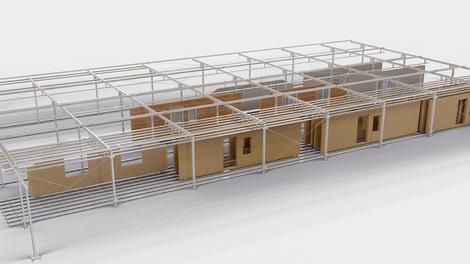

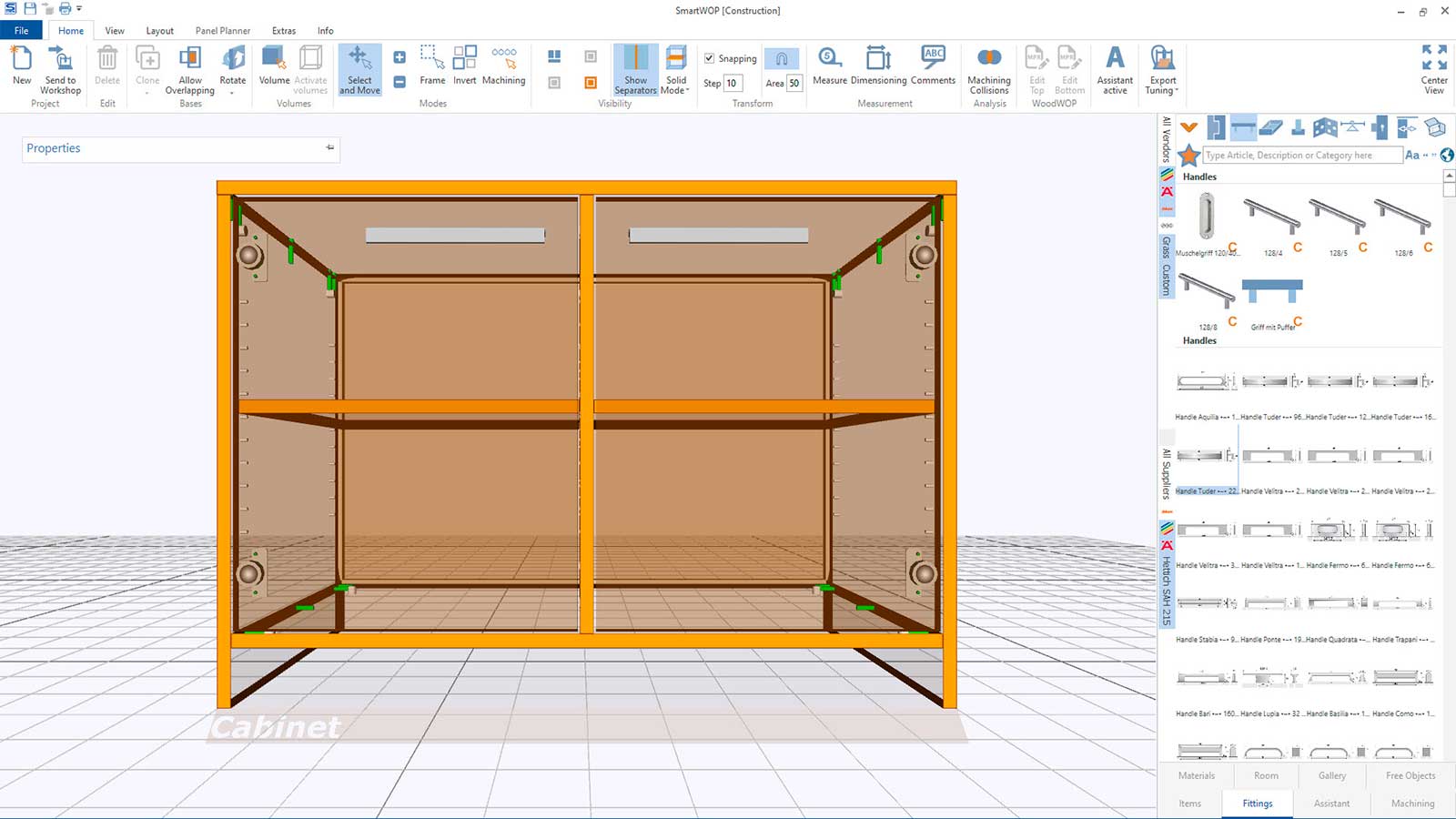
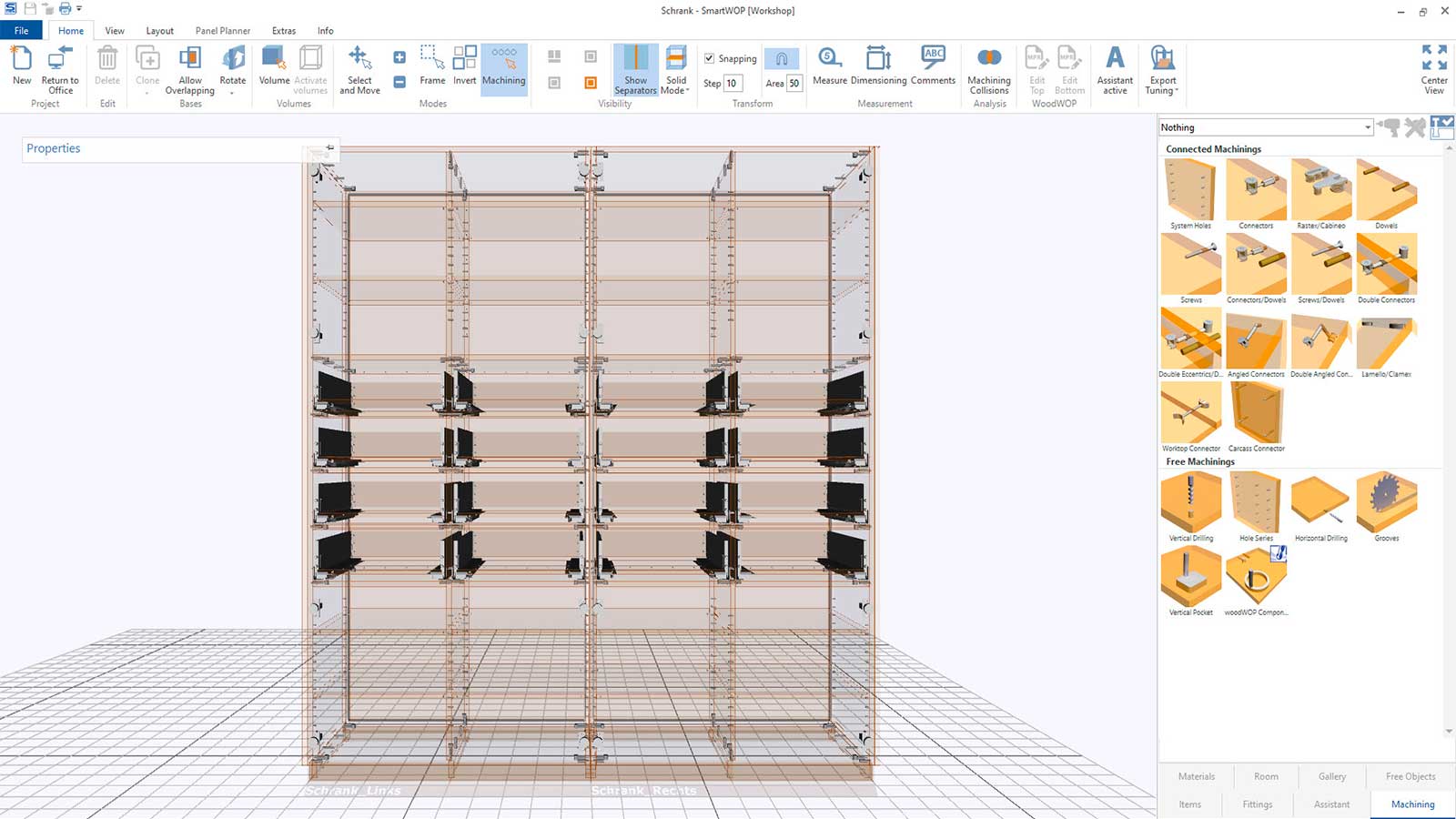
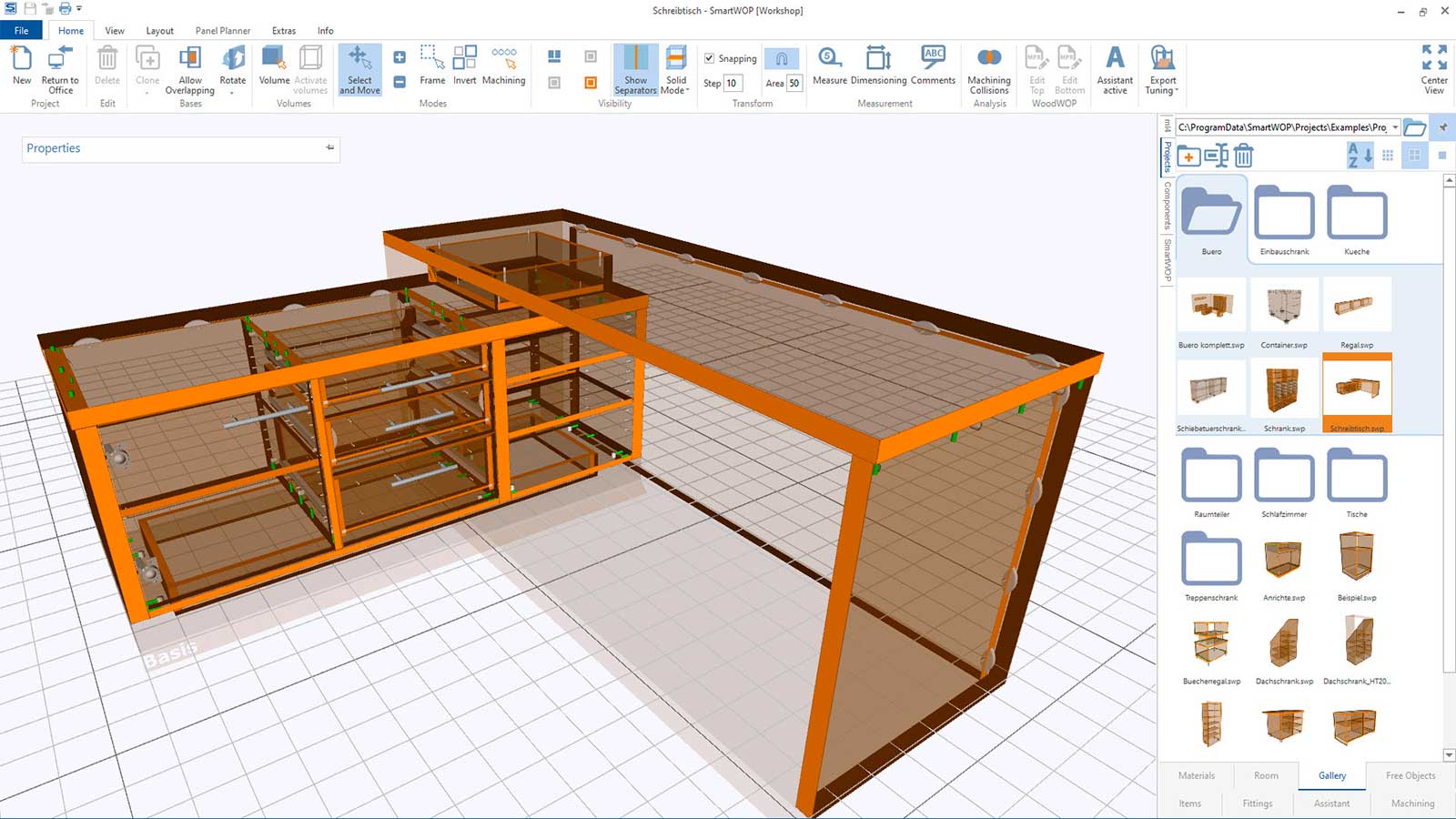
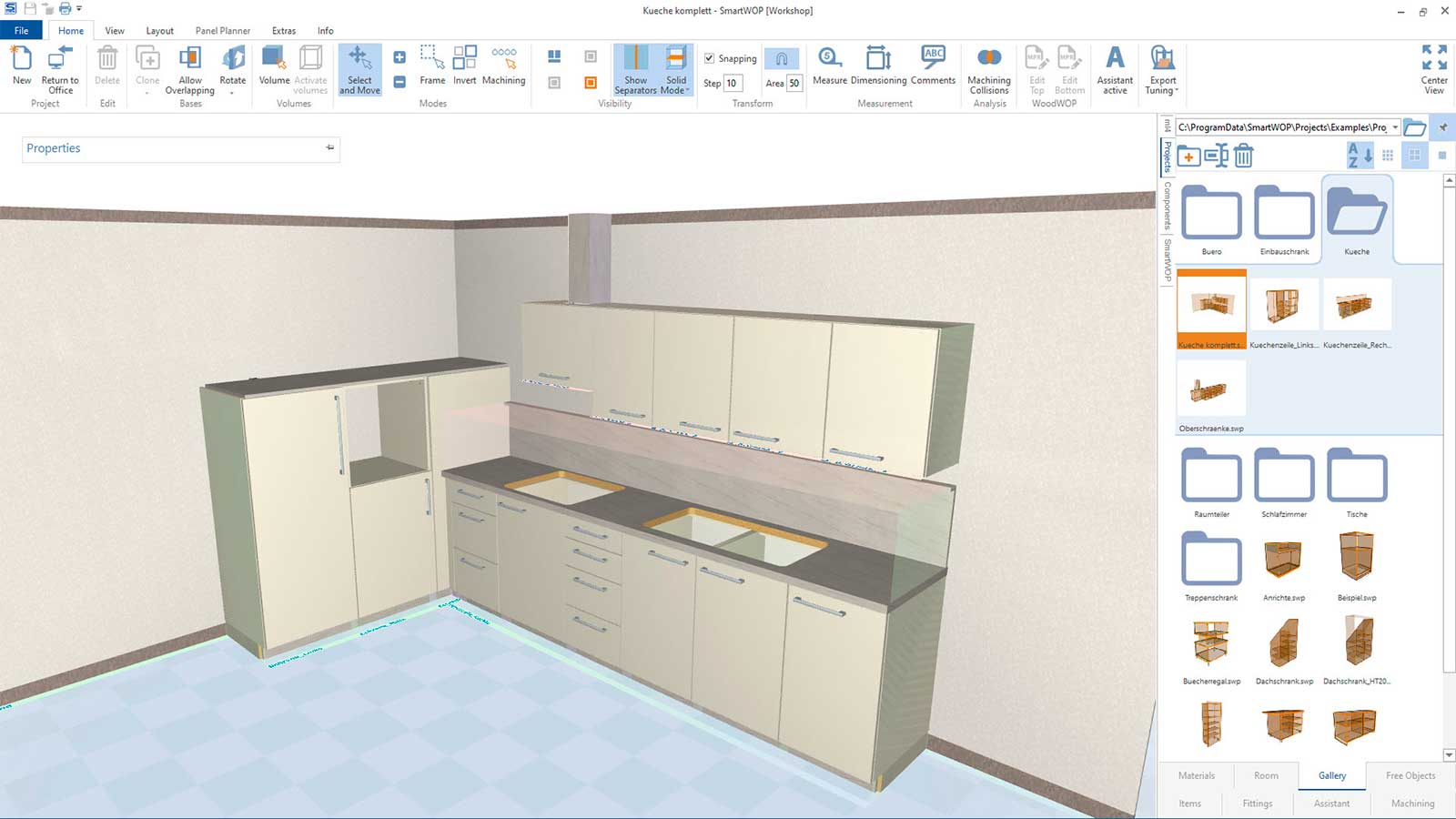
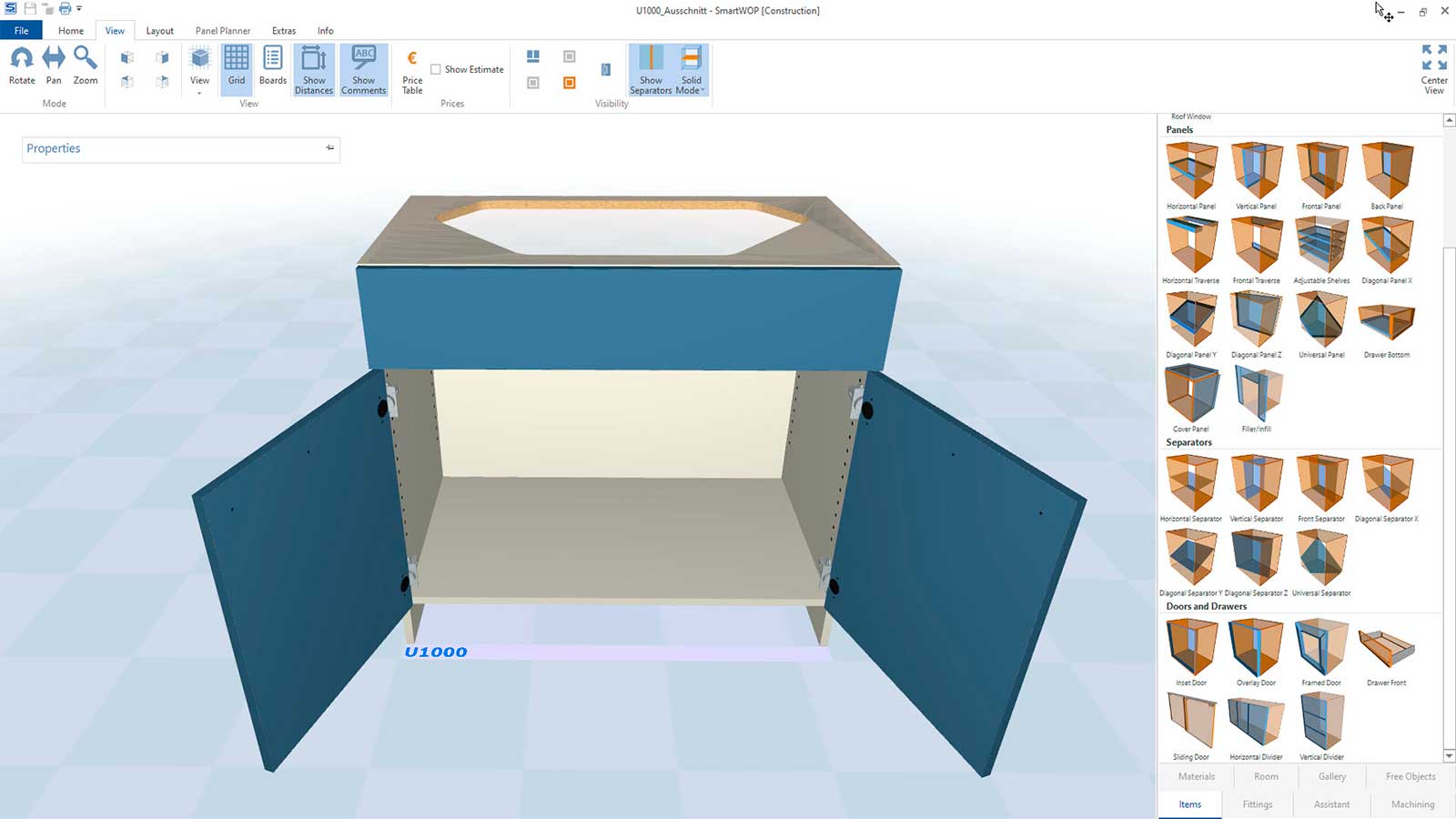
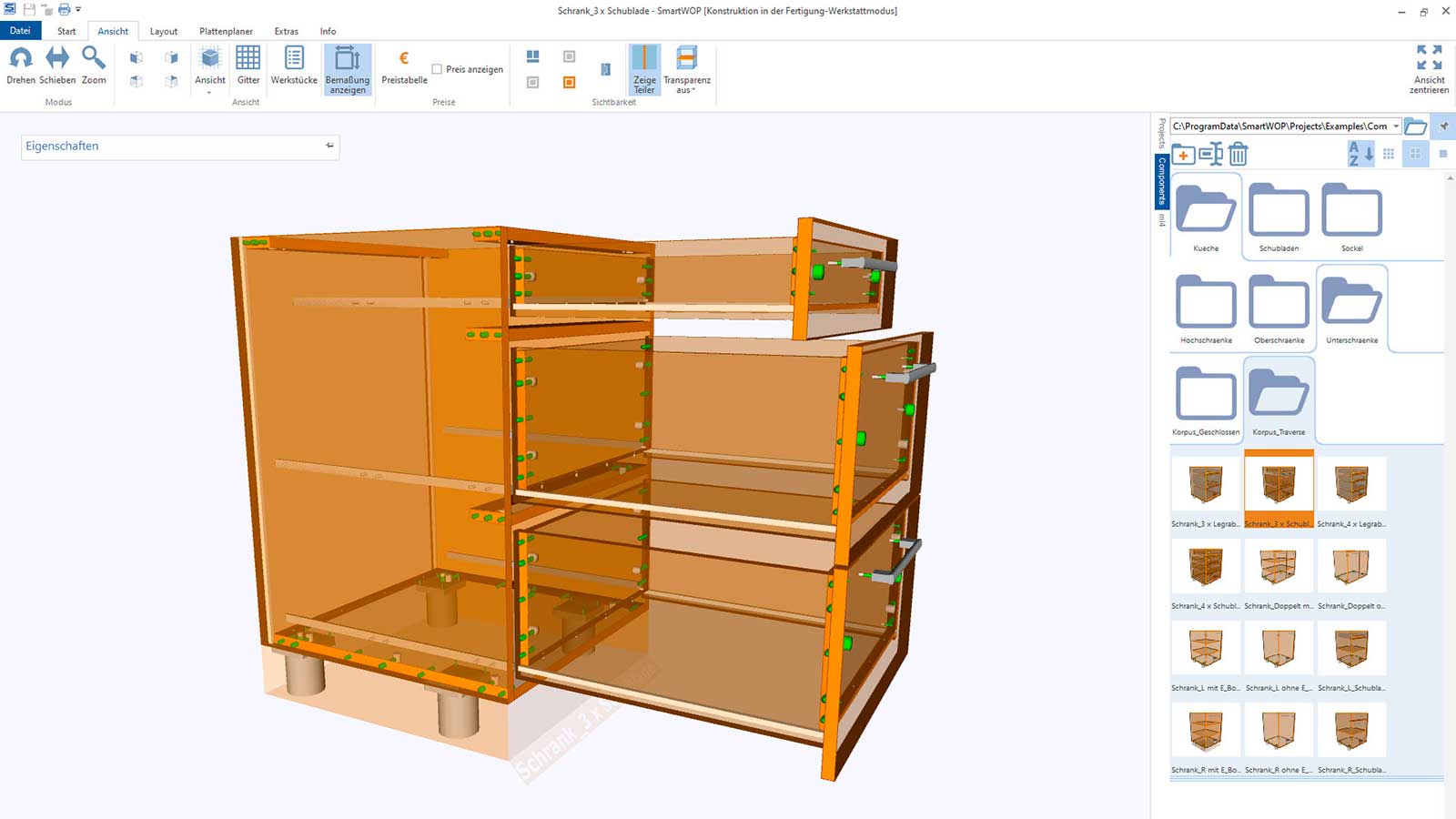
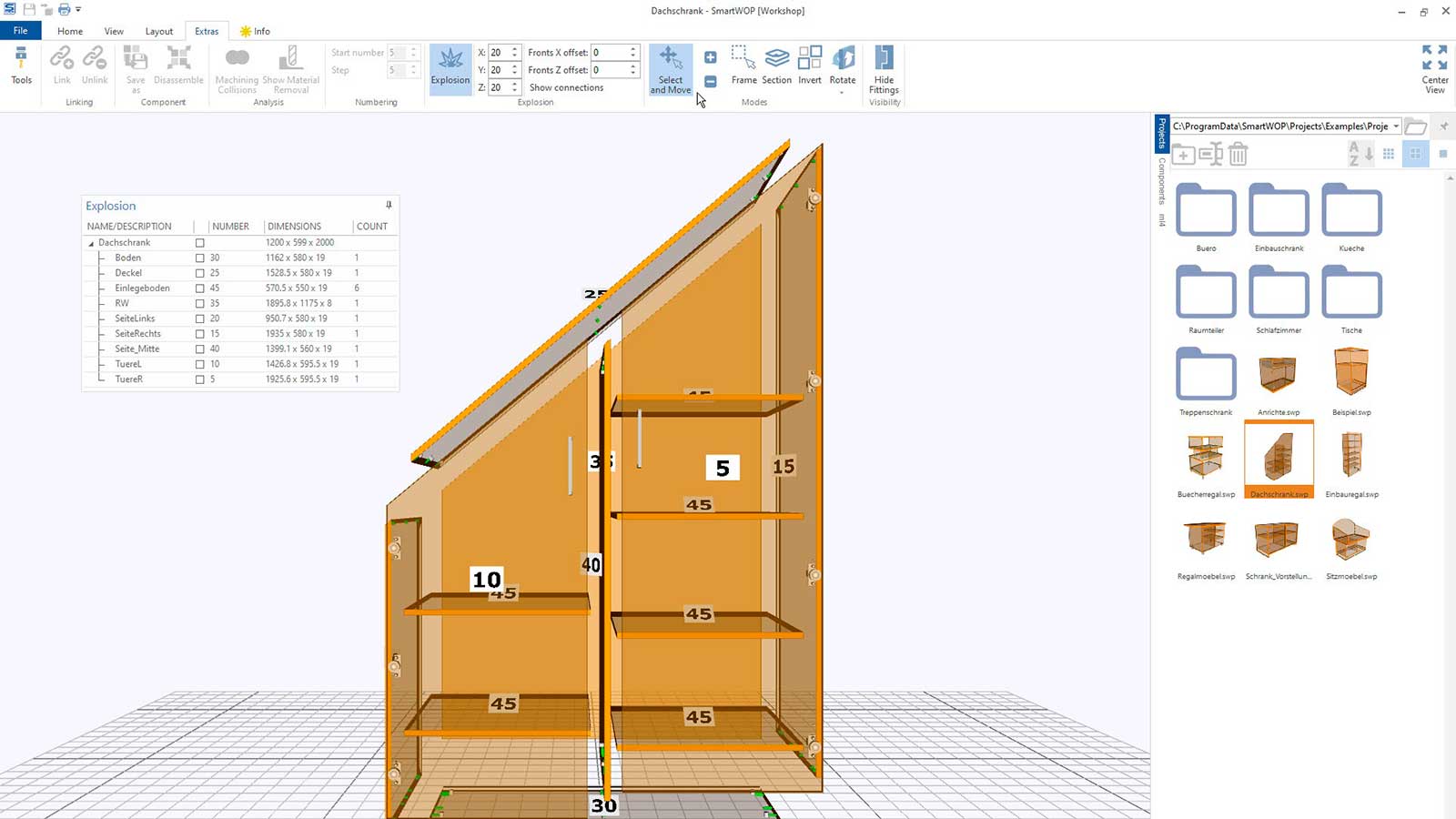
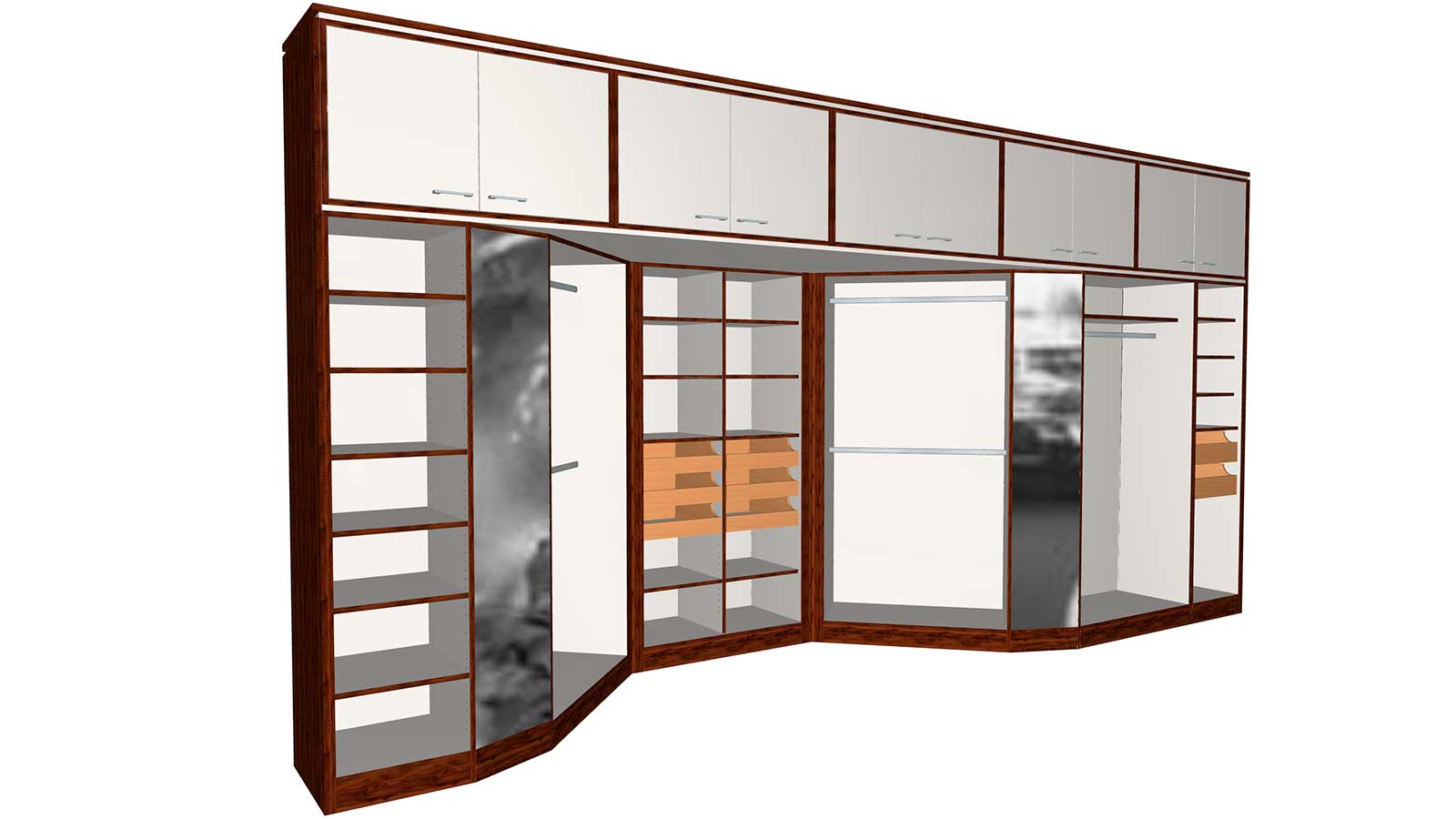
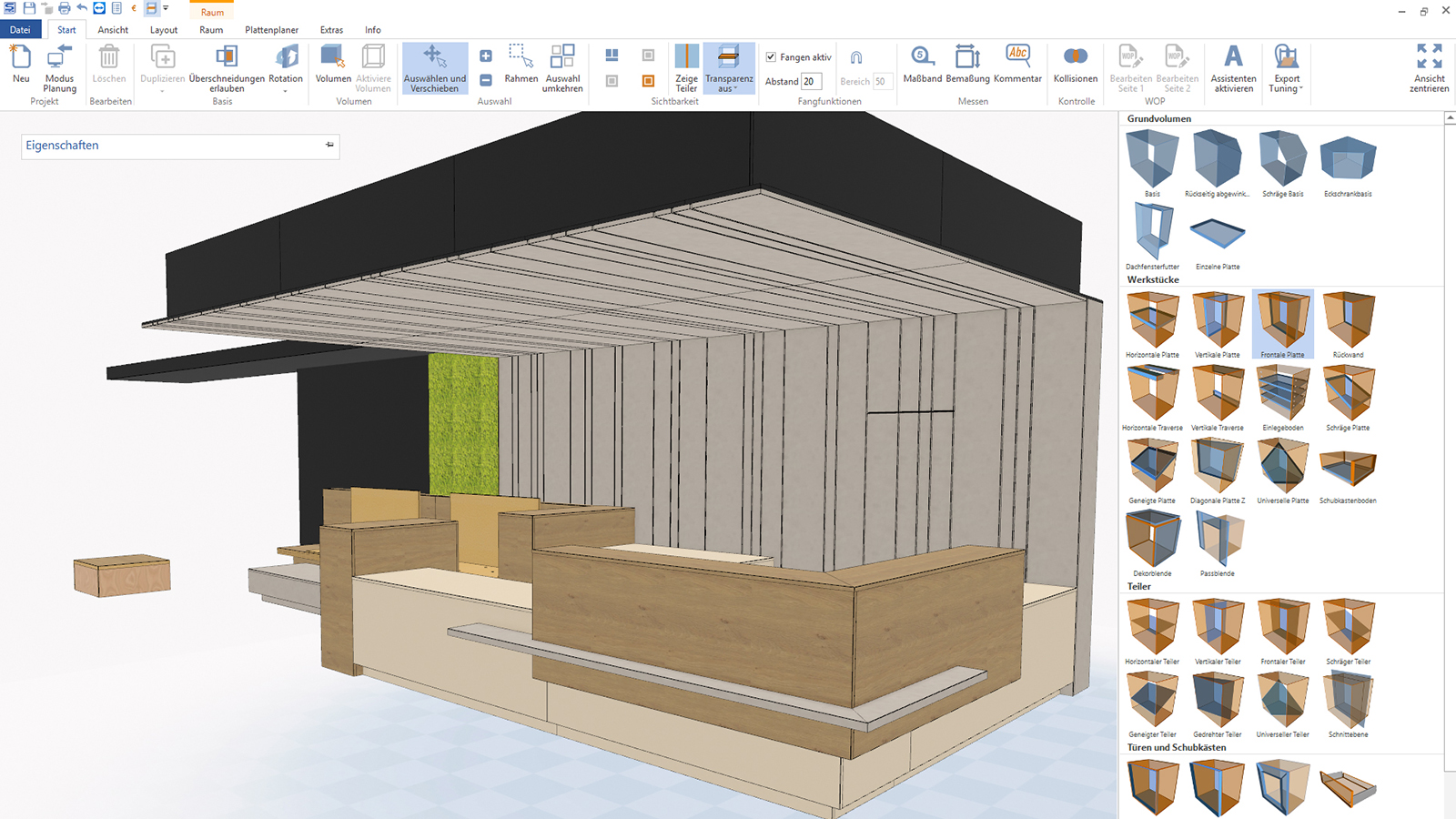
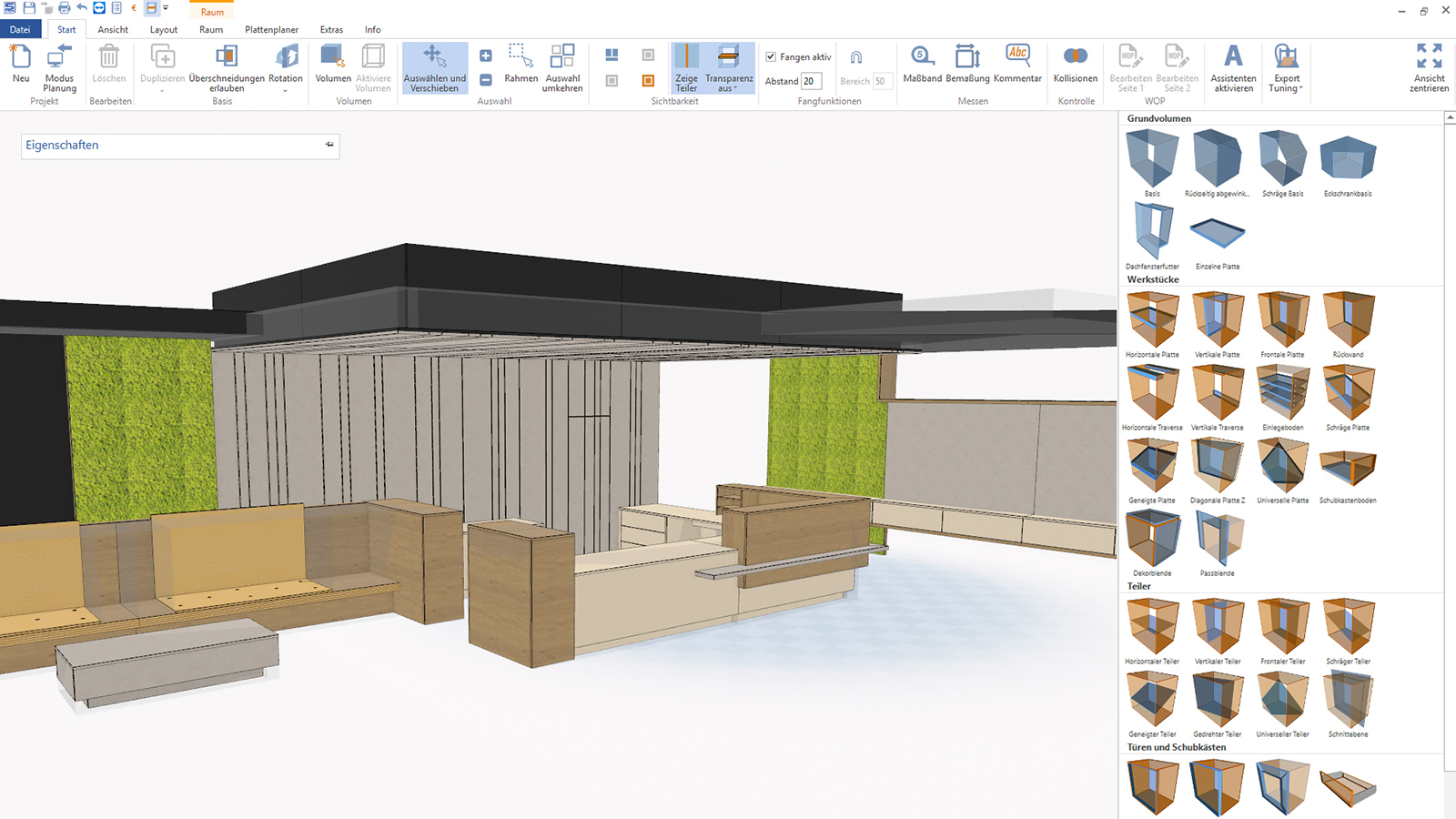
Simple operation and flexible design paths via drag-and-drop. This allows you to design individual furniture or plan entire furnishings in no time at all. Includes a large selection of fixtures and connectors.
Order Creation
The simple way to design furniture
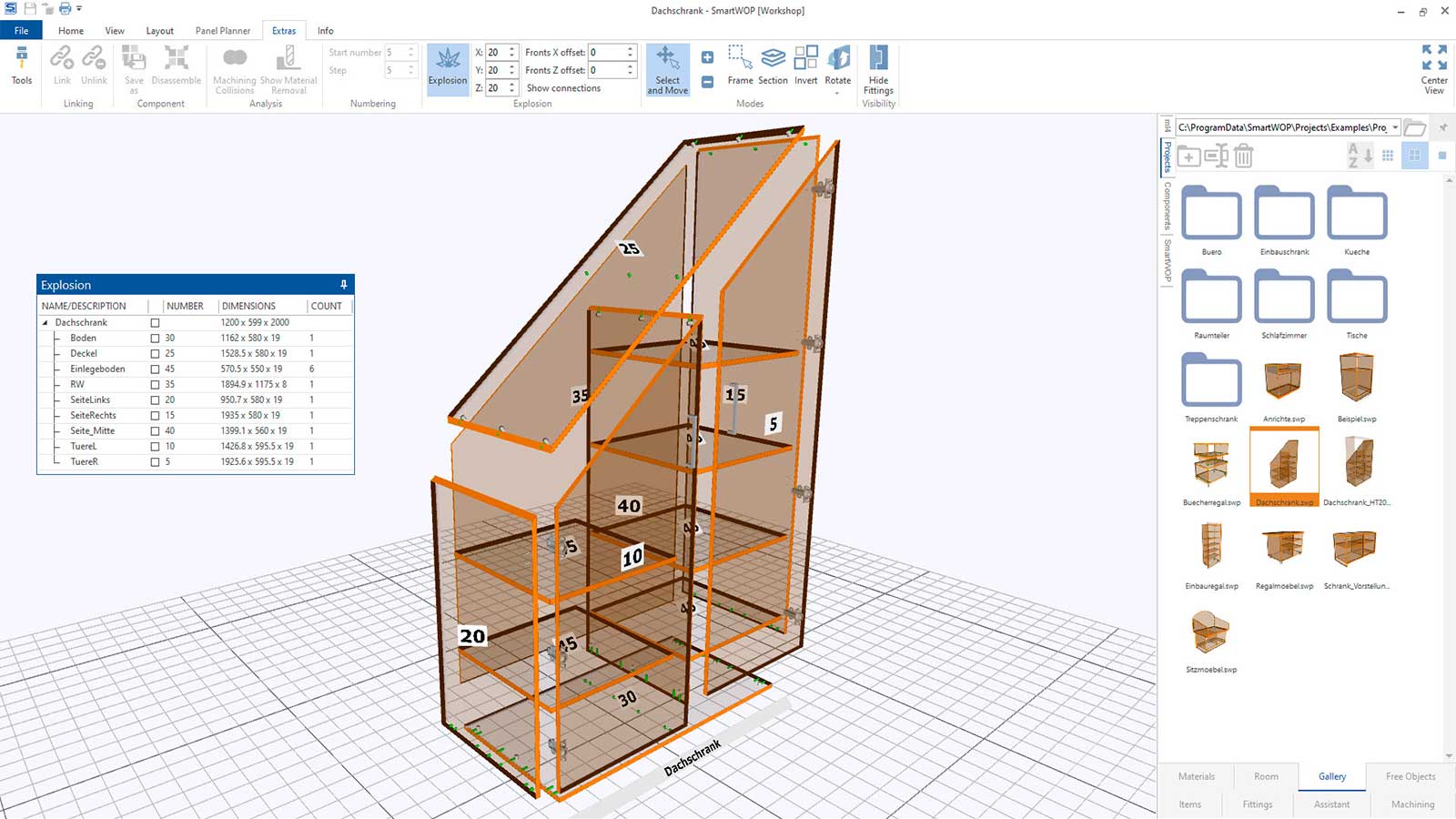
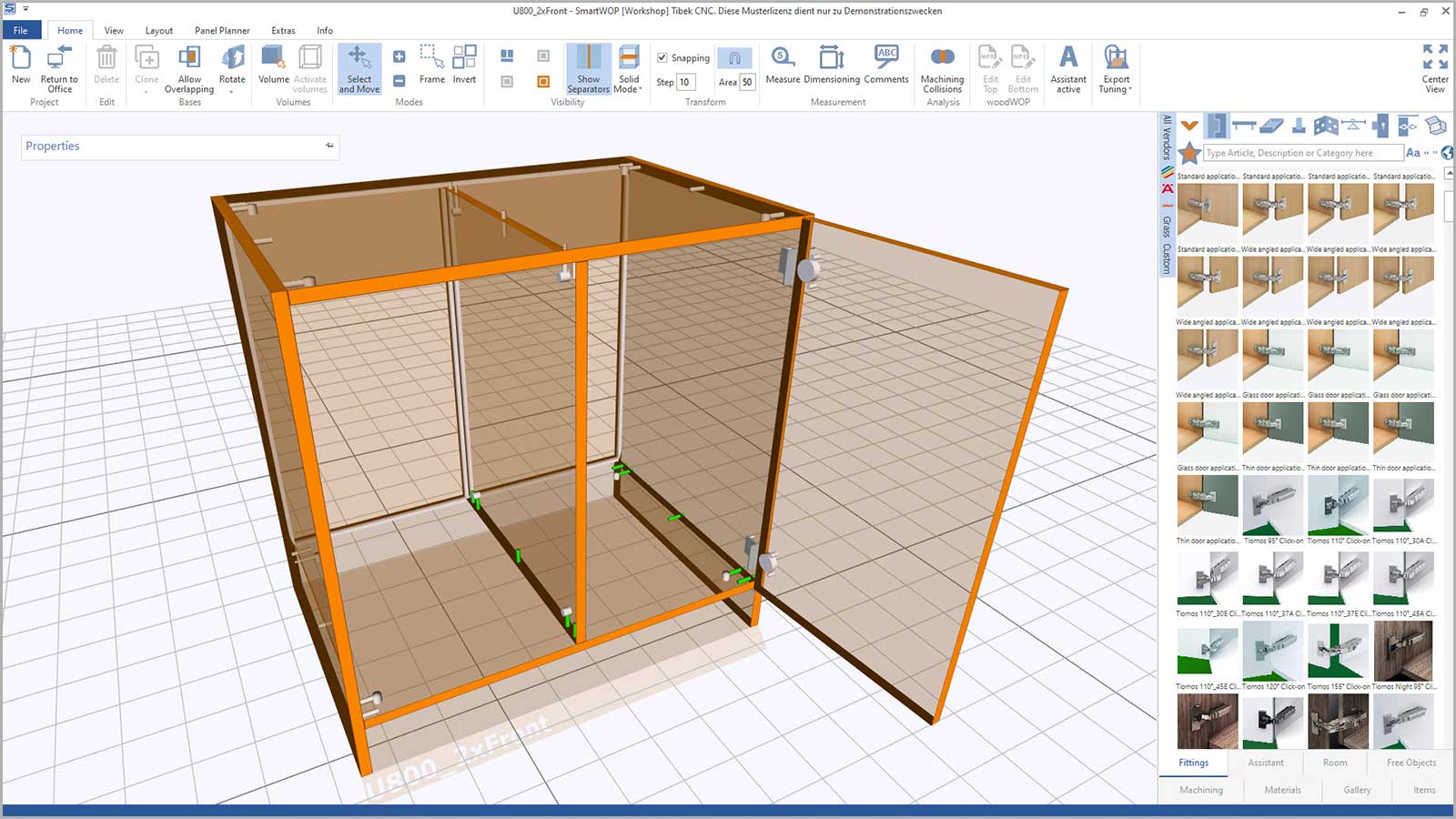
Many customers want furniture design software that is very easy to use but also offers maximum flexibility in design. With SmartWOP, you have a new powerful CAD/CAM system at hand that you can use to design individual furniture quickly and intuitively using drag and drop. The individual components of a cabinet are simply drawn into a previously selected volume. In addition to the standard rectangular volume, special volumes such as a sloping roof or a corner cabinet are also available. Furniture already designed can be stored in a separate library and can be called up or changed at any time. The room planning allows you to quickly design entire furnishings from individual cabinets, such as office rooms or kitchens.
Simple operation and flexible design paths via drag-and-drop. This allows you to design individual furniture or plan entire furnishings in no time at all. Includes a large selection of fixtures and connectors.
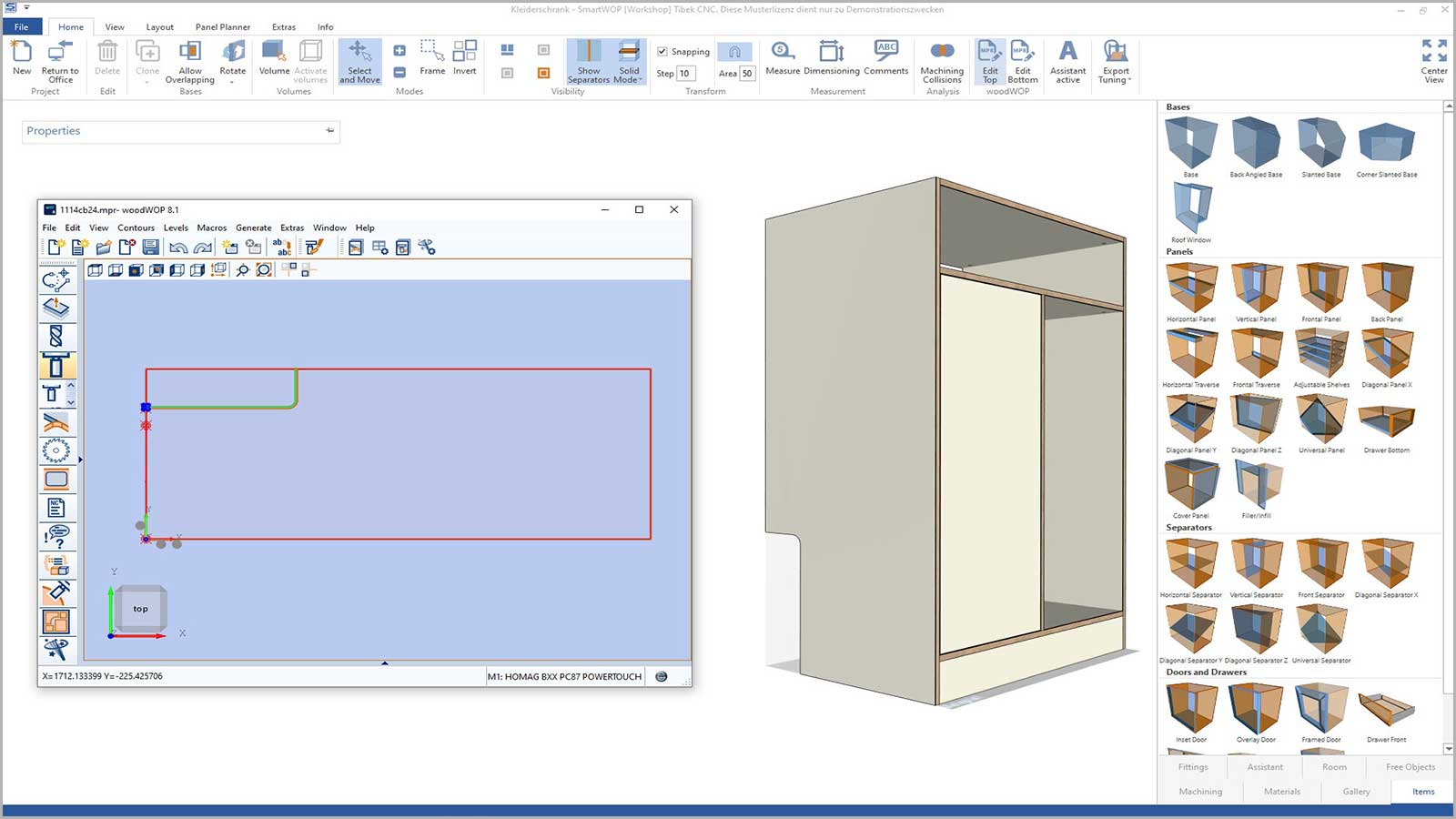
Innovative integration of woodWOP in SmartWOP: Simply select an individual part of a piece of furniture in SmartWOP and open it directly in woodWOP. This means that there are no limits to your design options. All changes are transferred directly to SmartWOP and visualized there.
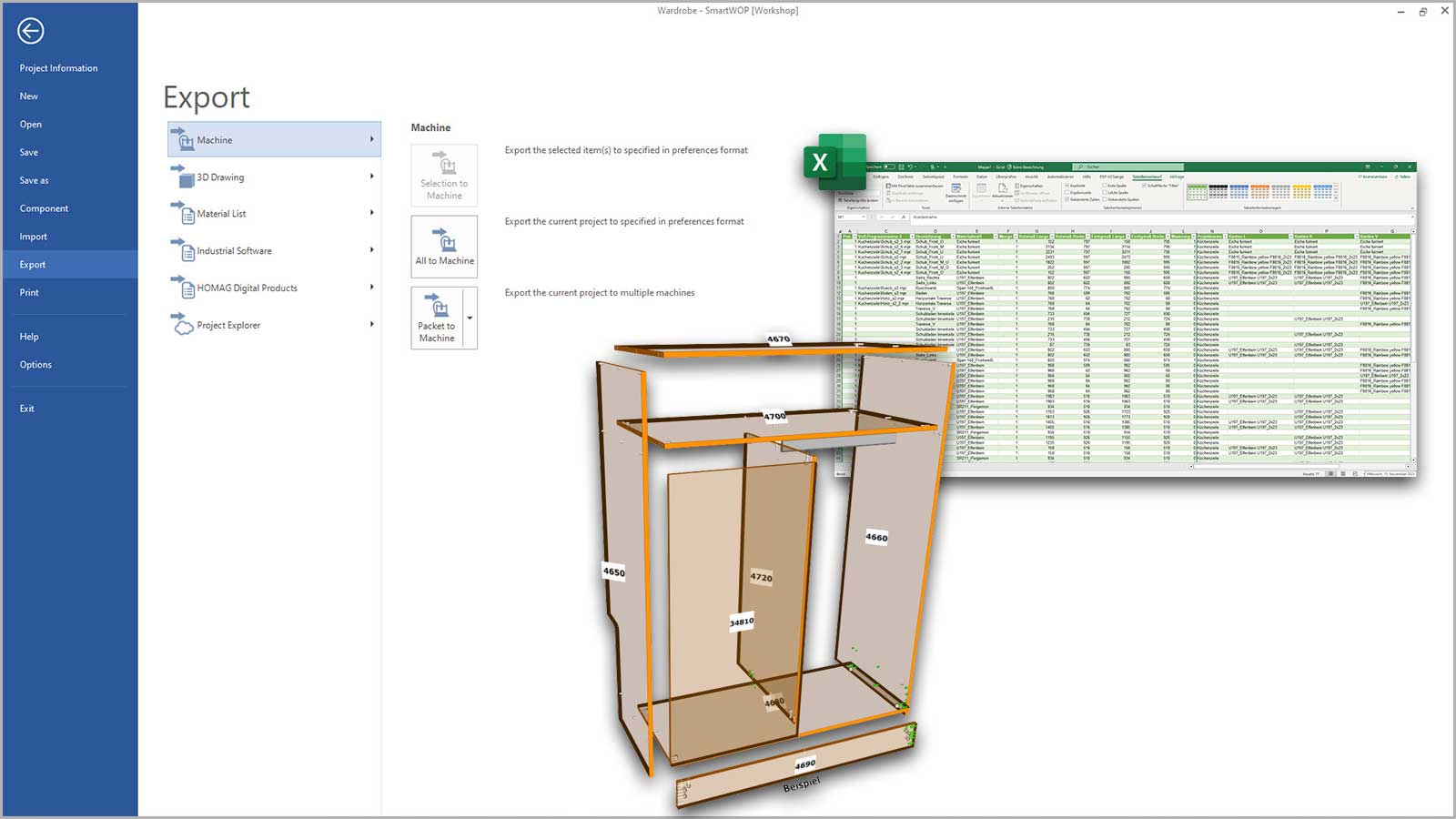
When the furniture has been designed, you can generate all production data such as CNC programs, parts lists for panel cutting, fixtures lists and technical drawings at the touch of a button.
Easy assignment of fixtures and connectors. The scope of delivery includes a large library with all common fixtures from established manufacturers.
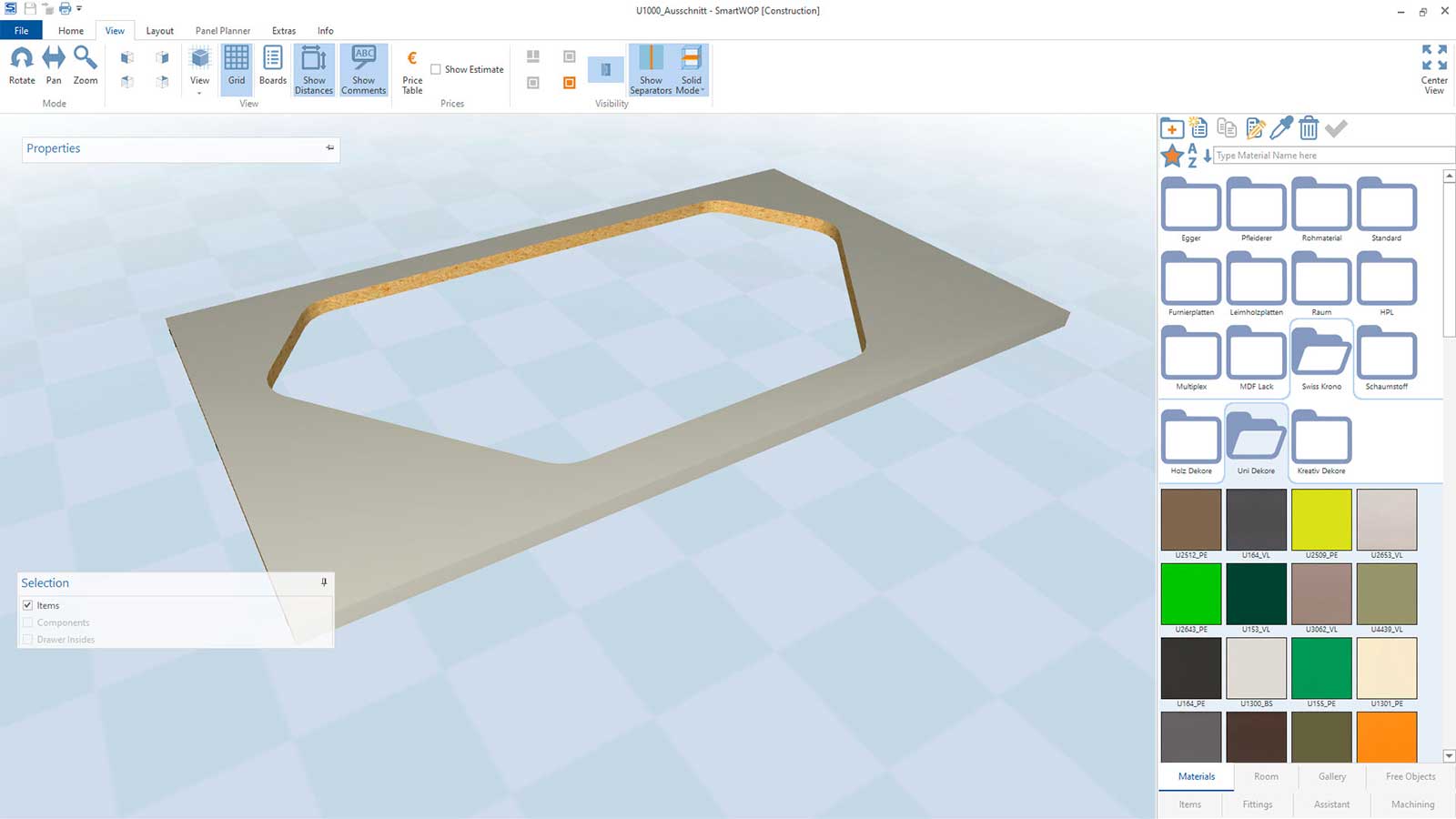
SmartWOP also offers an extensive library with a wide range of different materials. You can easily add to the library and add further materials as required.
Original woodWOP components can be added to the furniture very quickly.
Numerous simulation options: the opening of doors and drawers can be simulated. Possible collisions to neighboring components are monitored and displayed.
Output of article drawings and dimensioned individual drawings of the workpieces.
| Operating system | Windows 10 or higher |
| Processor | at least 2.2 GHz (two cores recommended) |
| Random access memory | 4 GB RAM (8 GB recommended) |
| Hard disk space | 8 GB |
| Material lists | in .xls/.xlsx/.csv format |

Direct transfer of the generated production data from SmartWOP to our apps and digital assistants (e.g. productionManager or intelliDivide Cutting)
Show more
The direct transfer of data from SmartWOP to established branch programs is completely automated and uncomplicated. The result is a consistent data flow from a single source.

The SmartWOP HOMAG package with various special features is waiting for you